35The full instruction manual can be found on the CD which accompanied the DVR.
How To - Con gure AlienDDNS
(
Dynamic DNS
)
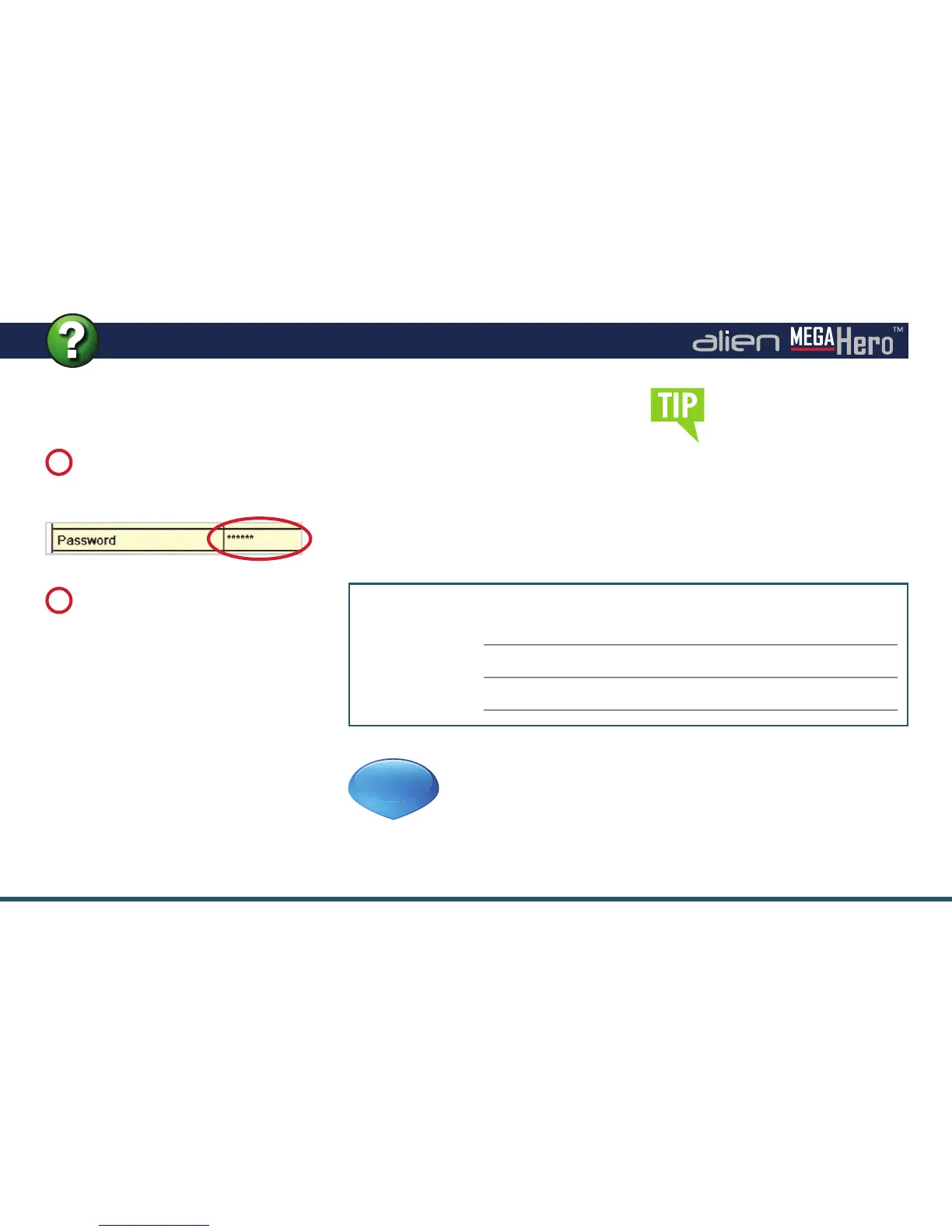
Enter Your Alien DDNS
Password
The DVR should connect again, this
time issuing an ‘Update’ DNS request
using the password.
If successful the server responds
with an ‘Update successful’ message,
otherwise it returns an error message,
e.g.: ‘Invalid Password’, please check
and try again. This update should take
approximately 20 seconds.
Enter the password from the
email into the Alien DDNS
‘Password’ entry eld.
7
Click ‘
Apply
’.
8
Don’t forget to change
the admin password from
‘555555’ when setting up
AlienDDNS. This will help
prevent any unauthorised
access to your DVR.
Accessing The DVR
The domain name registered takes
the form of the DVR’s internal serial
number followed by ippostcode.com,
for example: xxx11011.ippostcode.
com, you can use this as the domain
entry in AlienVision, or the mobile
clients, instead of an IP address.
Note these settings for future reference
Preferred DNS:
Alternate DNS:
Domain Name:
See online tip 296 for a in depth guide
on configuring AlienDDNS at aliendvr.com
TIP
296



 To Next Page