Operating the monitor | 45
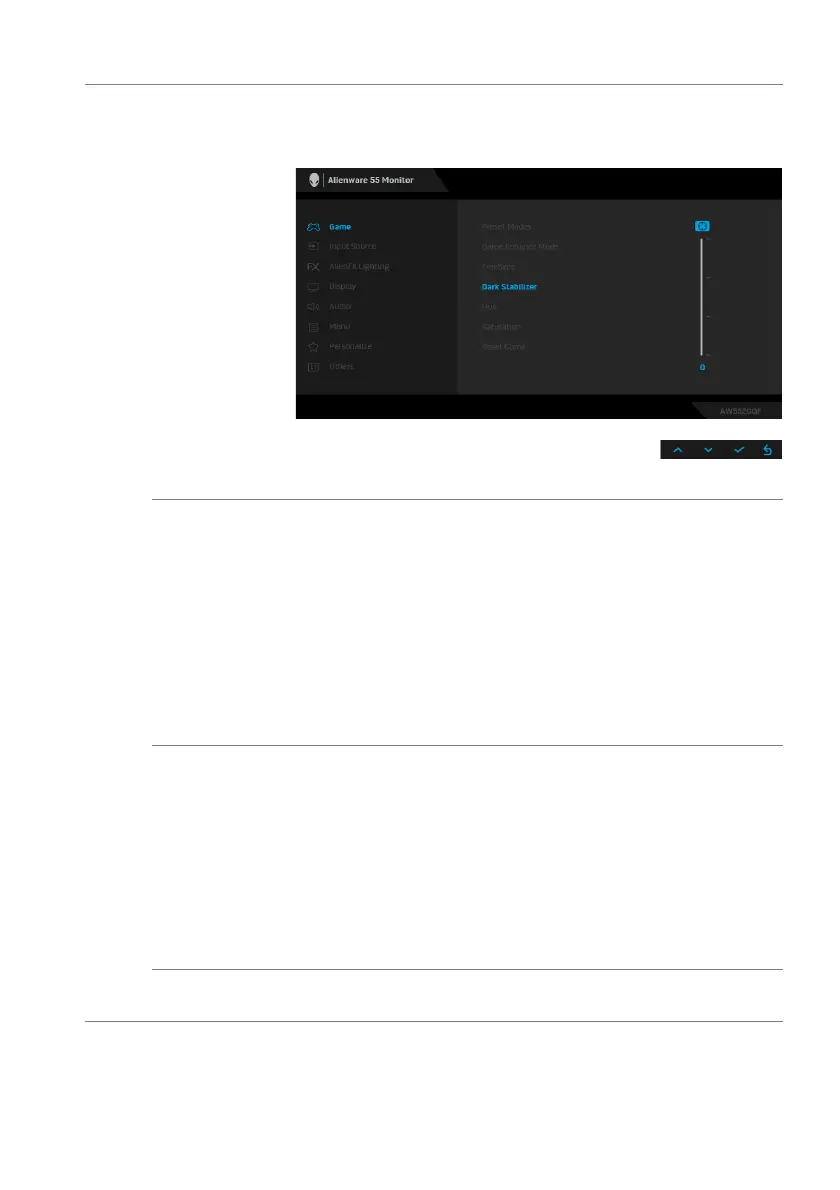
Dark Stabilizer The feature improves the visibility in the dark gaming
scenarios. The higher the value (between 0 to 3), the better
visibility in dark area of the display image.
NOTE: The function is not available if Smart HDR is activated.
Hue This feature can shift the color of the video image to green or
purple.
This is used to adjust the desired flesh-tone color. Use
the directional buttons (up and down) to adjust the hue level
from 0 to 100.
Use the Up button to increase the green shade of the video
image.
Use the Down button to increase the purple shade of the
video image.
NOTE: The Hue adjustment is available only when you select
FPS, MOBA/RTS, SPORTS, or RPG preset mode.
Saturation This feature can adjust the color saturation of the video image.
Use the dir
ectional buttons (up and down) to adjust the
saturation level from 0 to 100.
Use the Up button to increase the colorful appearance of the
video image.
Use the Down button to increase the monochrome
appearance of the video image.
NOTE: Th
e Saturation adjustment is available only when you
select FPS, MOBA/RTS, SPORTS, or RPG preset mode.
Reset Game Resets all settings under the Ga
me menu to the factory
defaults.















 To Next Page