48 | Operating the monitor
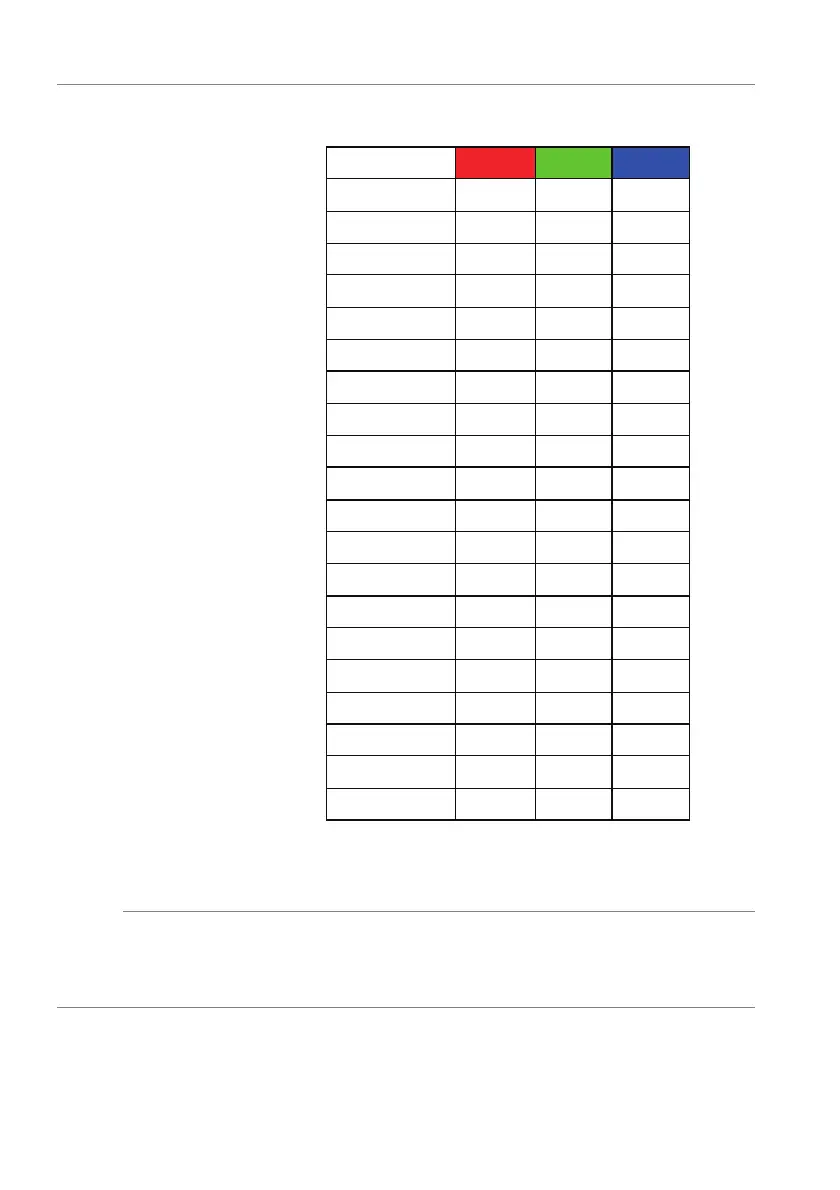
The following table depicts the color number and the RGB
codes used for the 20 LED colors.
1 0 0 0
2 100 0 240
3 144 0 240
4 240 0 240
5 240 0 176
6 240 0 112
7 240 0 0
8 240 80 0
9 240 128 0
10 240 224 0
11 120 240 0
12 160 240 0
13 100 245 35
14 0 240 0
15 0 240 85
16 70 240 145
17 0 240 240
18 0 160 240
19 0 96 240
20 0 0 240
To turn off the LED lighting function, select Off.
NOTE: T
he function is only available when Spectrum is
disabled.
Custom It is a read-only menu. When you use Co
lor or/and Spectrum
to make LED lighting adjustments, this menu status shows Off;
when you make the LED lighting adjustments through AlienFX
application, the status will change to On.















 To Next Page