Operating the monitor | 49
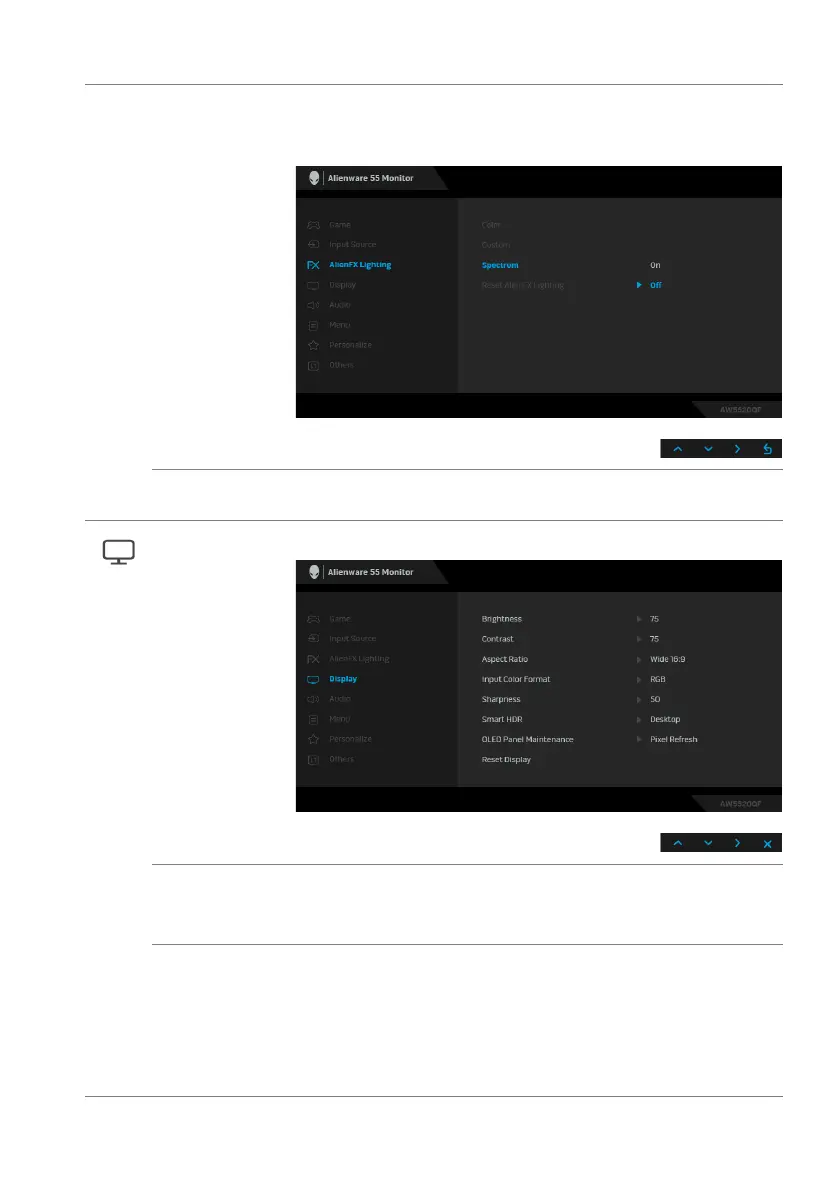
Spectrum When you select On, the LED lighting glows and changes
colors in the sequence of the color spectrum: red, orange,
yellow, green, blue, indigo, and violet.
Reset AlienFX
Lighting
Resets all settings under the AlienFX Lighting menu to the
factory defaults.
Display Use Display to adjust images.
Brightness Brightness adjusts the luminance of display.
Use the directional buttons (up and down) to increase or
de
crease the brightness level (min. 0/max. 100).
Contrast Adjust Br
ightness first, and then adjust Contrast only if
further adjustment is necessary.
Use the directional buttons (up and down) to increase or
decrease the contrast level (min. 0/max. 100).
The Contrast function adjusts the degree of difference
between darkness and lightness on the monitor screen.















 To Next Page