Professional
FM Transceiver
34
NOTE:
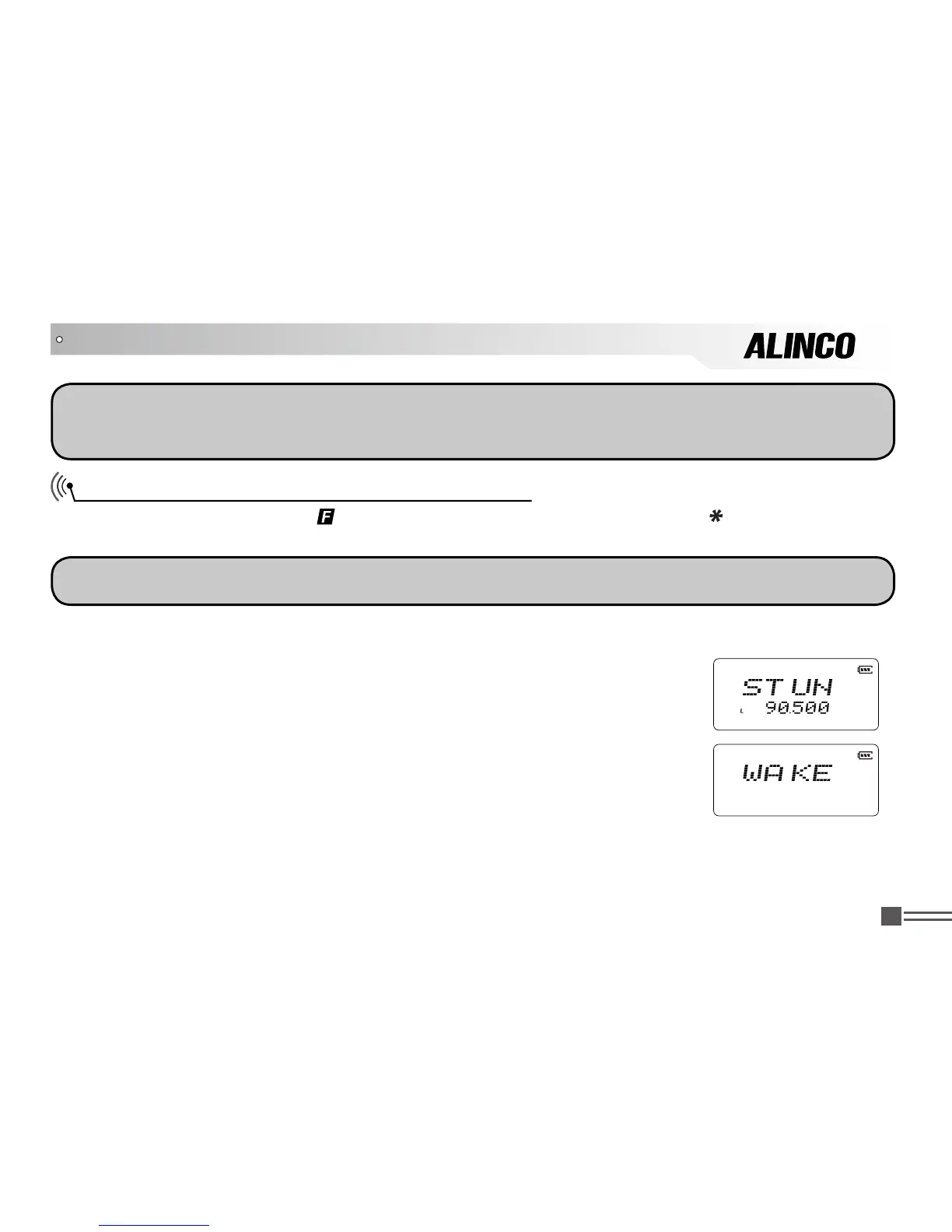
Remotely kill/stun codes should be preprogrammed using the programming software. The maximum
available digit for the kill/stun codes is16. When awaken, radios return to normal operation
Frequency Reverse / Talk Around ON/OFF
After pressing
【
A
】key, while
icon is displayed on the top left corner, press
【
】key for 1 second
to start frequency reverse or talk around. Repeat the above operations to exit.
NOTE:
This operation is available only when the channel has been set with shift setting.
When it displays
“R”
icon on screen, it means that current channel is in the
frequency reversion function. Now the transmitting frequency and receiving
frequency are interchanged, namely, receiving frequency switches to
transmitting frequency while transmitting frequency switches to receiving
frequency. If CTCSS/ DCS signaling is set, it will also interchange.
When it displays
“T”
icon on screen, it means that current channel is in the talk
around function. Under these conditions, transceiver will transmit as receiving
frequency. If CTCSS /DCS signaling is set, it will interchange decoding CTCSS
as encoding.
ADVANCED OPERATIONS



 To Next Page