25
C048-740-30 R02, Rev. C (01/2020)
6.3.3 6.3.3 SystemSystem
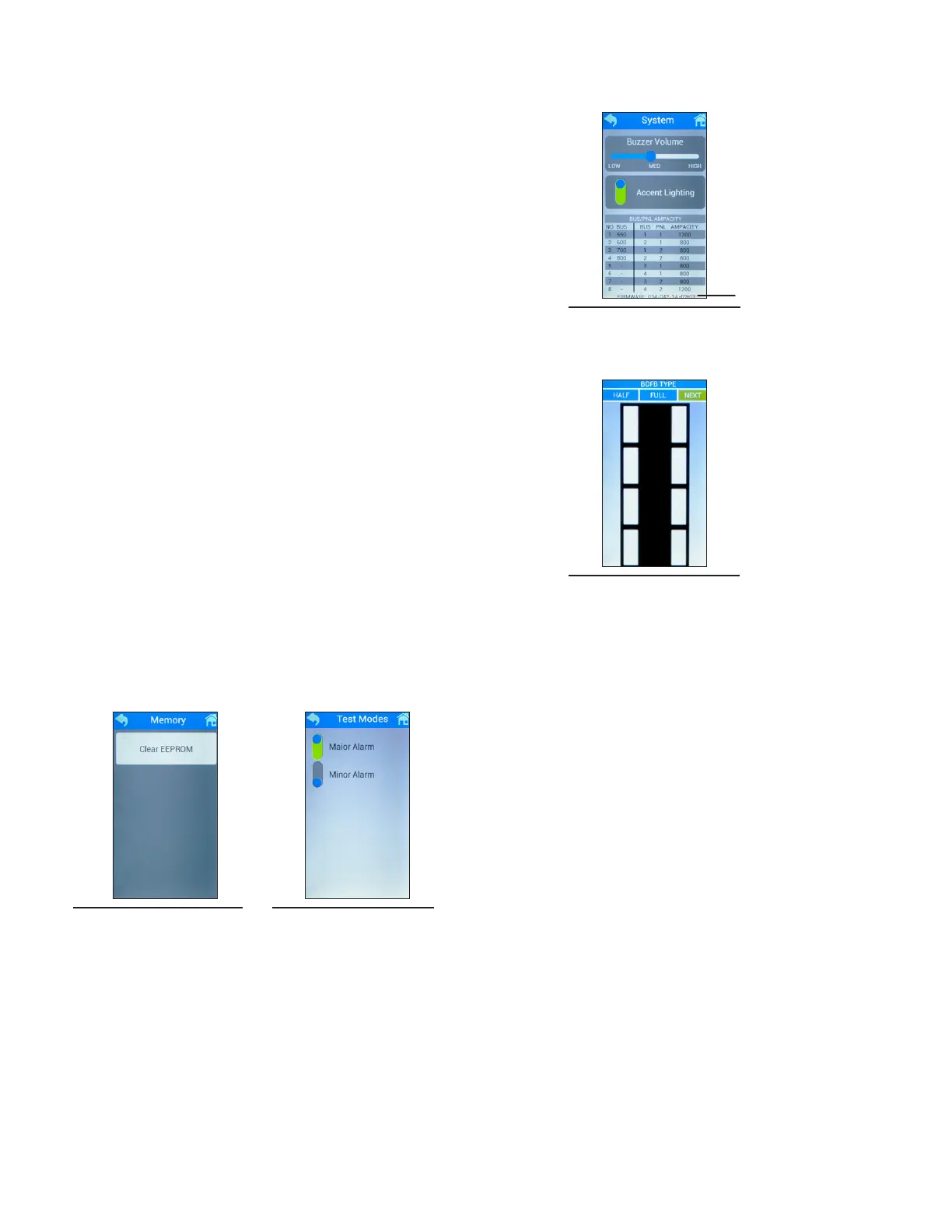
The System menu allows adjustment to the buzzer volume,
ON/OFF power to the accent lighting, and a readout of the
current bus/panel ampacity. The rmware version is located
at the bottom of this screen. To access this feature, select the
System button in the Settings menu (see Figure 48).
6.3.4 6.3.4 AdvancedAdvanced
The Advanced menu allows access to BDFB functionality and
conguration adjustments.
┗
BDFB Cong:
This feature allows reconguration of the bus and
panels (see Figure 49). See Section 6.4 on Page 26
for detailed instructions.
┗
Memory:
This feature allows the EEPROM to be cleared (see
Figure 50).
Note: conguration, system settings, calibration, and
inventory will be set to default.
┗
Test Modes:
This feature allows access to simulation of a major
alarm and/or minor alarm (see Figure 51).
STEP 3.
Figure 49. BDFB
Cong
Figure 50. Memory Figure 51. Test
Modes
Figure 48. System
Firmware
Version



 To Next Page