29
C048-740-30 R02, Rev. C (01/2020)
6.6 6.6 How to Review System Status via the How to Review System Status via the
Embedded WebserverEmbedded Webserver
The optional embedded ethernet module provides remote monitoring
via IP-based ethernet networks and a web browser.
By default, the ethernet module is congured at the factory with
static network settings. Use these settings to set up a local network
to communicate with the embedded webserver. Begin by entering
the following static IP address into a web browser:
y 192.168.123.123
Once you establish a connection to the embedded ethernet module,
use the following credentials to gain access to the protected data
and administrative pages:
y Username: root
y Password: password
6.6.1 6.6.1 Default Static Network SettingsDefault Static Network Settings
Use these settings to set up a local network to communicate with
the embedded webserver. Enter the static IP address into a web
browser.
y IPV4 Address: 192 .168.123.123
y Subnet Mask: 255.255.255.0
y Default Gateway: 192.168.123.1
y Default DNS: 192.168.123.1
y Secondary DNS: 8.8.8.8
6.7 6.7 Navigating the WebserverNavigating the Webserver
Once you access the webserver you will be able to review the status
of the BDFB system.
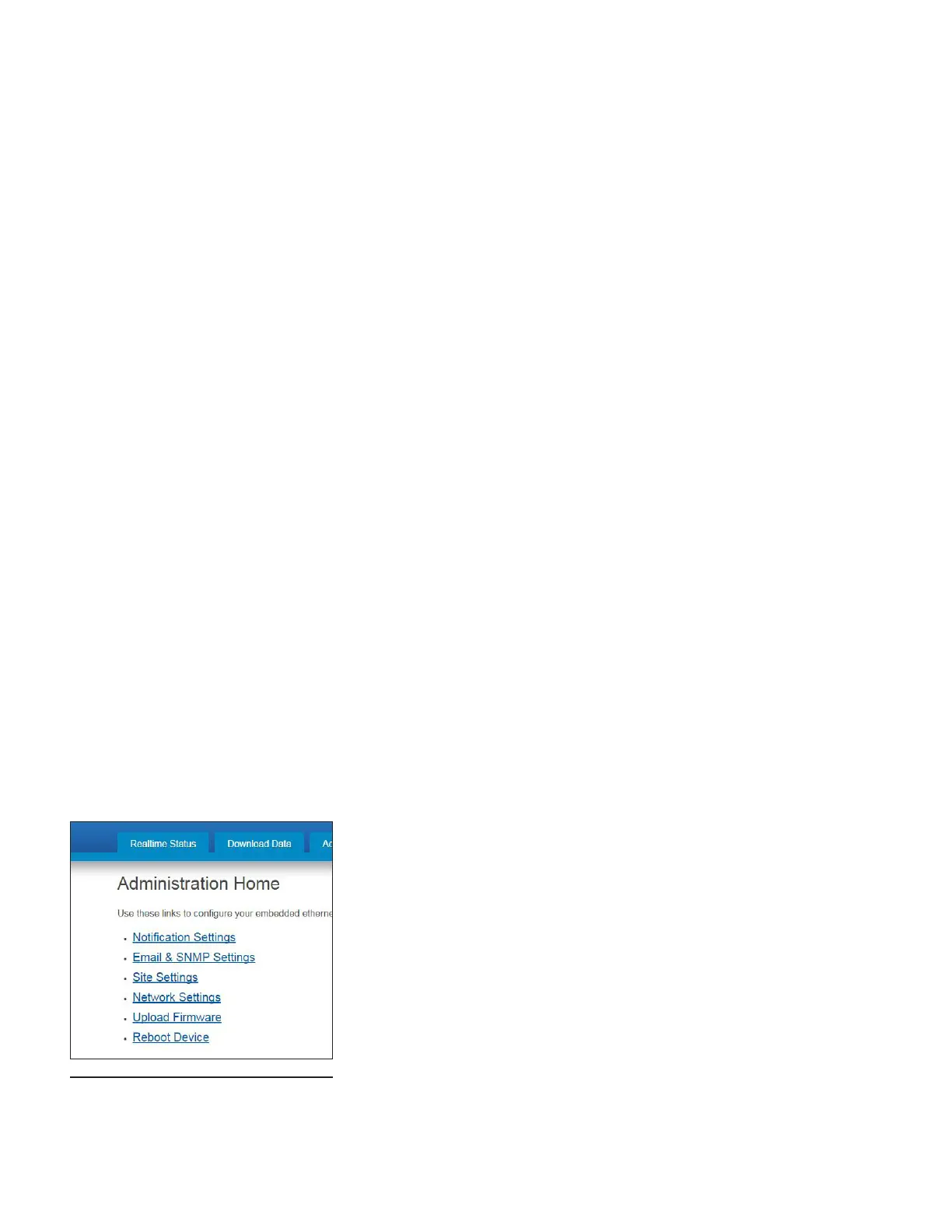
You can also access and change notication, network, and other
settings via the Administration tab (see Figure 69).
Figure 69. Webserver Navigation



 To Next Page