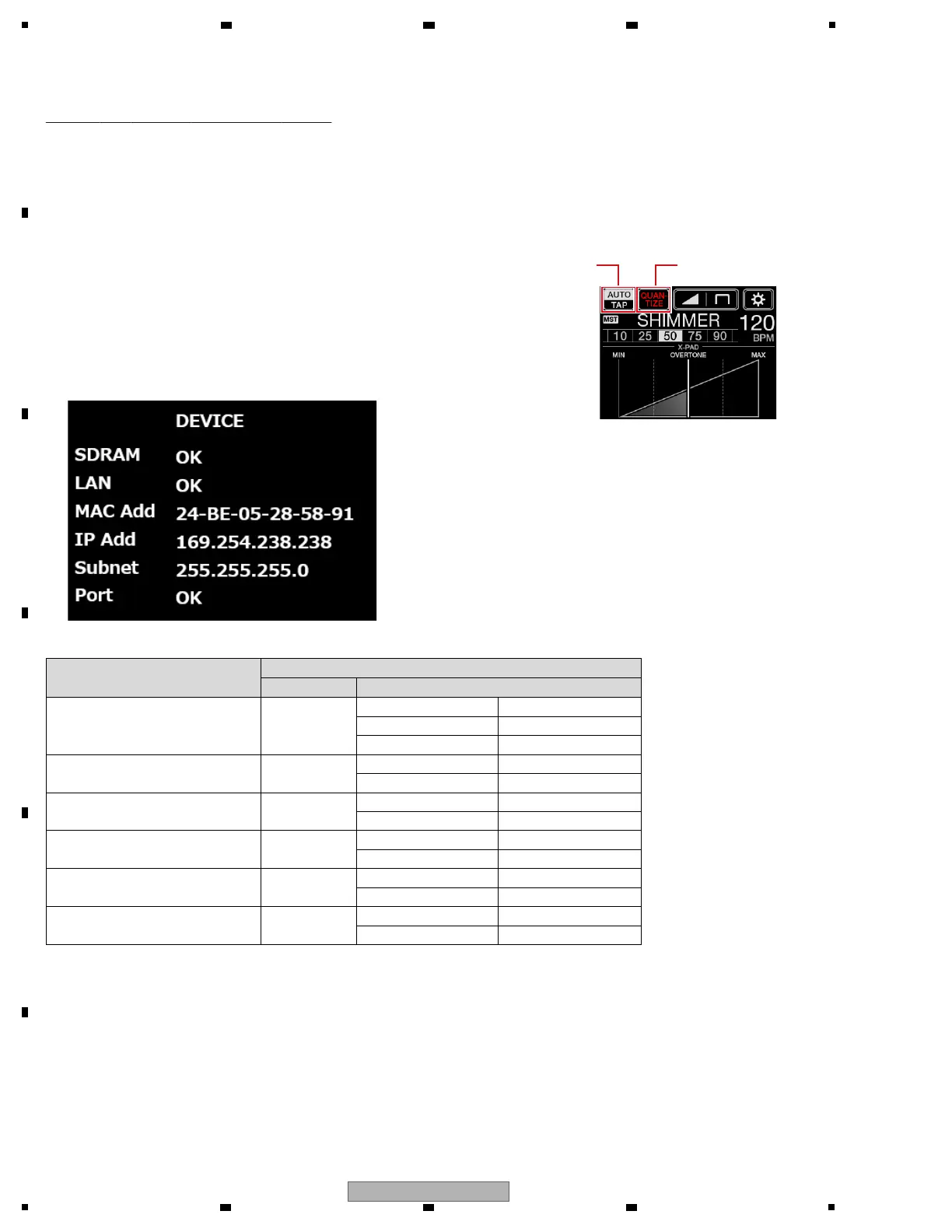
It is a mode confirming SDRAM, LAN, MAC Address, IP Address, the state of the Subnet Mask, the state of the port not to
usually use at start.
[Functional overview]
DEVICE CHECK
[Mode Title Display]
[AUTO/TAP], [QUANTIZE] : Address switch
[BEAT c / d button] : Page switch
[TAP button] (Lighting) : Mode change (to next mode)
[BEAT FX ON/OFF button] (Lighting) : Mode change (to previous mode)
[Element]
[Display]
[Correspondence table]
Device/Address
Display
Title Result
DSP SDRAM SDRAM
CHK During a check
OK Normal
NG Abnormal
LAN LAN
OK Normal
NG Abnormal
MAC Address MAC Add
xx-xx-xx-xx-xx-xx Address
EE-EE-EE-EE-EE-EE Not set
IP Address IP Add
xxx.xxx.xxx.xxx Address
EE Abnormal
Subnet Mask Subnet
xxx.xxx.xxx.xxx Address
+1
+1 : "x" contains alphanumeric characters of the address value.
+2 : "EE" is displayed even during IP Address acquisition. If "EE" is displayed for more than 30 seconds, it is abnormal.
+3 : "EE" indication even when Subnet Mask is not finalized.
+4 : Refer to "5.3 TROUBLESHOOTING_[12] Firmware update".
+1
+2
+4
EE Abnormal
Port Port
OK Normal
NG Abnormal



 To Next Page