APP INSTALLATION
Go to the Apple App Store (iOS products) or the Google Play Store (Android products)
and download the ‘ALTEC Lansing VersA™ Navigator’ app.
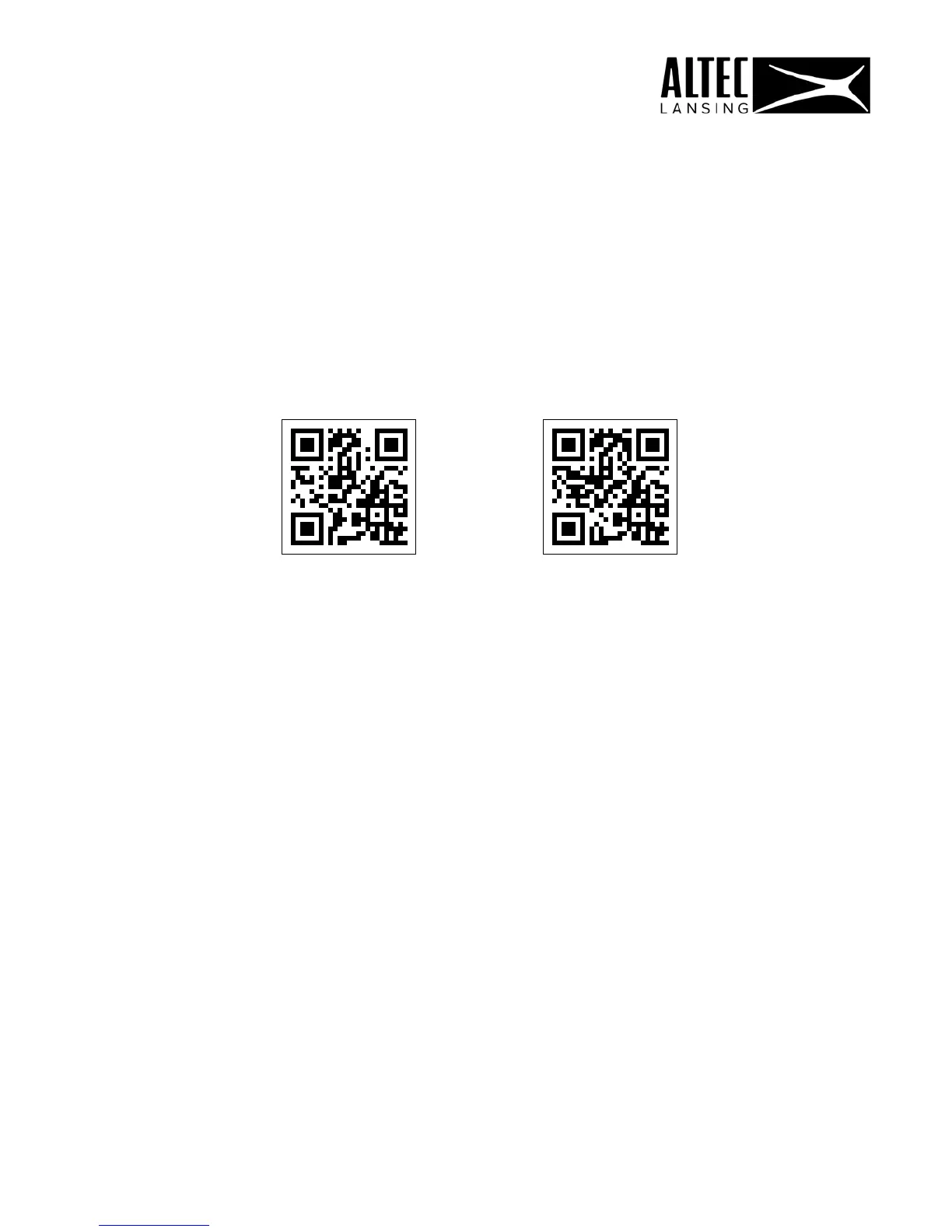
Alternatively, scan the below QR Code to download the app.
iOS ANDROID
INITIAL SETUP
1. LAUNCH APP:
Make sure that your mobile device is Wi-Fi enabled and connected to your Wi-Fi
network.
Launch the Altec Lansing VersA™ Navigator app on your mobile device.
You will be taken through the initial app setup. Note that the initial setup steps are
seen only upon first launching of the app.
IMPORTANT: During the initial setup, the applications listed below will be installed.
Please follow the prompts to install the apps and after each installation please
make sure to return to the Altec Lansing VersA™ Navigator app.
Apps to be installed:
1 ) Altec Lansing VersA™ Bridge
2) Amazon Alexa
12











 To Next Page