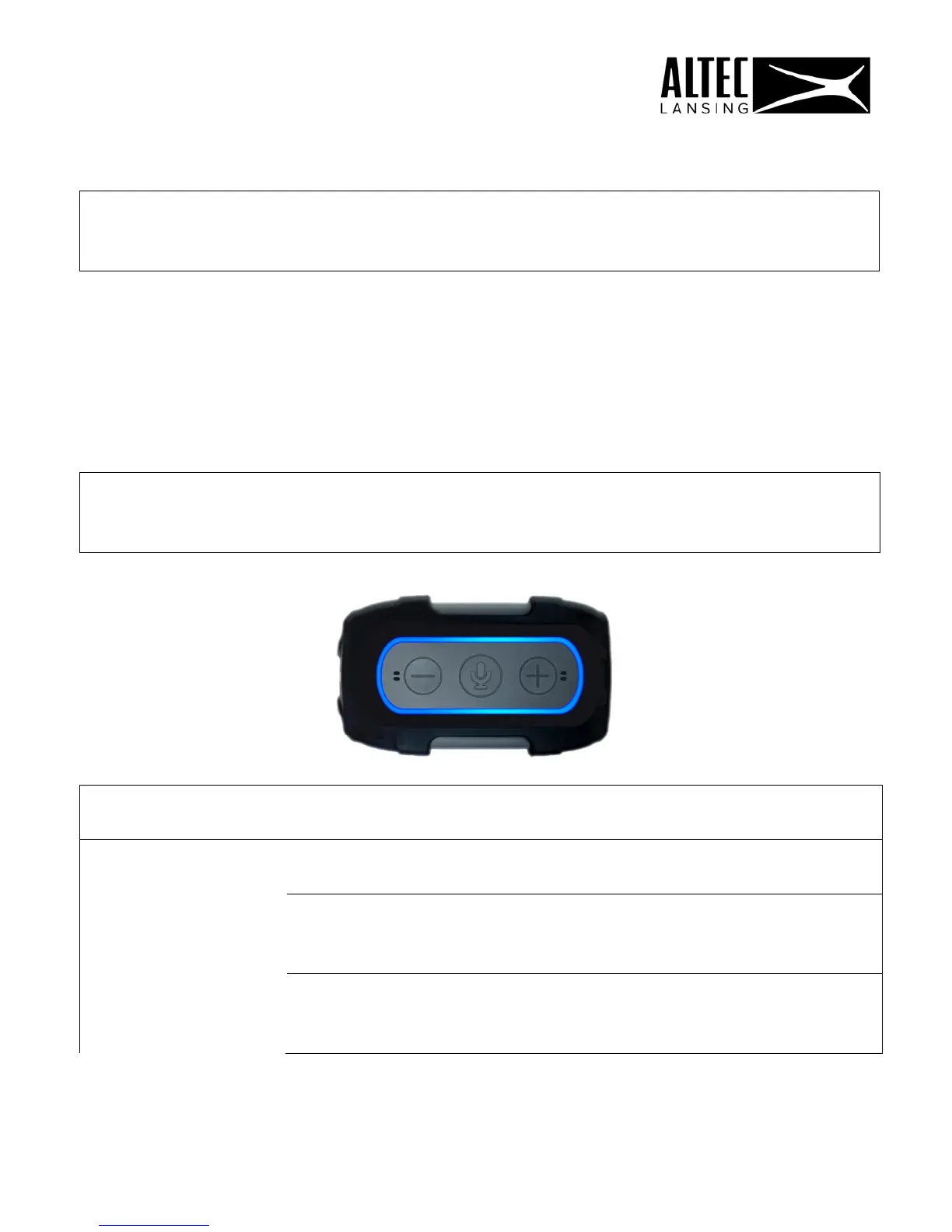
(The light ring turns red.)
Short press (BT): Change LED lighting mode.
SIDE PANEL CONNECTIONS
Micro USB for IMA699V
For charging use only = INPUT 5V 1A
6 / TOP PANEL LED INDICATIONS
POWER LED
ORANGE
Charging Internal Battery
MODE LED
WHITE – SOLID
Wi-Fi Connected
WHITE - FLASHING
Wi-Fi Booting up :: Ready to
Connect
BLUE – SLOW FLASHING
Bluetooth Pairing Mode (waiting
for connection)
8











 To Next Page