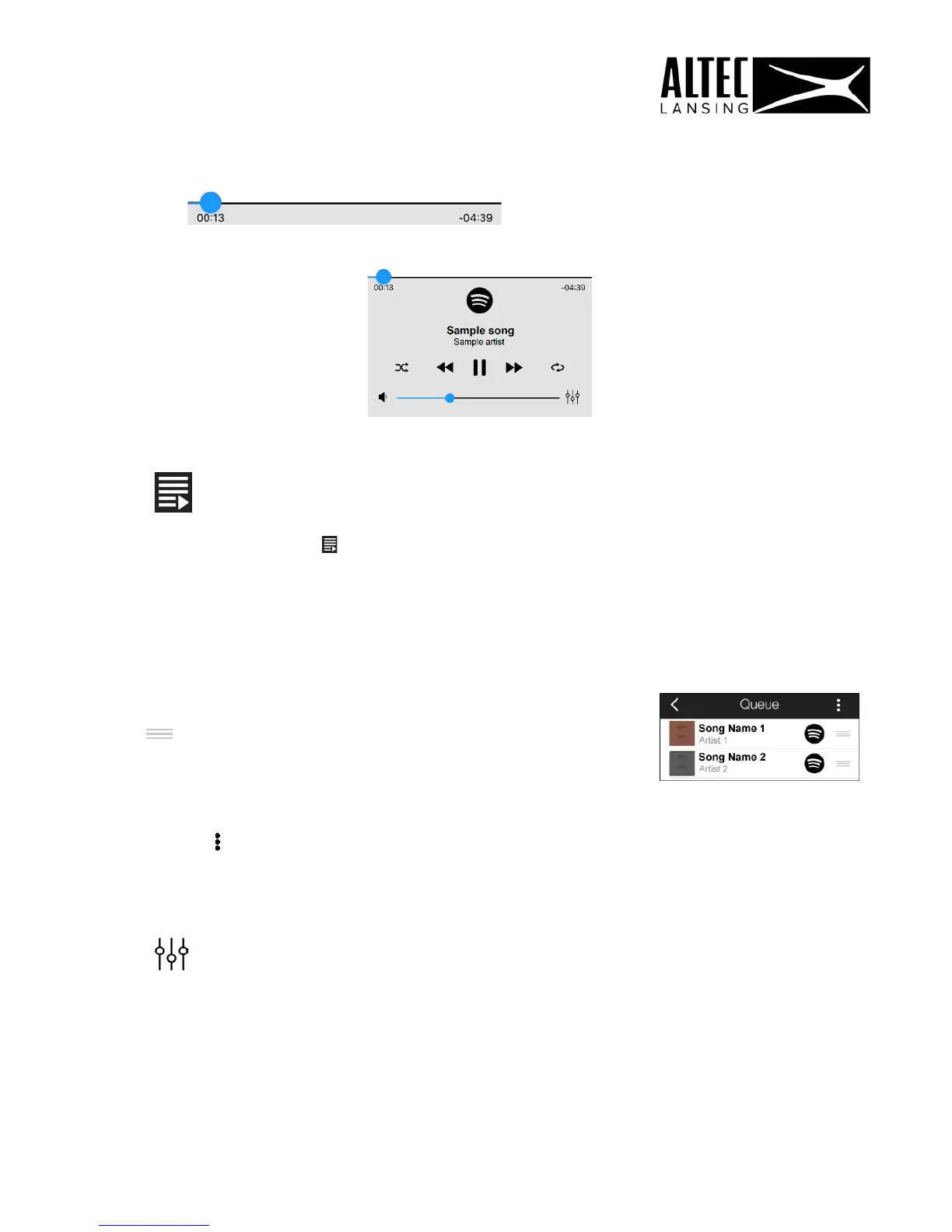
4. Queue:
- Tap the music play Queue icon (located on the top right) to open
the ‘Queue’ screen.
- The songs you have selected to ‘Add to Queue’ are listed.
- The music source icon next to the song name displays the source of the music file
(My Phone or one of the music services).
- Tap on the location icon (to the right of the music
source icon) and drag to move up or down in the queue
list.
- Tap the Menu button and then tap Clear queue to remove the list of songs from
the queue.
5. Equalizer:
Tap the Equalizer icon to open the ‘Equalizer’ screen.
29











 To Next Page