CONNECT BLUETOOTH
To access ‘Connect Bluetooth’:
Tap the Main Menu button and then tap Connect Bluetooth.
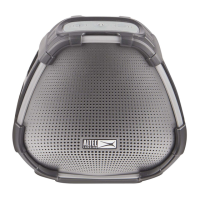
‘Connect Bluetooth’ allows you, via your Bluetooth connection, to connect to your Altec
Lansing VersA speaker.
CONNECT TO ALTEC LANSING SPEAKER VIA BLUETOOTH
Tap the Main Menu button > Connect Bluetooth button and then the ‘Connect
speakers via Bluetooth’ option. The following instructions are displayed:
1. POWER ON SPEAKER:
Power on your Altec Lansing VersA speaker by pressing the
Power button.
2. ENABLE BLUETOOTH:
Go to your phone Settings and turn on Bluetooth.
3. PAIR YOUR SPEAKER TO YOUR PHONE:
Once your VersA™ speaker is in pairing mode, the speakers’ name appears in your
phone’s Bluetooth device list.
Select your VersA™ speaker to pair and connect to.
27











 To Next Page