BAG0217.9 06.22
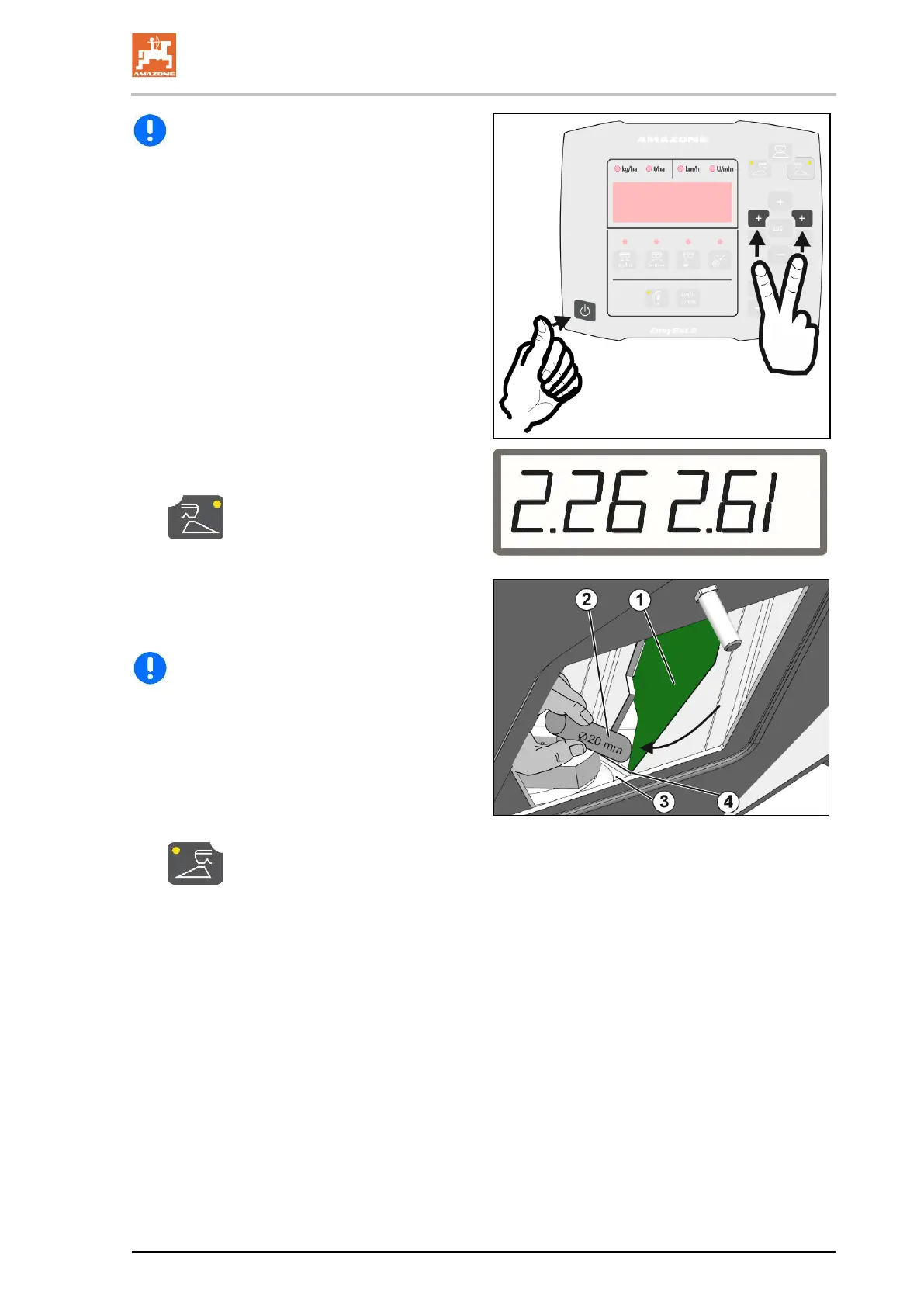
EasySet is switched off!
6. Press the Power on, rate left + and right +
buttons simultaneously and hold for 3 se-
conds.
→ "ConF" and the current calibration value
appear briefly consecutively.
→ The shutter LEDs are flashing.
→The voltage values in volts for the left and right
shutters are shown.
7.
Confirm the calibration for the right
shutter.
8. Insert the round steel (2) through the right
maintenance flap vertically relative to the
shutter (1) into the left shutter opening and
hold it tight.
The round steel must touch the shutter o-
pening (4) and must not rest on the bottom
plate (3)!
9. Close the left shutter manually until the
shutter touches the round steel.
To do so, pull the left motor back towards
the front.
10. Confirm the calibration of the left
shutter.
→ EasySet then switches itself off automa-
tically and the calibration is finished.
11. Remove the round steel.
12. Attach the motor to the shutter again.
13. Install the maintenance flaps.





 To Next Page