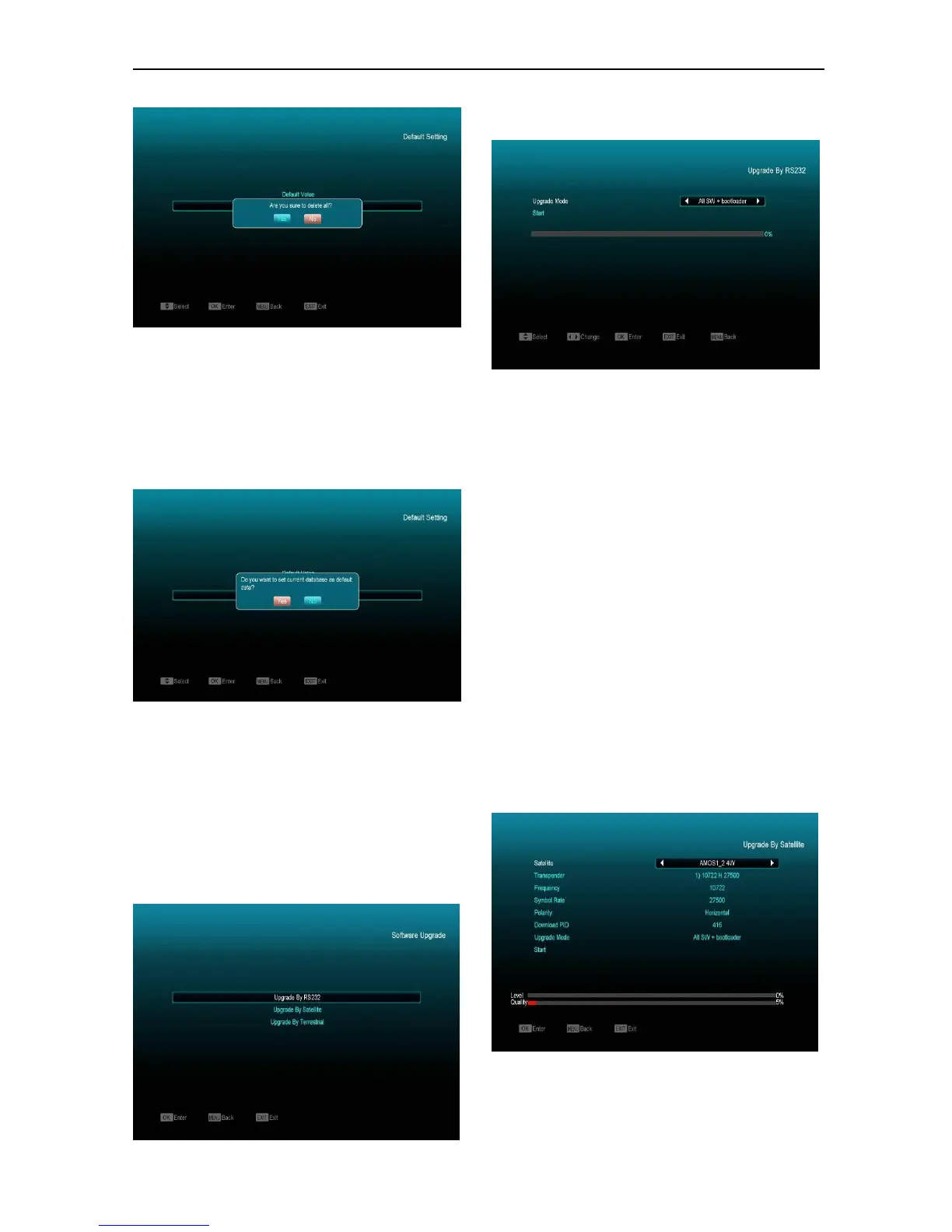
When you press [OK] key in the “Delete All
Channel” item, it will display a dialogue box asking
you to confirm to delete all channel. If you select
“YES”, all channels will be deleted
.
12.2.3 Save default value
When you press [OK] key in the “Save default
value” item,there will show a message to ask
you"Do you want to set current database as
default data?".If you select “YES”,it will set the
current data as default data.
12.3 Software Upgrade
Upgrade by RS232:
1 We offer this function for user to connect
receiver (Master) to the other receiver (Slave)
via serial interface.Connect master receiver to
slave receiver via serial interface. Enter
“Software Upgrade” menu in master receiver
and press[Volume Up/Volume Down]keys to
switch upgrade mode: All SW+bootloader /All
SW+Channel list/Software(no channel
list)/Channel list.
2 Moving highlight to “Start” on master reeciver
and press[OK]key to start upgrade.
3 Turn on slave receiver and it needn’t operate
any setting.
4 Press [MENU]key to draw back.
Upgrade By Satellite:
This function can upgrade the software through signal
lines from the satellite


 To Next Page