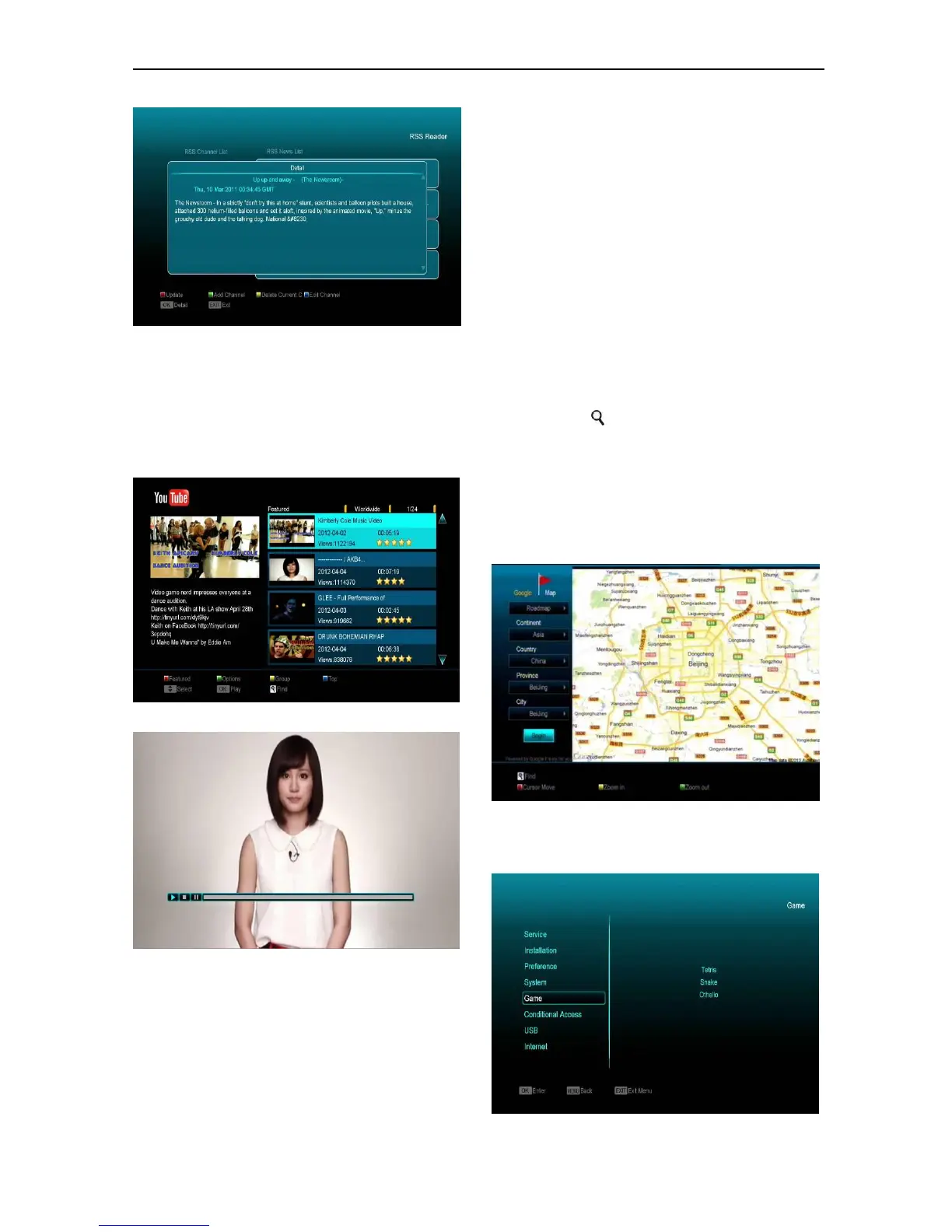
15.7 Youtube
This menu is some internet applications. "youtube"
can play stream media from "www.youtube.com".
When you enter this menu, you will see a screen
like below:
1.Press [up/down] key to move highlight.
2.Press [ENTER] key on one item, it will play
pertinent video. The video will show on top left
corner. Press [ENTER] again, it only shows video
in the centre of your screen. Now press [zoom]
key, the video will play in full screen.
3.Press [vol+/vol-] to control volume.
4.Press [pause] key to pause video, or press [stop]
key to stop play.
5. Press [red] key to display the featured video.
6. Press [green] key to sort by site and duration.
The site has Germany, worldwide, Poland and so
on. Duration has all time, this week, this month and
so on.
7.Press [yellow] key to switch group. These are
game, news, tech, move and so on.
8.Press [blue] key to display the top video. These
are top favourites, top rated, most views, most
recent and so on.
9. Press FIND [ ] key in full screen to open the
"Find” window. You can press [,,,] keys to
move highlight and press[ENTER]key to input the
letters .Then press [red] key to find.
15.8 Google Maps
Inside the menu can browse Google Maps
16. Game



 To Next Page