CONNEX
TM
User Guide
22
Table 3: Air Unit – Power LED
On (White) The Air Unit is powered on.
Off
No power is being supplied to the Air
Unit.
Blinks
Quickly
Indicates a system error.
8 The Air Unit automatically connects with the powered on Ground Units that are
paired with this Air Unit.
A connection is established between the Air and Ground Units regardless of
whether video is transmitted on the wireless link, as follows:
If video is transmitting, then the Ground Units display the video.
If video is not transmitting, then the Ground Units display the message: Video
signal not detected upon linking to the Air Unit.
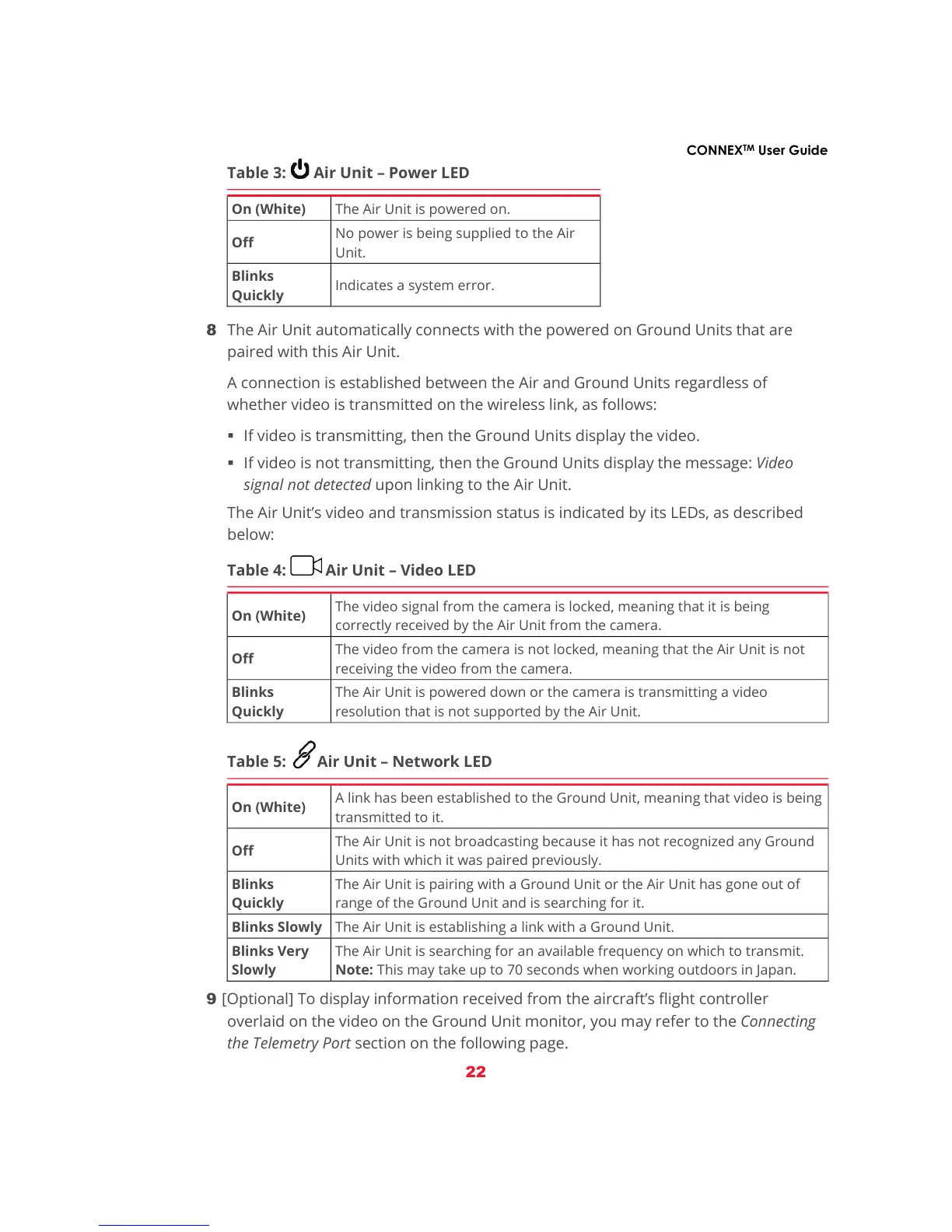
The Air Unit’s video and transmission status is indicated by its LEDs, as described
below:
Table 4: Air Unit – Video LED
On (White)
The video signal from the camera is locked, meaning that it is being
correctly received by the Air Unit from the camera.
Off
The video from the camera is not locked, meaning that the Air Unit is not
receiving the video from the camera.
Blinks
Quickly
The Air Unit is powered down or the camera is transmitting a video
resolution that is not supported by the Air Unit.
Table 5: Air Unit – Network LED
On (White)
A link has been established to the Ground Unit, meaning that video is being
transmitted to it.
Off
The Air Unit is not broadcasting because it has not recognized any Ground
Units with which it was paired previously.
Blinks
Quickly
The Air Unit is pairing with a Ground Unit or the Air Unit has gone out of
range of the Ground Unit and is searching for it.
Blinks Slowly The Air Unit is establishing a link with a Ground Unit.
Blinks Very
Slowly
The Air Unit is searching for an available frequency on which to transmit.
Note: This may take up to 70 seconds when working outdoors in Japan.
9 [Optional] To display information received from the aircraft’s flight controller
overlaid on the video on the Ground Unit monitor, you may refer to the Connecting
the Telemetry Port section on the following page.



 To Next Page