CONNEX
TM
User Guide
36
Controlling the Aircraft Camera Gimbal
The CONNEX Gimbal Control feature enables an operator on the ground to control the
aircraft’s camera gimbal using a Futaba remote control over the video uplink channel.
Only gimbals that can input S.BUS are supported. Gimbal control is supported for up
to 1 Km.
This feature can only be used when an Air Unit is paired with a single Ground Unit.
Verify that this is the case , as described in the Checking the Ground Units Registered to
an Air Unit section on page 44 before proceeding with the instructions below.
X To enable the CONNEX Gimbal Control feature:
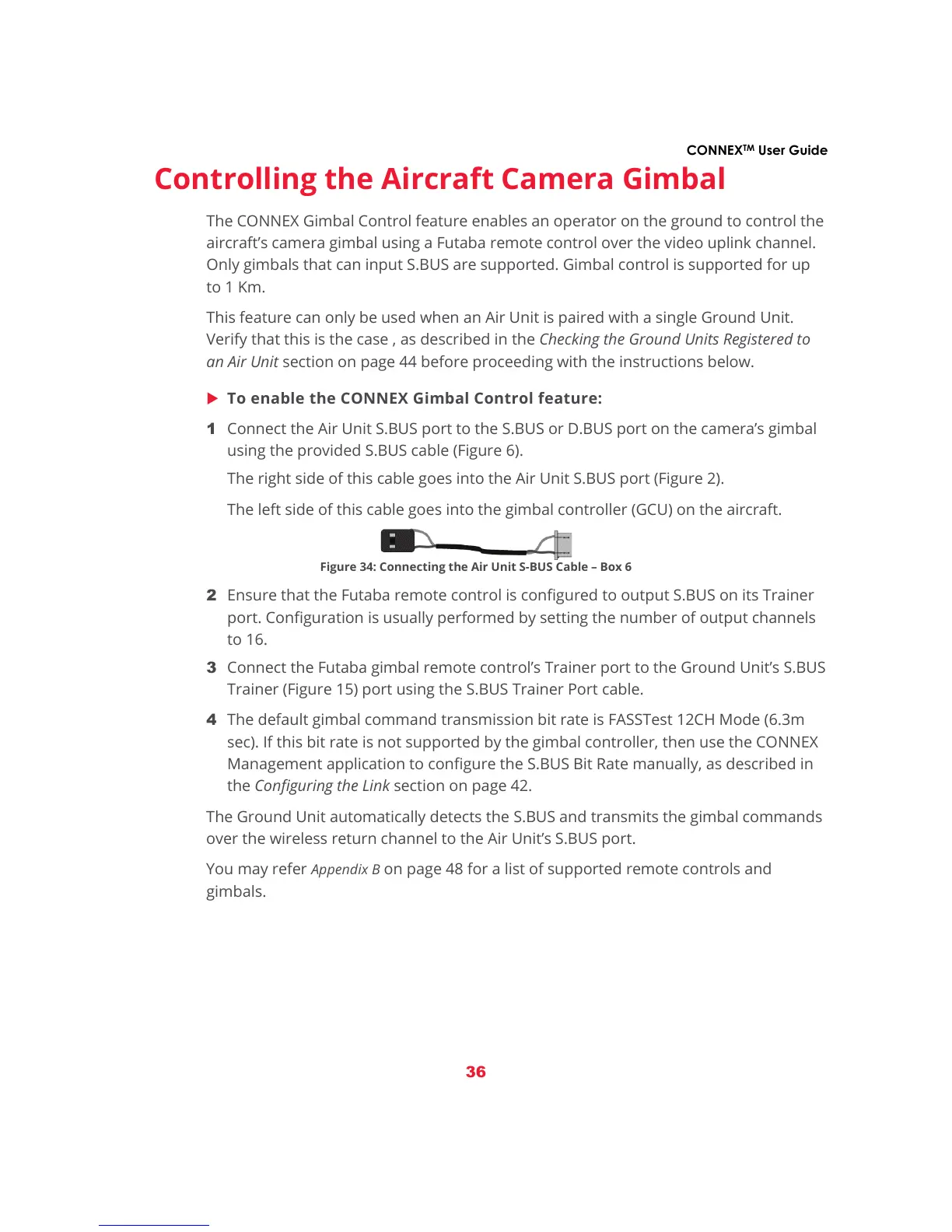
1 Connect the Air Unit S.BUS port to the S.BUS or D.BUS port on the camera’s gimbal
using the provided S.BUS cable (Figure 6).
The right side of this cable goes into the Air Unit S.BUS port (Figure 2).
The left side of this cable goes into the gimbal controller (GCU) on the aircraft.
Figure 34: Connecting the Air Unit S-BUS Cable – Box 6
2 Ensure that the Futaba remote control is configured to output S.BUS on its Trainer
port. Configuration is usually performed by setting the number of output channels
to 16.
3 Connect the Futaba gimbal remote control’s Trainer port to the Ground Unit’s S.BUS
Trainer (Figure 15) port using the S.BUS Trainer Port cable.
4 The default gimbal command transmission bit rate is FASSTest 12CH Mode (6.3m
sec). If this bit rate is not supported by the gimbal controller, then use the CONNEX
Management application to configure the S.BUS Bit Rate manually, as described in
the Configuring the Link section on page 42.
The Ground Unit automatically detects the S.BUS and transmits the gimbal commands
over the wireless return channel to the Air Unit’s S.BUS port.
You may refer
Appendix B on page 48 for a list of supported remote controls and
gimbals.



 To Next Page