CONNEX
TM
User Guide
40
Upgrading the Air Unit or Ground Unit
Firmware
Upgrading the Air Unit or Ground Unit firmware does not affect the settings of the
wireless video downlink.
X To upgrade the Air Unit or Ground Unit firmware:
1 Make sure that the computer on which the CONNEX Management application is
installed is connected to the Internet and is connected to the Air Unit/Ground Unit
via a Micro USB cable.
2 Launch the CONNEX Management application by double-clicking its desktop icon.
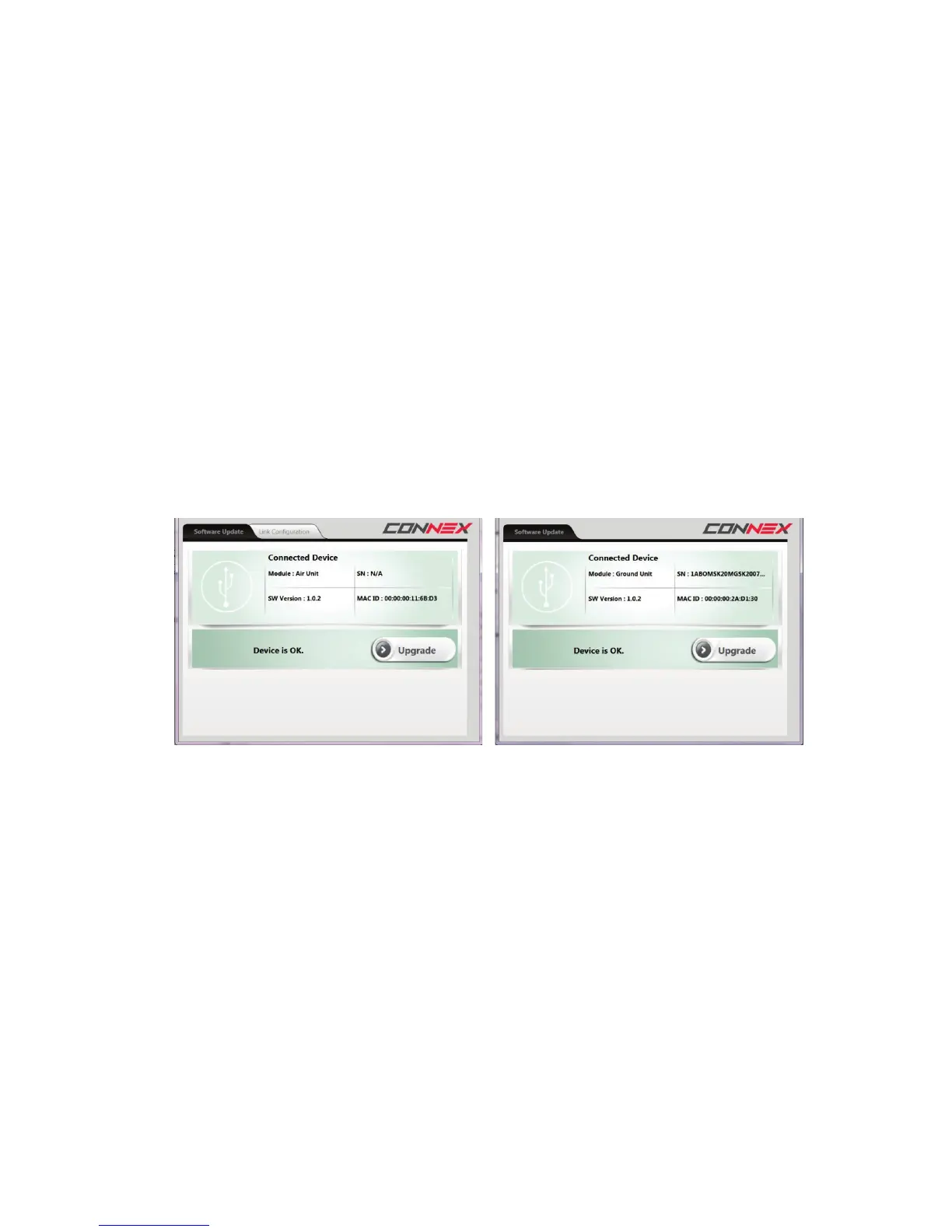
The following shows the window displayed on the Air Unit (on the left) and on the
Ground Unit (on the right). The Software Upgrade tab is selected by default. This is
the only tab that appears for the Ground Unit.
Figure 38: Upgrading the Air Unit (shown on left) or Ground Unit (shown on right)
The following describes the options in this window:
Module: Specifies whether the connected unit is an Air Unit (Tx) or a Ground Unit
(Rx).
SW Version: Specifies the version of the firmware currently installed on the unit.
SN / MAC ID: Specifies the unique identifiers of this unit: Serial number and MAC
ID.
Upgrade Button: The application automatically verifies with Amimon servers
whether the latest firmware version of the connected unit is already installed. If
the latest version is not installed, then the Upgrade button is active.



 To Next Page