CONNEX
TM
User Guide
39
Connecting the Air Unit or Ground Unit to a
Computer
The Air Unit or Ground Unit must be connected to a computer on which the CONNEX
Management application is installed in order to configure or upgrade that unit.
X To connect the Air Unit or Ground Unit to a computer:
• Connect the Micro USB cable (Box 6) to the Air Unit’s or Ground Unit’s USB port
(Figure 11).
Figure 36: Connecting the Ground Unit to PC USB Cable – Box 6
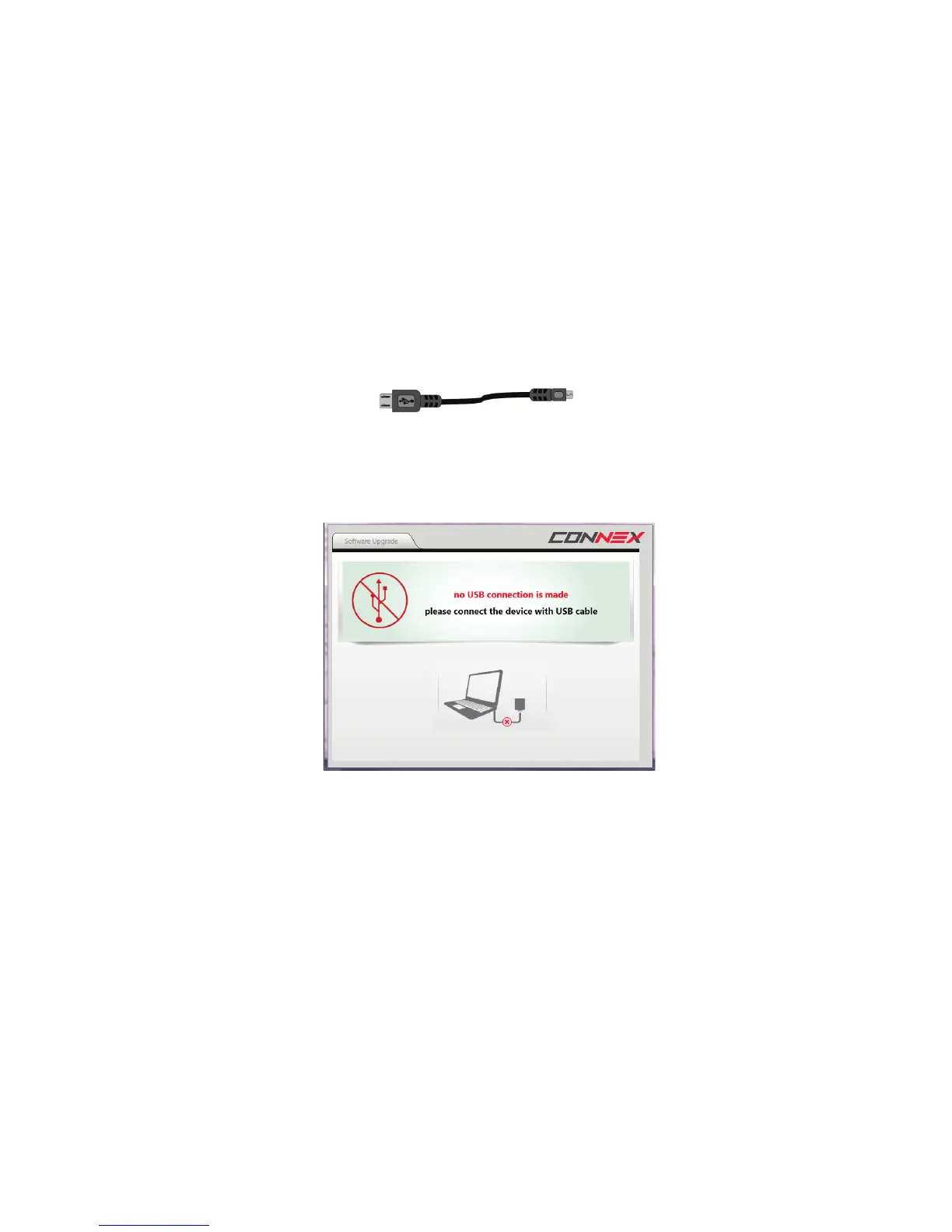
If you launch the CONNEX Management application before connecting an Air Unit or
Ground Unit to the computer, then the following message is displayed. Connect the
unit, as described above.
Figure 37: Connect the Unit Using a USB Cable



 To Next Page