CONNEX
TM
User Guide
38
Installing the CONNEX Management
Application
This application can run on a standard computer running Windows 7 and up.
X To install the CONNEX Management application:
1 Download the latest version from the Amimon website
www.AMIMON.com/connex/management to a computer connected to a Ground
Unit.
2 Run the installation file and follow the displayed instructions to install the CONNEX
Management application.
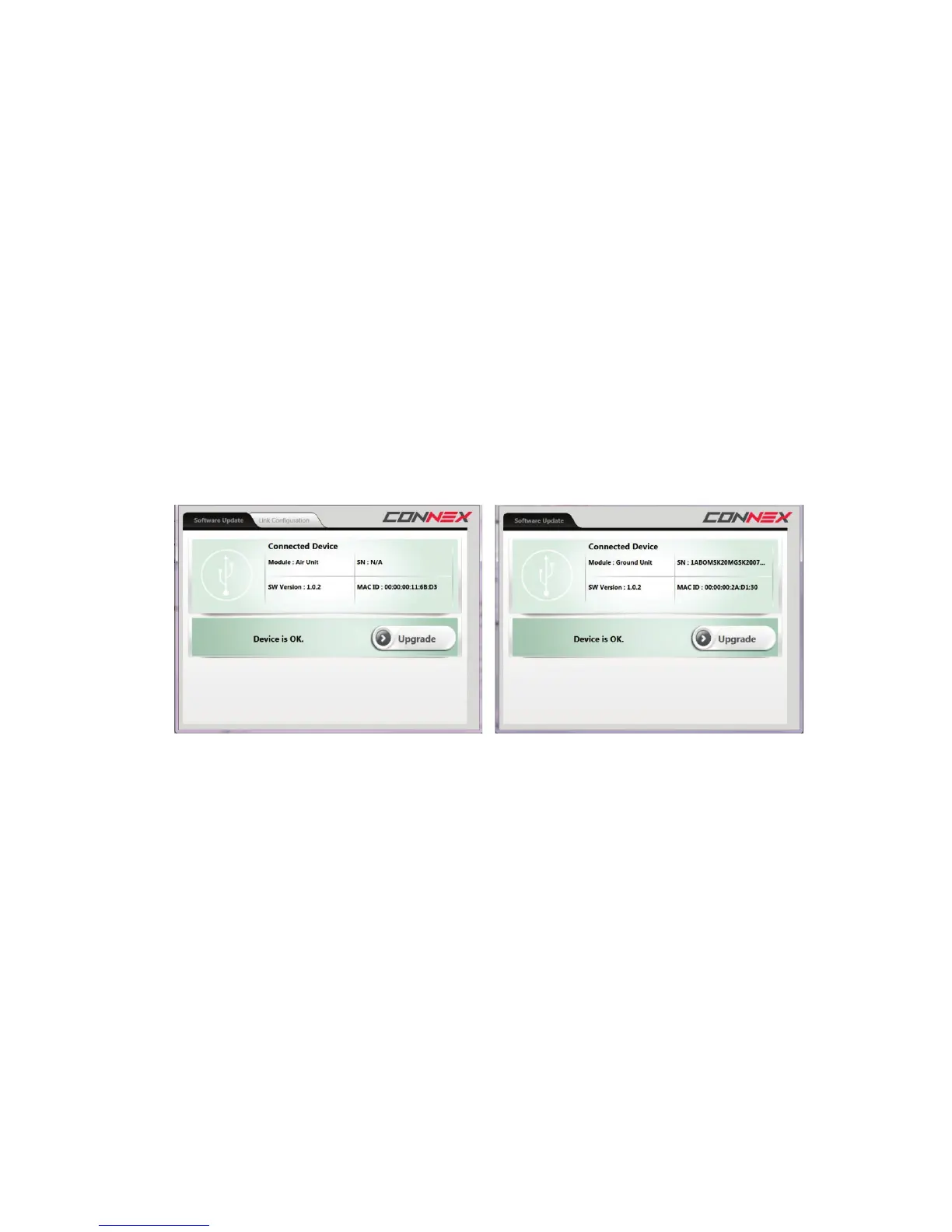
3 Launch the application by double-clicking its desktop icon. The following window
displays:
Figure 35: Upgrading the Air Unit (shown on left) or Ground Unit (shown on right)
The current version of the CONNEX Management application is displayed in the top
left corner of the window.
X To upgrade the CONNEX Management application:
• Download the latest version from the Amimon website and reinstall it, as described
above.



 To Next Page