CONNEX
TM
User Guide
30
Ground Unit – On Screen Display (OSD)
The Ground Unit monitor displays information collected by the CONNEX system
overlaid on the video received from the Air Unit. The following types of information
can be overlaid on the video:
• Default, below
• Telemetry [Optional], page 31
• Alerts and System Messages, page 33
Default Information Overlaid on Video
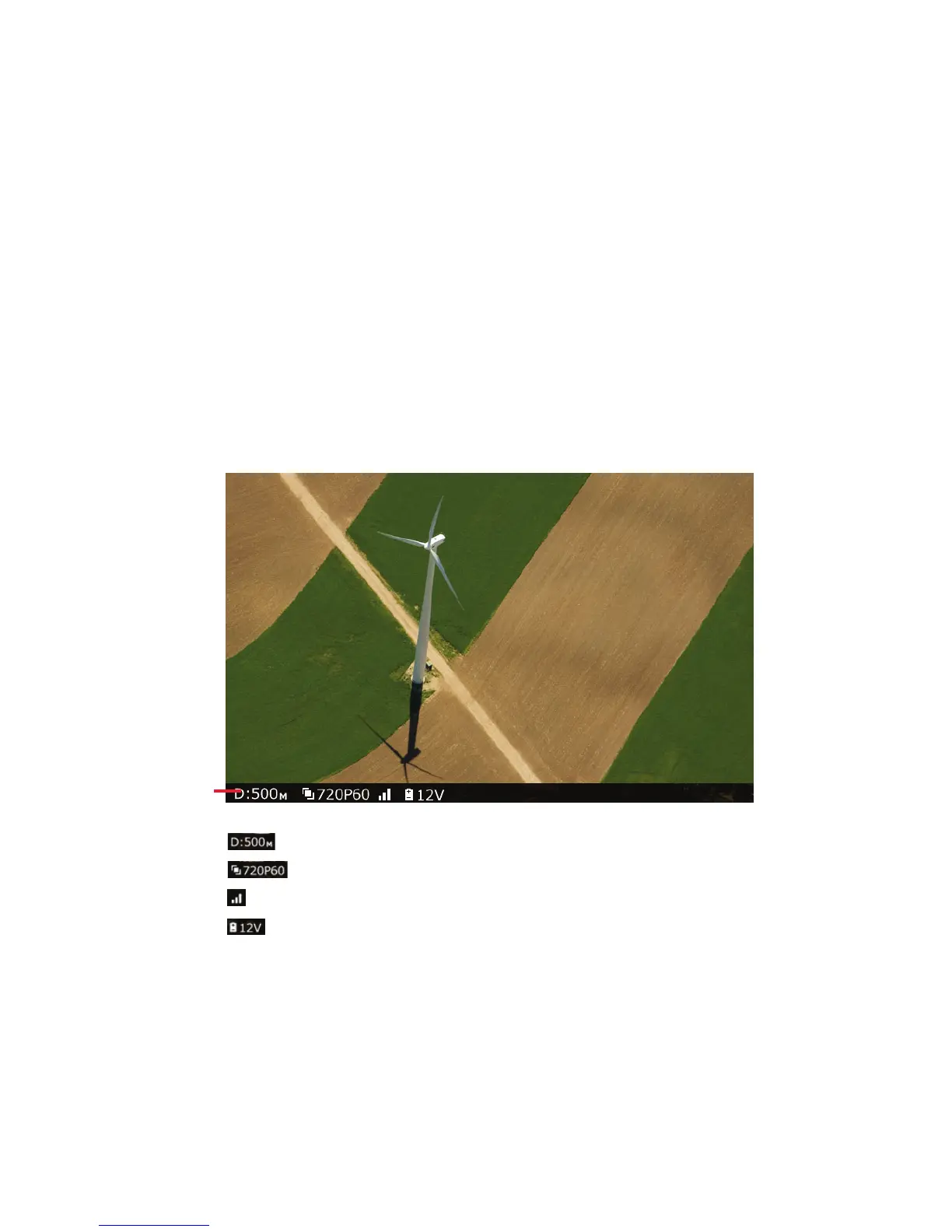
By default, the Ground Unit displays the following information overlaid on the bottom
of the video in a black strip:
Figure 31: OSD ON – Default View
• : Distance of the Air Unit from the Ground Unit
• : Video resolution captured by the aircraft camera
• : Air Unit to Ground Unit video signal strength
• : Air Unit power voltage level
By default, this OSD information is enabled (displayed). Pressing the OSD button
(shown in Table 2) on the Ground Unit disables (hides) this OSD information. Pressing
this button again redisplays it.



 To Next Page