CONNEX
TM
User Guide
27
Table 8: Ground Unit – Network LED
On (Blue)
A link has been established to the Air Unit, meaning that the Ground Unit
is receiving video transmission from the Air Unit. The Network LED
displays one of three colors to indicate the strength of the signal received
by the Ground Unit, as follows:
• Red: Poor
• Green: Fair
• Blue: Excellent
Off
No paired devices, meaning that the Air Unit is powered down or the
Ground Unit is not paired with any Air Units.
Blinks Quickly
The Ground Unit is pairing with an Air Unit or the Air Unit has gone out of
range of the Ground Unit, which is searching for it.
Blinks Slowly The Ground Unit is searching for an Air Unit with which to establish a link.
Placement Guidelines – Ground Unit
The following describes the mandatory requirements and the best practices for
optional placement of the Ground Unit and its antennas.
• Place the Ground Unit as High as Possible: Place the Ground Unit on a tripod,
pole or table so that it is as high as can be. A height of 2 meters is optimal.
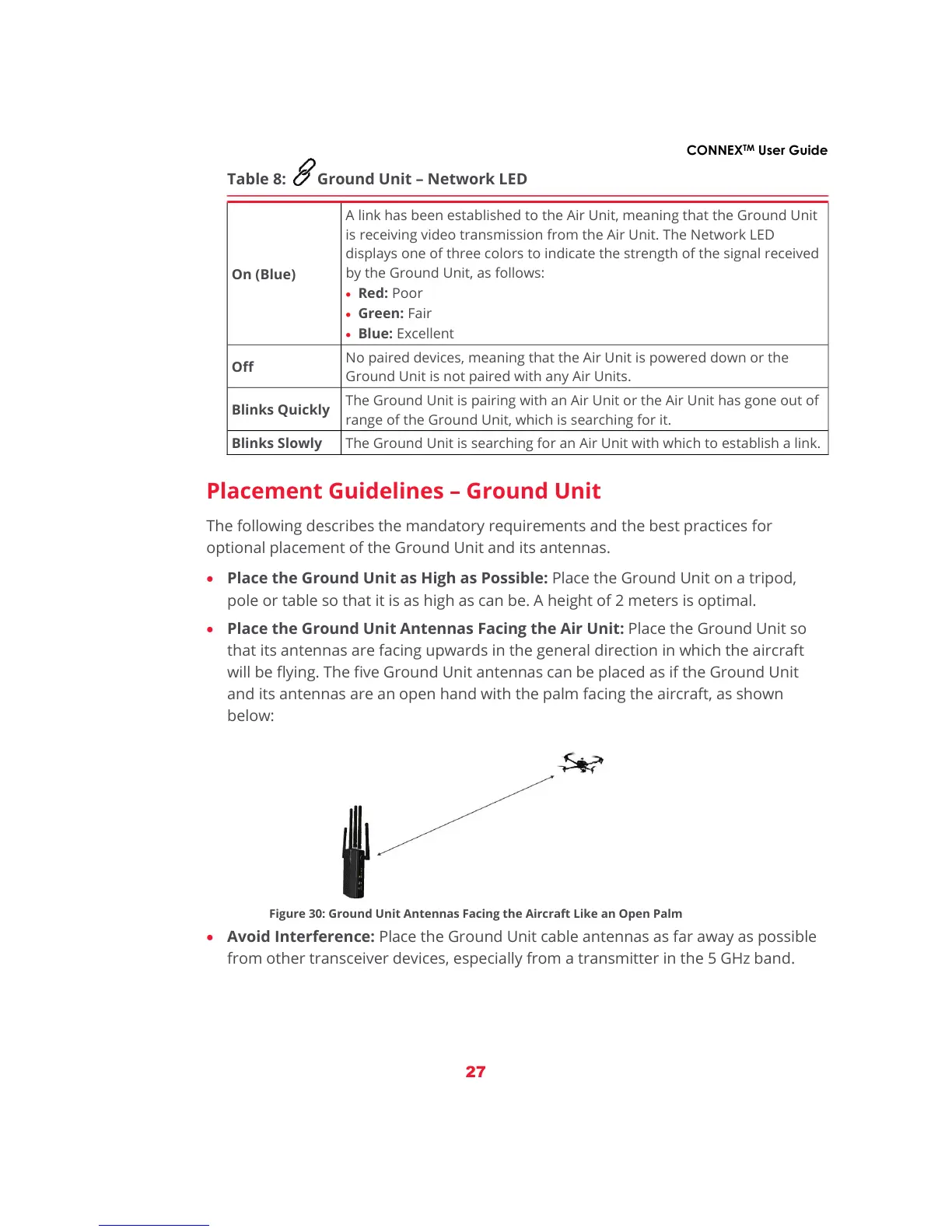
• Place the Ground Unit Antennas Facing the Air Unit: Place the Ground Unit so
that its antennas are facing upwards in the general direction in which the aircraft
will be flying. The five Ground Unit antennas can be placed as if the Ground Unit
and its antennas are an open hand with the palm facing the aircraft, as shown
below:
Figure 30: Ground Unit Antennas Facing the Aircraft Like an Open Palm
• Avoid Interference: Place the Ground Unit cable antennas as far away as possible
from other transceiver devices, especially from a transmitter in the 5 GHz band.



 To Next Page