CONNEX
TM
User Guide
41
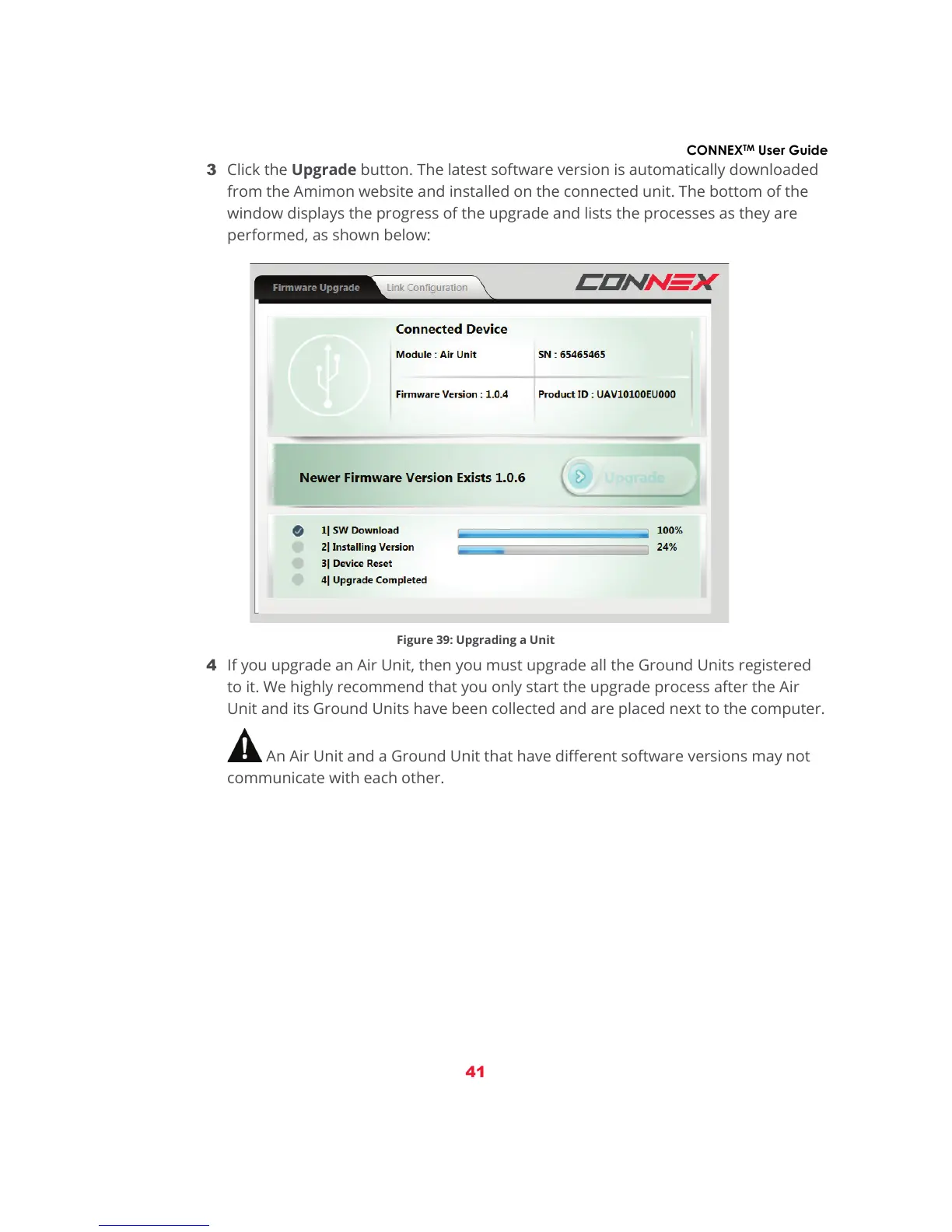
3 Click the Upgrade button. The latest software version is automatically downloaded
from the Amimon website and installed on the connected unit. The bottom of the
window displays the progress of the upgrade and lists the processes as they are
performed, as shown below:
Figure 39: Upgrading a Unit
4 If you upgrade an Air Unit, then you must upgrade all the Ground Units registered
to it. We highly recommend that you only start the upgrade process after the Air
Unit and its Ground Units have been collected and are placed next to the computer.
An Air Unit and a Ground Unit that have different software versions may not
communicate with each other.



 To Next Page