CONNEX
TM
User Guide
32
SPRT Sport
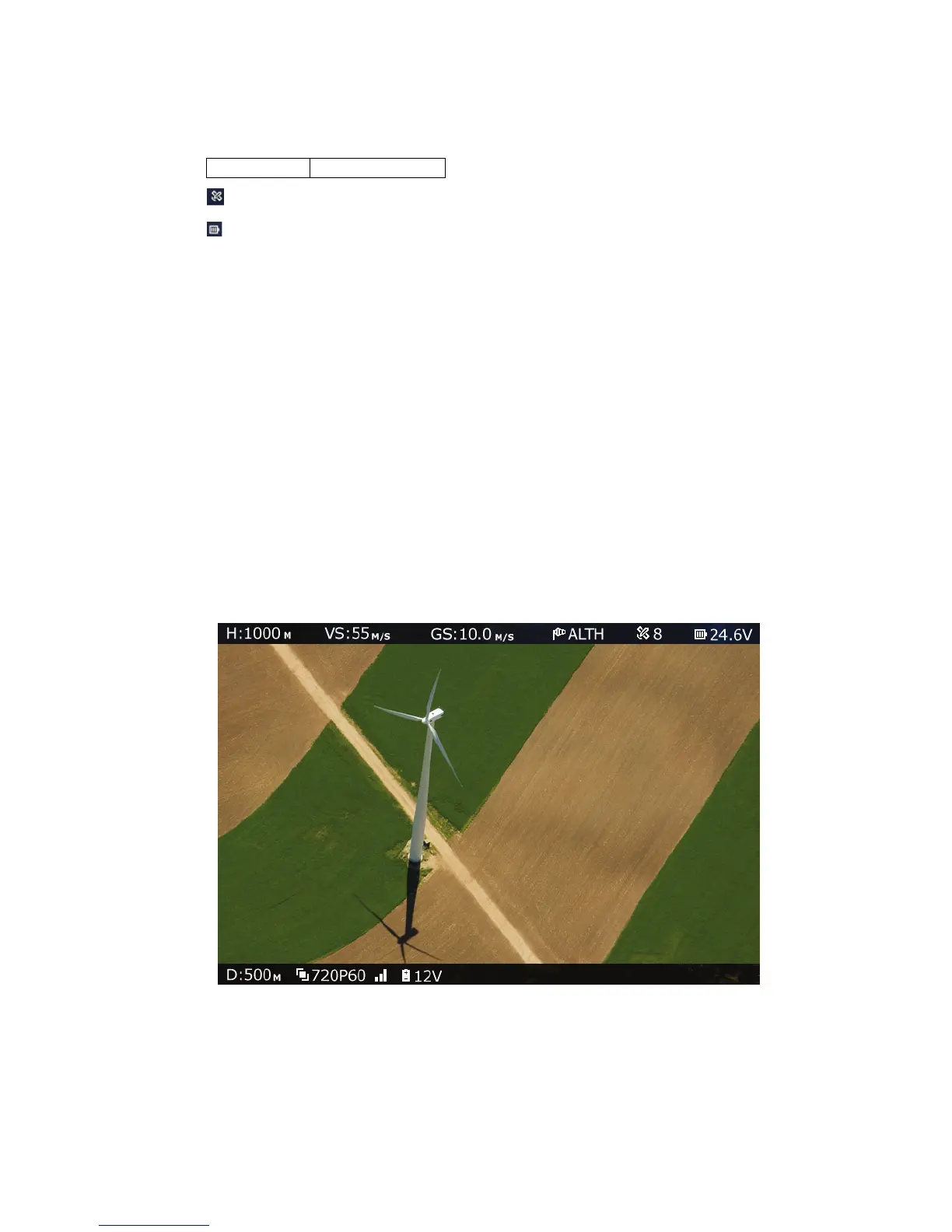
: Number of Connected GPS Satellites.
: Aircraft Battery Charge.
This additional information is displayed when:
• The aircraft has a MAVLink-based flight controller.
• The Air Unit Telemetry port is connected to the aircraft’s flight controller, as
described in the Connecting the Telemetry Port section on page 23.
• The OSD button (shown in Table 2) on the Ground Unit is set to enable the display
of flight control (Telemetry) information.
When the Air Unit receives valid Telemetry MAVLink messages from the aircraft flight
controller, these messages are transmitted to the Ground Unit, which displays the
additional Telemetry information on the OSD. This may require a few seconds to take
effect.
You may refer to
Appendix B on page 48 for a list of the supported flight controllers.
X To display OSD information:
• While all three LEDs on the Ground Unit are lit, press the OSD button on the Ground
Unit (Figure 11). The following is an example of the OSD View:
Figure 33: OSD View – with Telemetry Information



 To Next Page