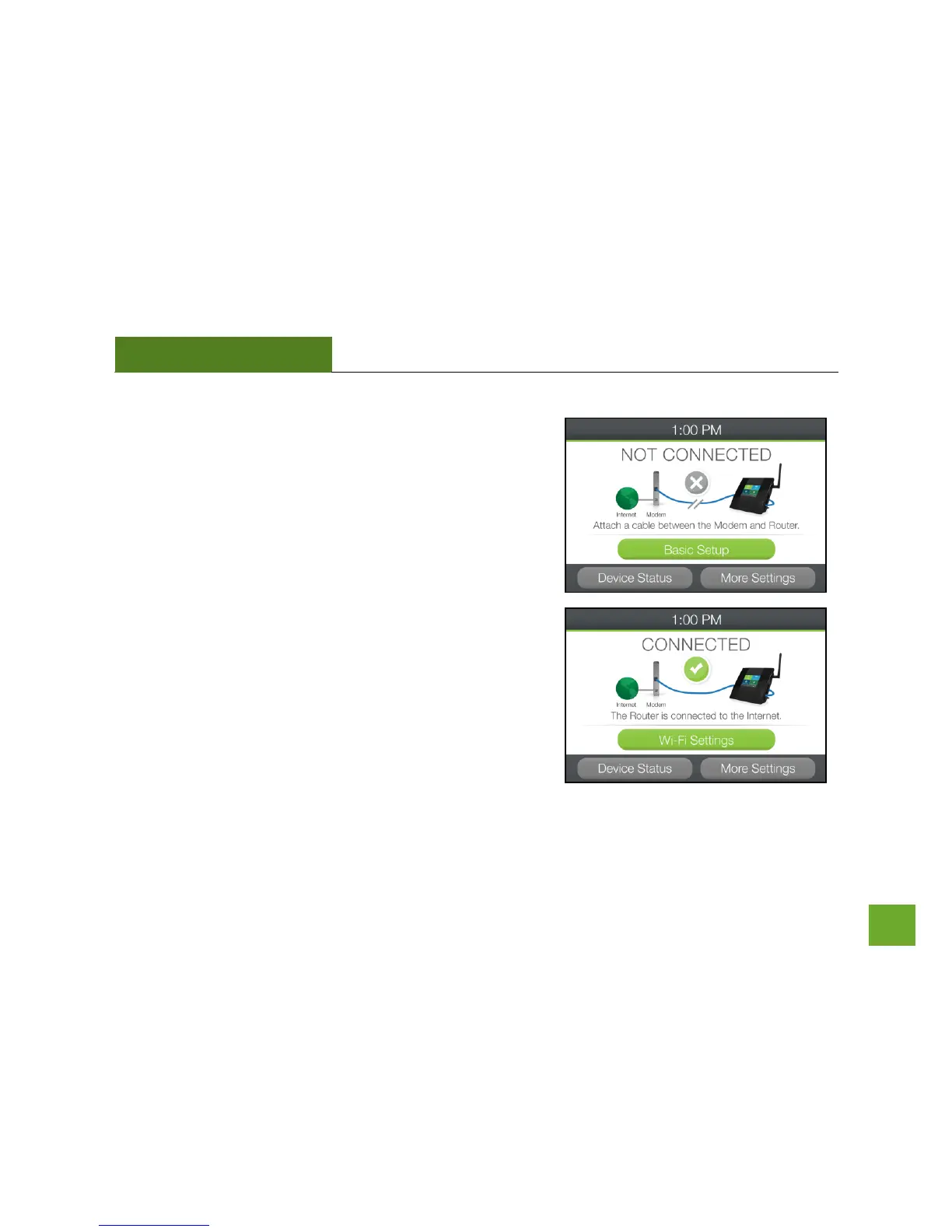
Welcome to the Dashboard
The Dashboard will provide you with the current status of the
Router.
Tap Basic Setup to configure your Internet connection.
If the Dashboard shows that the Router is already connected to
the Internet (Green check mark), please Tap WI-FI Settings to
configure your Wi-Fi network. Please skip ahead to page 14 (Wi-Fi
Setup)


 To Next Page