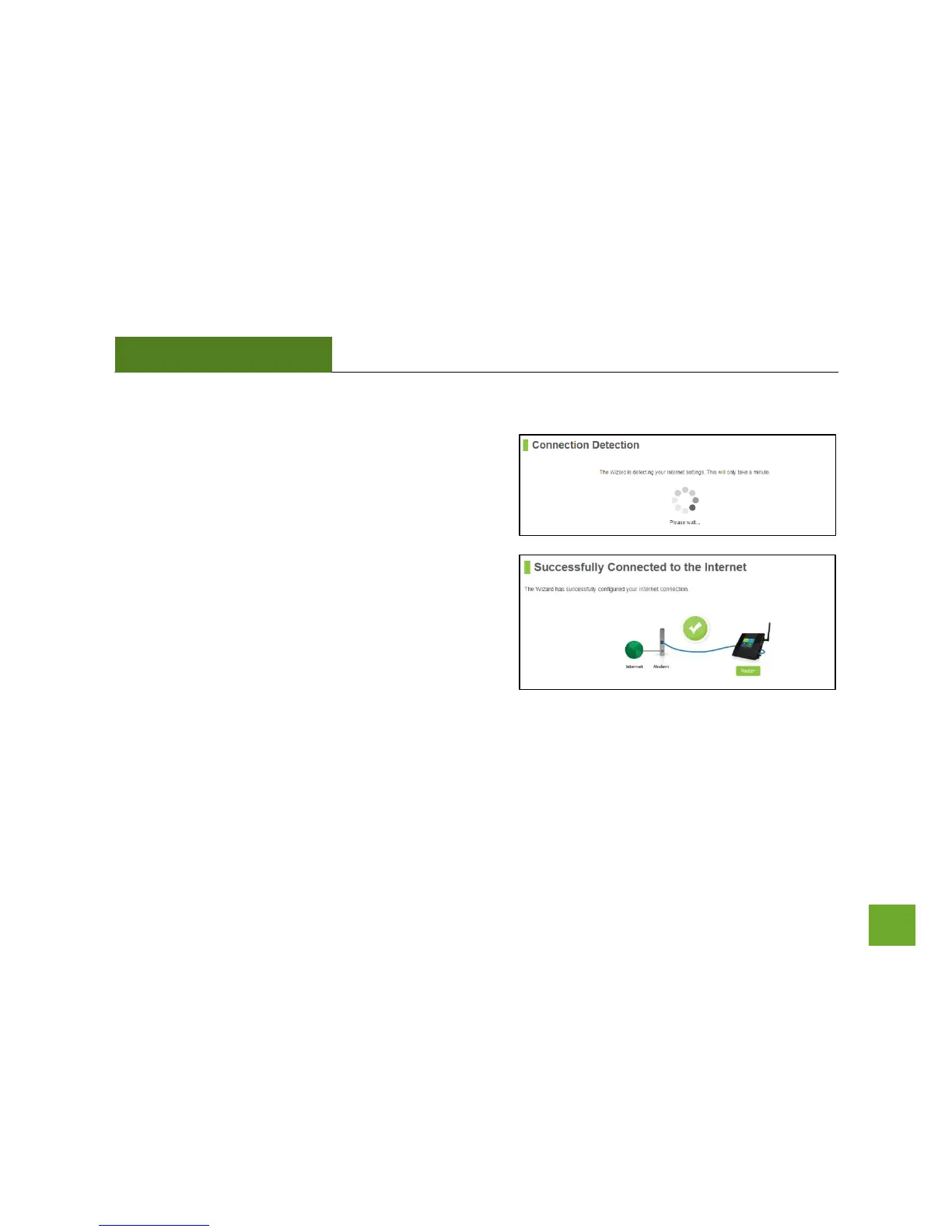
Internet Connection Detection
The Wizard will try to detect your Internet settings and
configure the router. Please be patient.
If there is a problem with the Automatic Configuration, the
wizard will notify you of the issue. If you continue to have
problems, contact our Elite Support department at 888-
573-8820.
If the Internet connection detection was successful, you
will see a green check mark.
Click Next to continue.


 To Next Page