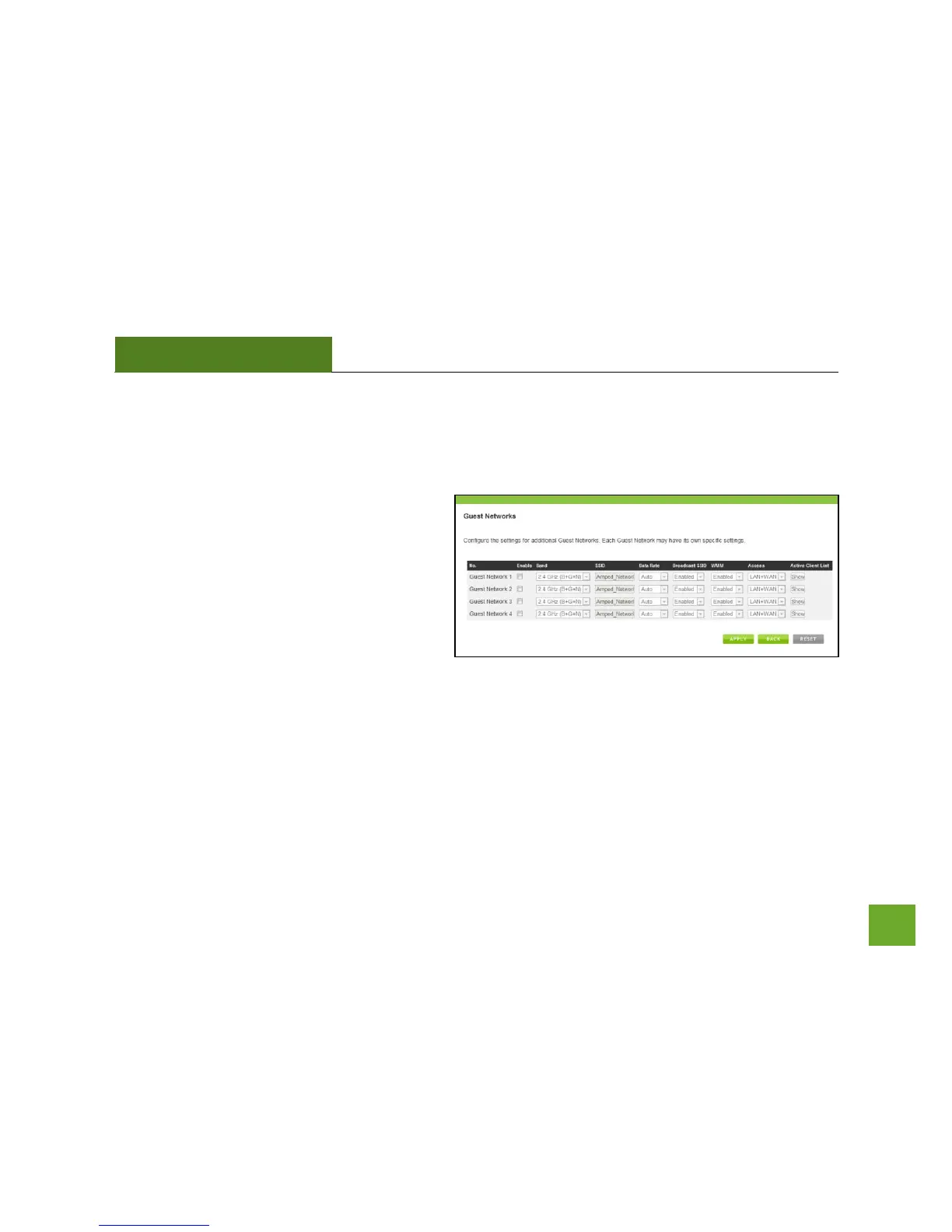
2.4GHz Wi-Fi Settings: Basic Settings: Guest Networks (2.4GHz)
Guest Networks: You may add additional names (SSID) to your Wireless Network with different characteristics
for each SSID.
Each additional Network or SSID can have its own
security, band and data rate settings. You may
restrict users to specific SSIDs or provide access
only to some users with lower bandwidth by
changing the band (i.e. only allow 802.11b access
to specific users).
Guest Networks may also be set with restrictions
so that guests can only access the Internet and not the local network.
Associated Clients: View all computers and network devices that are connected to your network wirelessly.


 To Next Page