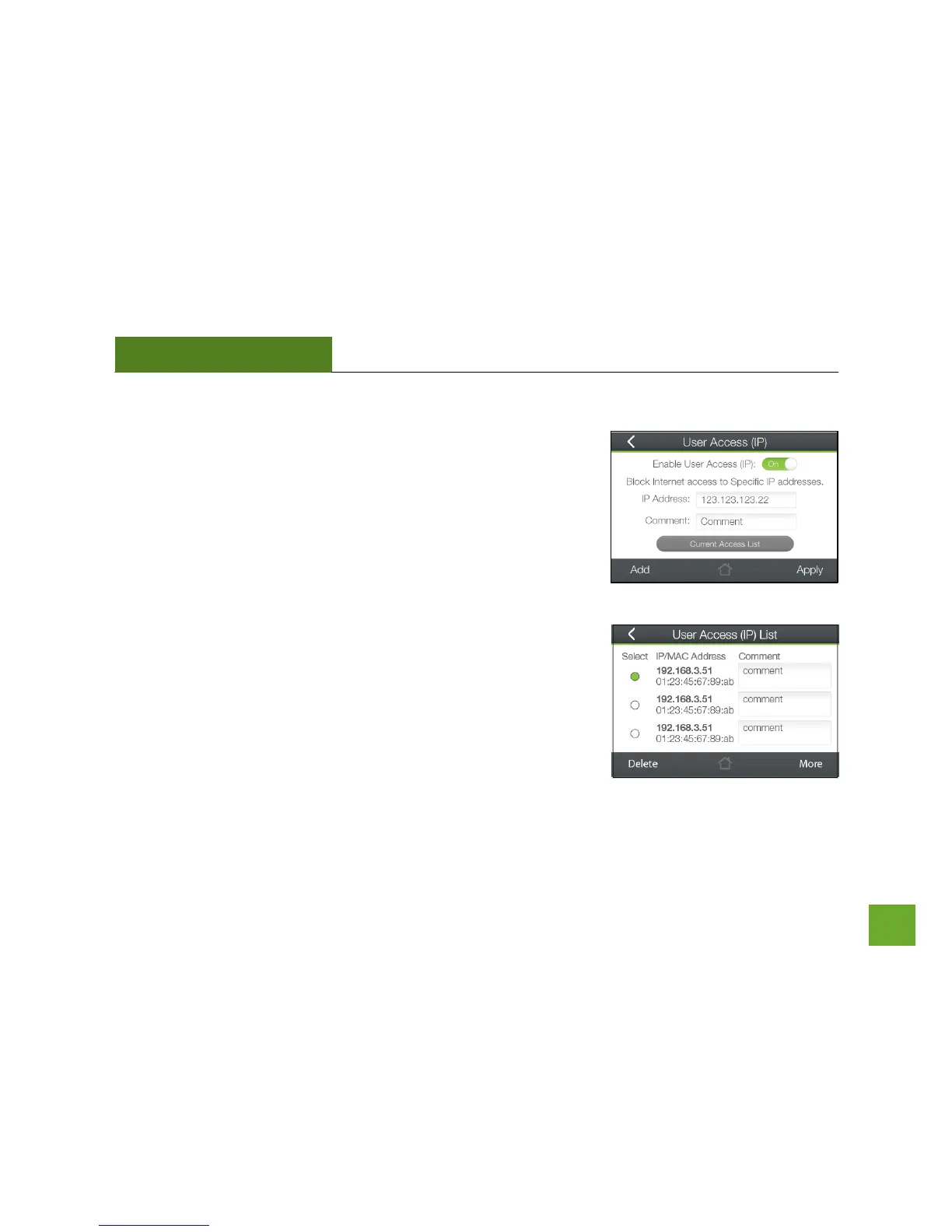
Security Features: User Access (IP)
User Access (IP) allows you to deny access or allow access to specific
users that are connecting wirelessly to the Router’s network using their
IP address. Toggle the switch to On to enable Users Access (IP).
Input an IP Address into the field and the network device with that
specific IP address will no longer be able to access the Internet or the
Router. You may add multiple IP address that you wish to block access
to.
Tap Select from Connected Devices to conveniently alter the access of
devices that are already connected to the Router’s network.


 To Next Page