Setup Summary
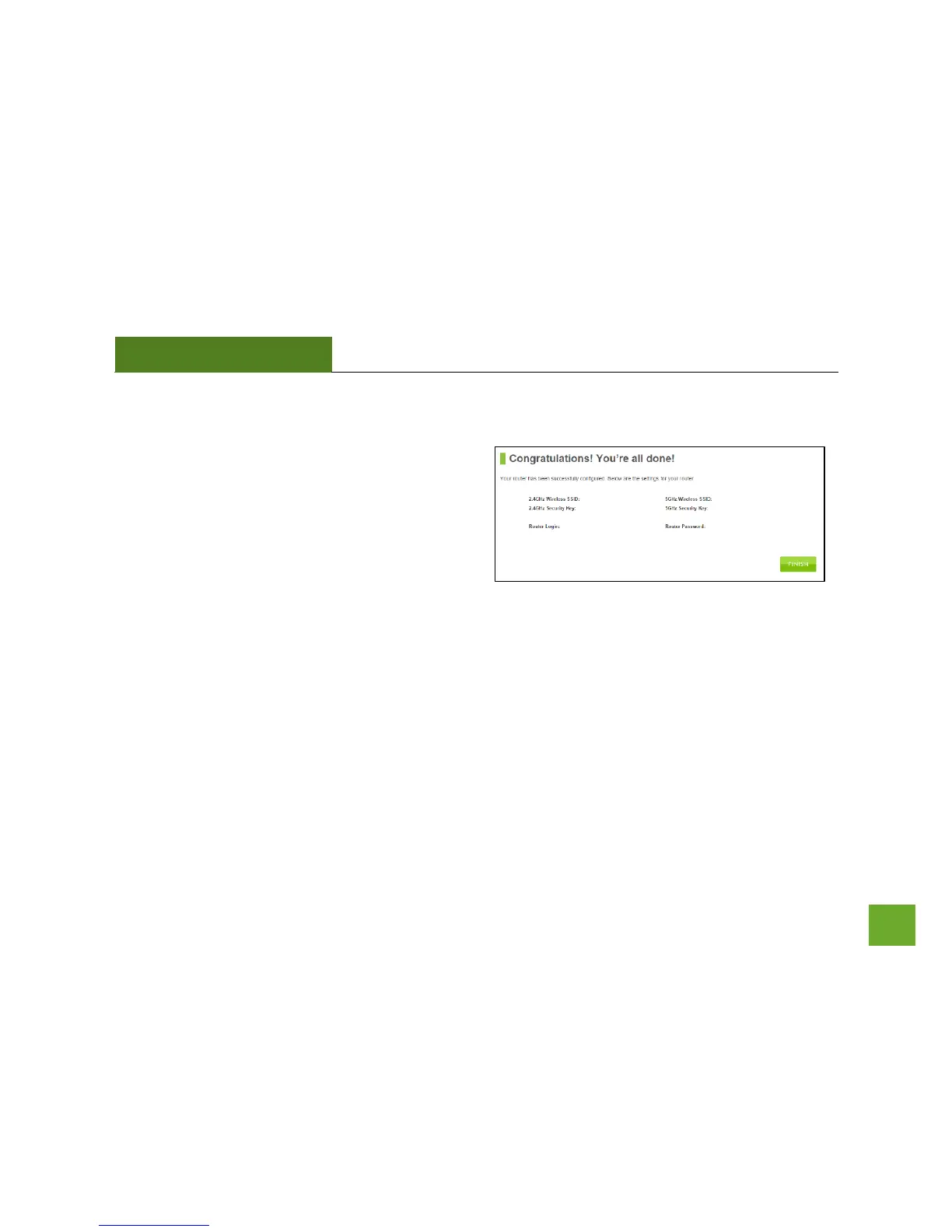
Once the Router has rebooted, it will load the Setup
Summary page and provide you with the details of your
setup. It is recommended that you print this page for
your records.
Open a new web browser window and check that you
have access to the Internet.
At this time, you may disconnect from the Router and start a wireless connection.
If you have any wired devices that you would like to attach to the Router you may do so now as well.
Enjoy your new Amped Wireless network!


 To Next Page