WEB MENU DASHBOARD
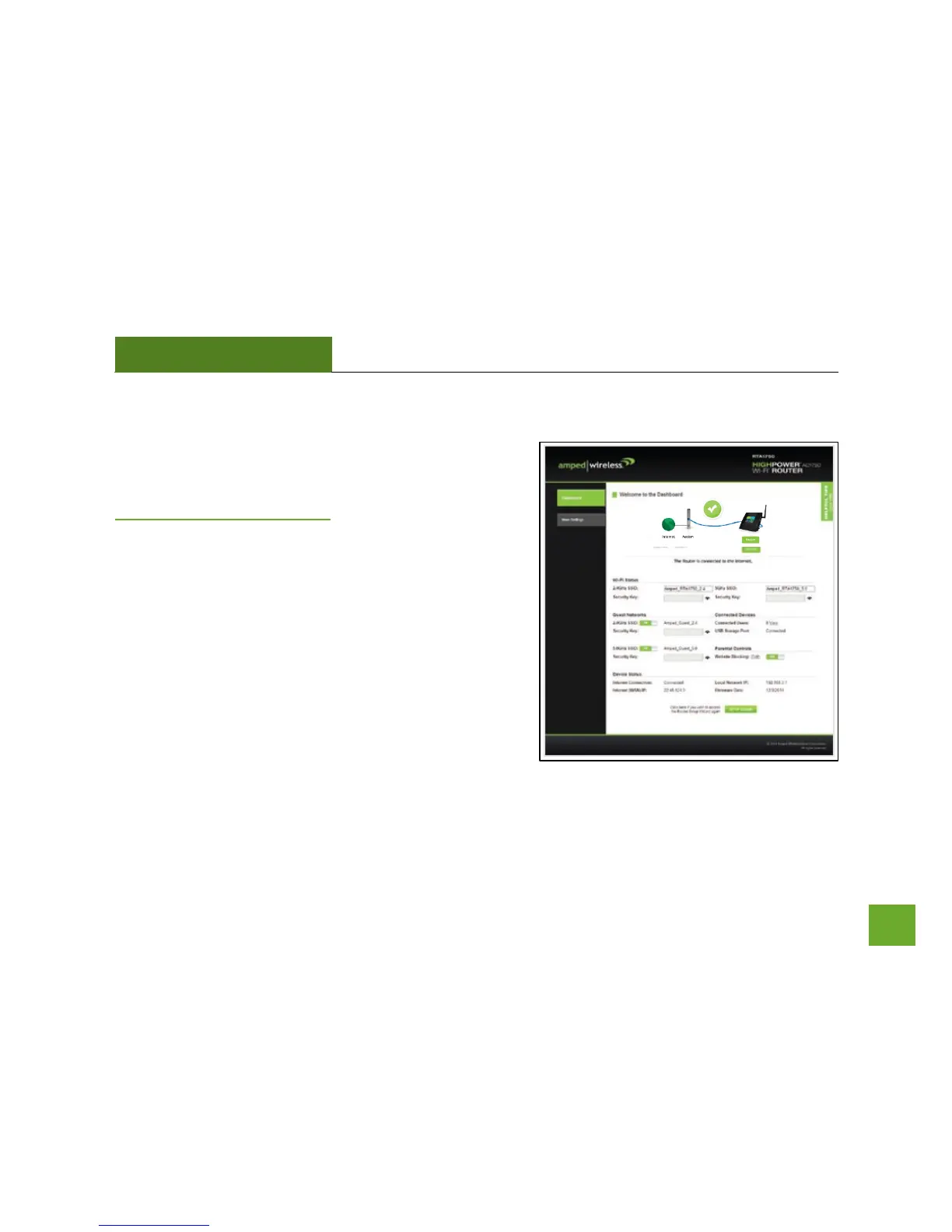
Welcome to the Dashboard
Once you have completed the Router Setup Wizard, going to
http://setup.ampedwireless.com will now bring you to the
Router’s Dashboard.
The Dashboard provides you with information regarding your
internet connection and basic router settings. From here you
can enable or disable guest networks, have a quick glance at
what devices are connected to your Router and enable or
disable website blocking features. For more advanced settings
click on More Settings to navigate through the configuration
menu.


 To Next Page