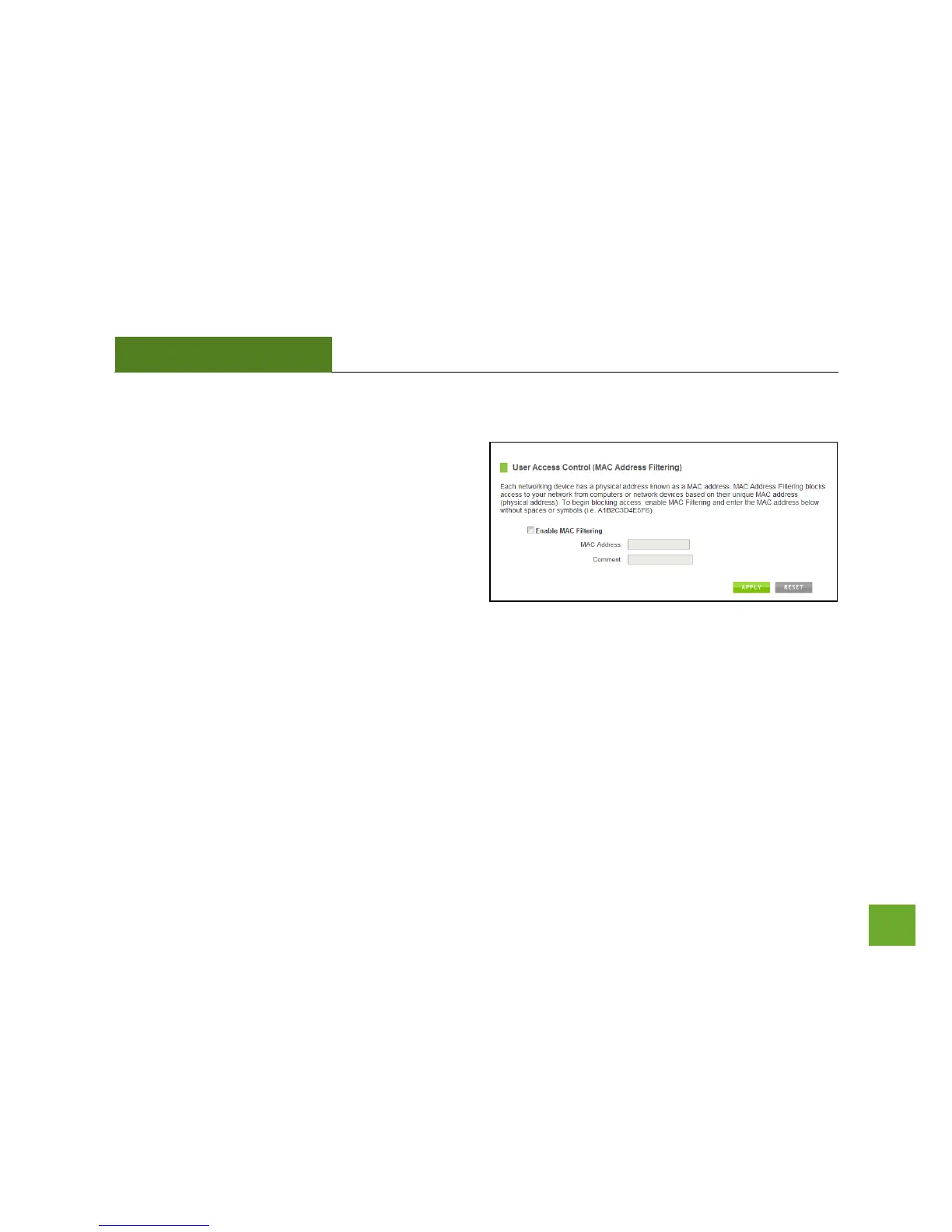
Smart Features: User Access (MAC Address Filtering)
User Access allows you to deny access or allow access
to specific users connecting to the network. Each
networking device has a unique address called a MAC
address (a 12 digit hex number).
By inputting the MAC address into the field, you can
define whether that device is allowed into your
network or not allowed.
A MAC Address may sometimes be referred to as a Physical Address. Most networking devices have their MAC
Address located on a label on the actual device.
For Windows computers with internal networking adapters, the MAC Address can be found by viewing the
Network Connection Details of the network adapter. The MAC Address will be listed as the Physical Address.
Be sure to enter the MAC Address without any symbols. For example, a MAC Address of 78-DD-78-AA-78-BB
would be entered as 78DD78AA78BB.


 To Next Page