SECURITY FEATURES (TOUCH)
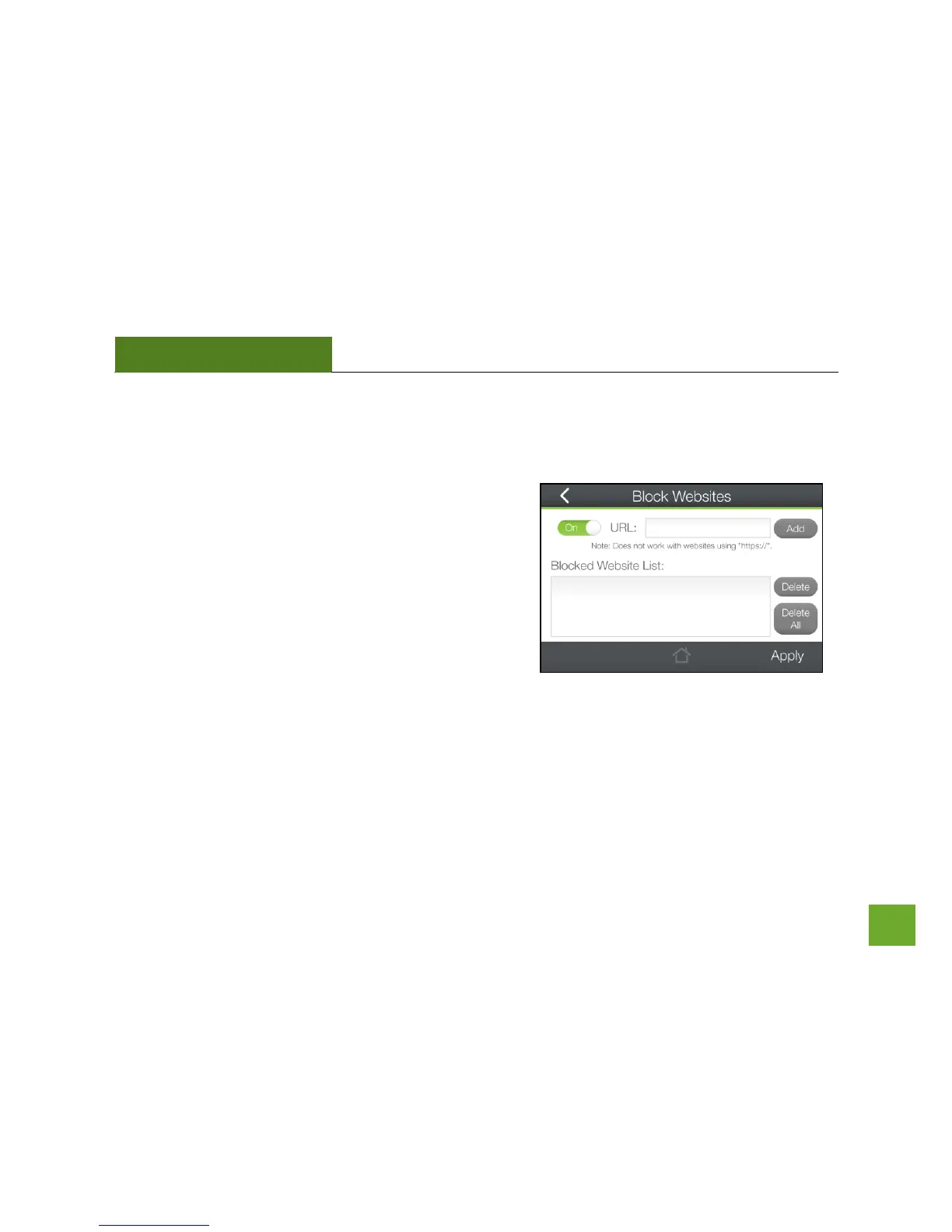
Security Features: Block Websites
To block a website, you must first enable website blocking by
toggling the switch to On. After it has been enabled, you can
add websites into the URL field that you wish to block.
Note: If you wish to block www.website.com, simply type in
"website" and the Router will block all websites with the text
"website" in the URL.


 To Next Page