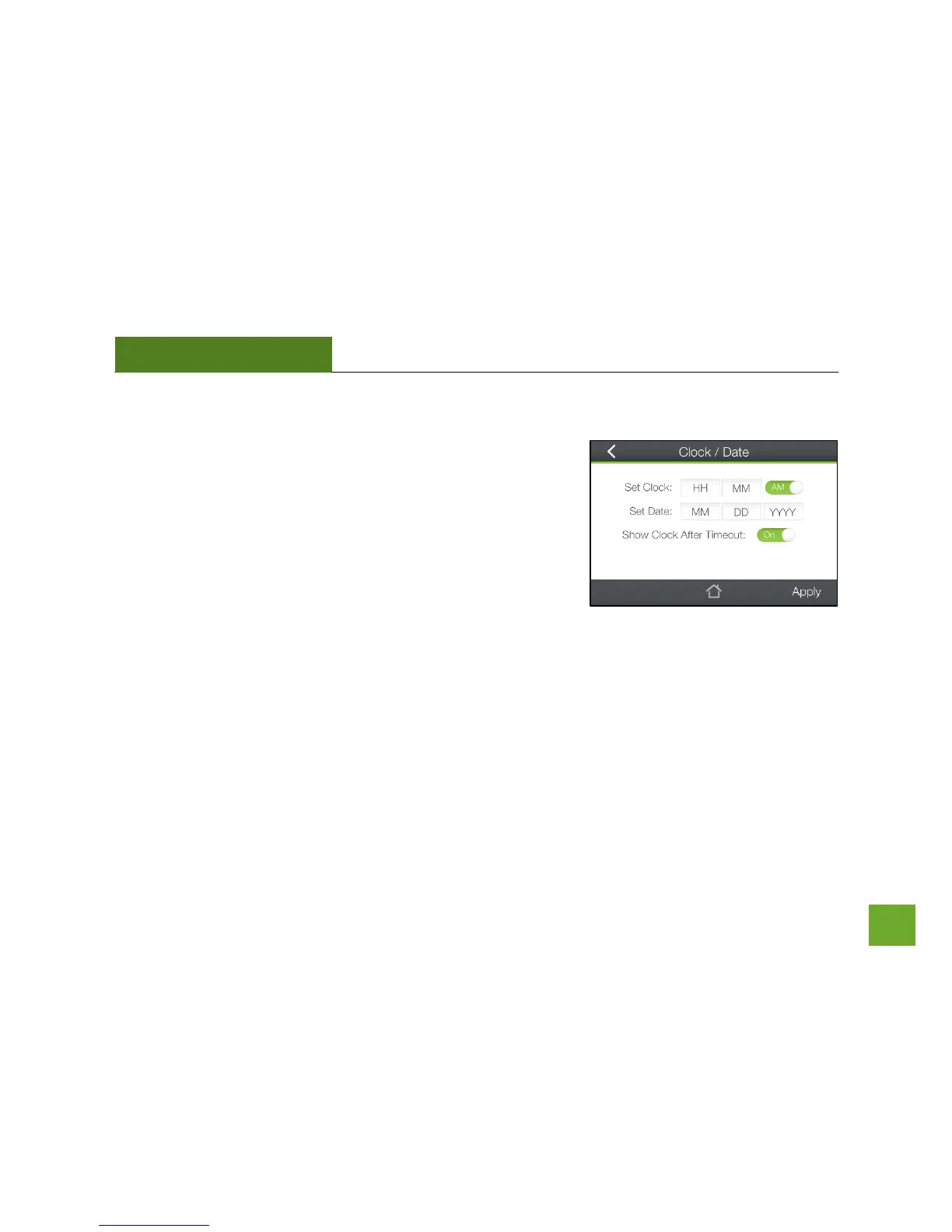
Management (Touch): Clock / Date
Maintain the internal clock for the Router by syncing with the time
with the Internet.
Your clock and date settings need to be accurate in order for Logs and
Wi-Fi Access Schedules to work correctly.
If you wish for the Clock to show on your screen when the Router is
timed-out, toggle this to On.
Be sure to Apply settings to save them.


 To Next Page