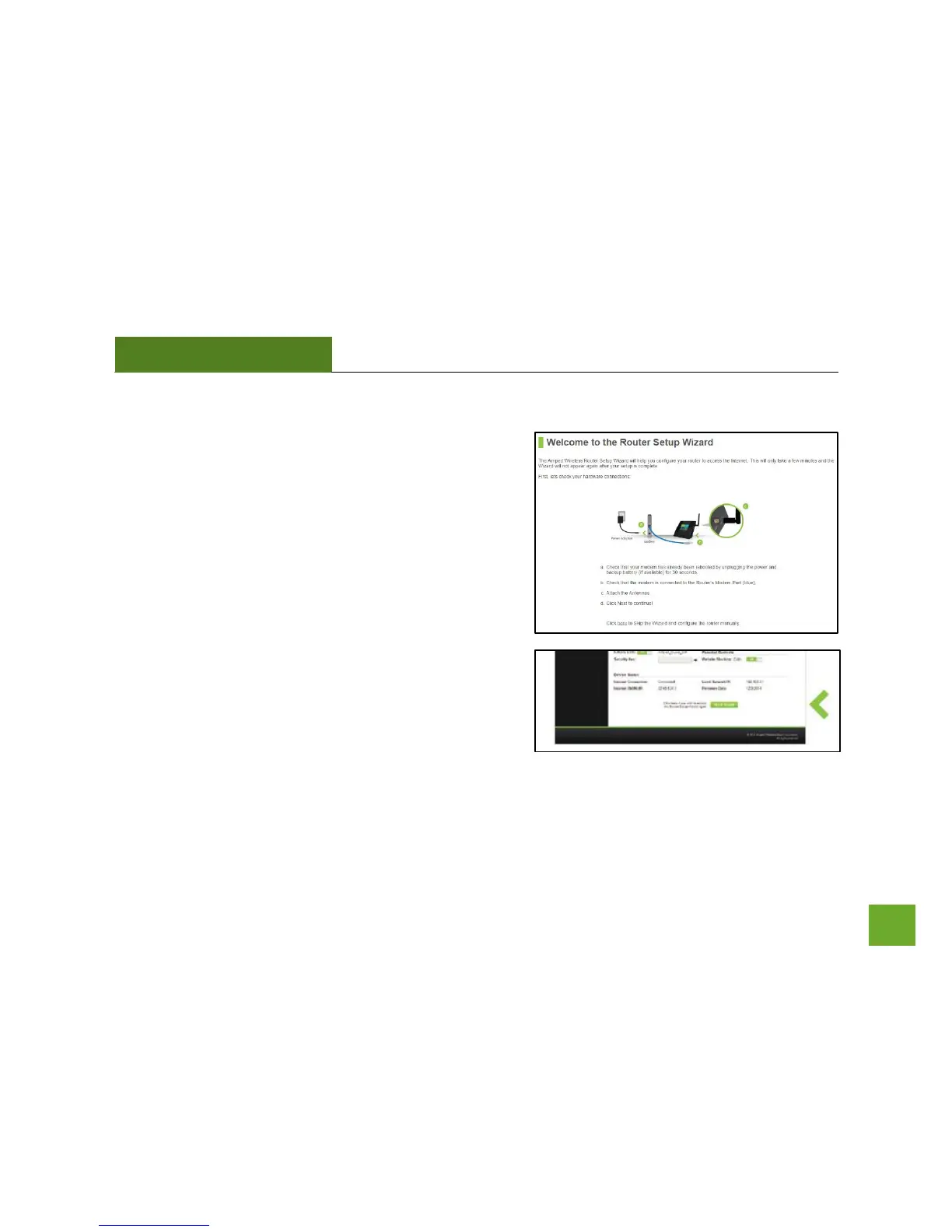
Welcome to the Setup Wizard
If this is your first time setting up the Router, the Setup
Wizard should automatically load.
If you wish to manually configure your router you can also
choose to skip the Setup Wizard.
Double check that the modem is connected to the Router’s
Modem port.
Check that the antenna is attached firmly to the antenna
connector.
Click Next to continue.
If the Dashboard loads (see right image) instead of the Setup
Wizard, scroll to the bottom and click the Setup Wizard
button to access the Wizard.


 To Next Page