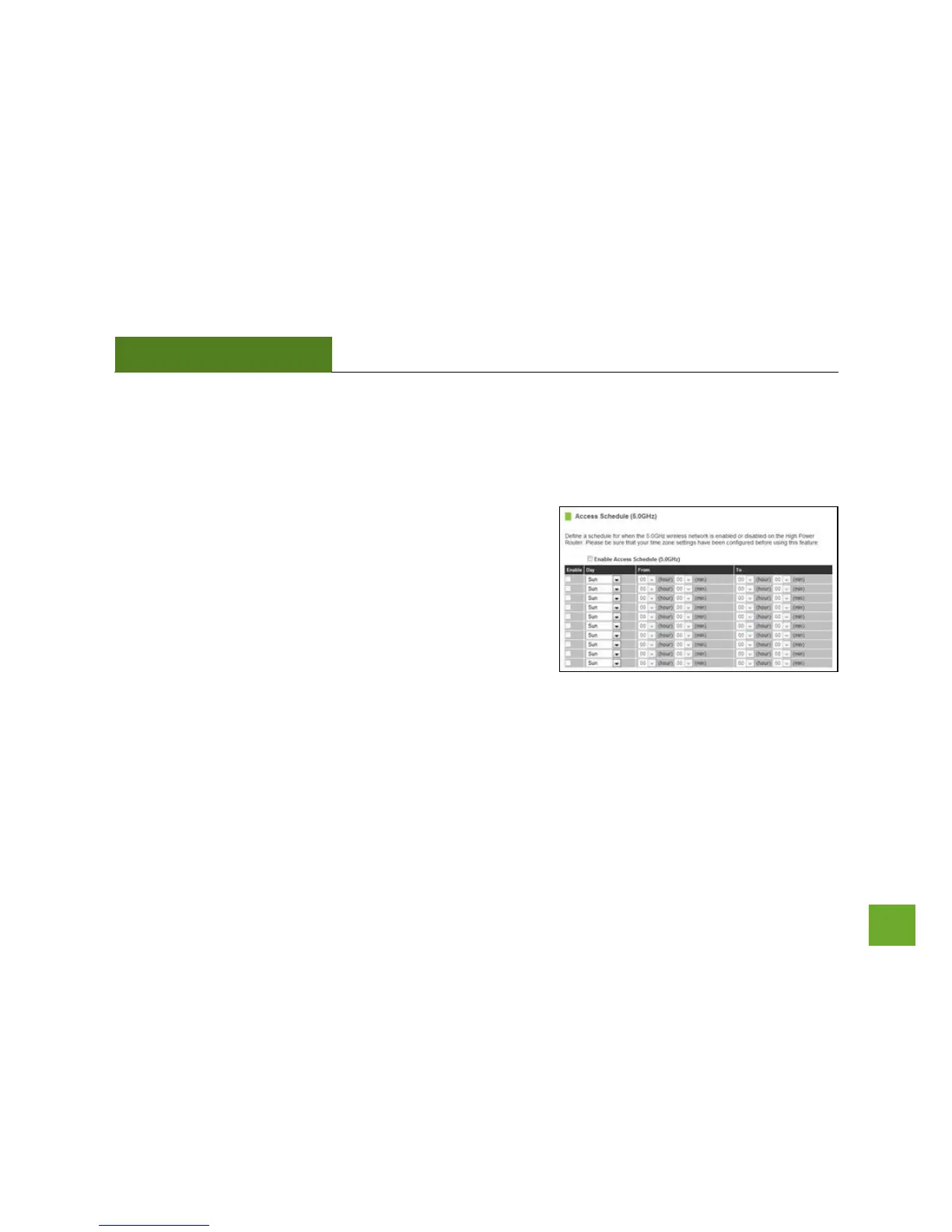
5GHz Wi-Fi Settings: Access Schedule (5.0GHz)
Access Schedules will enable or disable your 5GHz wireless access at a set time based on your predefined
schedule. This feature is often used for restricting access to all users (such as children, employees, guests)
during specific times of the day for parental control or security reasons.
a) Enable Access Schedule
b) Select which days you wish for your 5.0GHz Wi-Fi to be
available
c) Select the time frame during that day that you wish for
your 5.0GHz Wi-Fi to be available
d) Apply Changes
Note: Make sure you have already configured your Time Zone Settings in order for your schedule to work
correctly. Time Zone Settings can be adjusted from the web menu under Management > Time Zone Settings.


 To Next Page