Axpert-Eazy AC Variable Frequency Drive
3.3
3
N o r m
0 . 0 0 H z 0 . 0 A m p
5 0 . 0 0 H z * 0 0 % L
F w d , L c l , D r i v e S t o p
Motor Direction Start Select Drive Status
F w d
R e v T m l
L c l
S r l
* * F a u l t * *
N o r m a l R u n
S t a r t D e l a y
J o g g i n g
A u t o R e s t a r t
C u r r e n t L m t
V o l t a g e L m t
D e c e l e r a t i o n
User Selectable four parameters
Norm 1
Norm 2
Norm 3
Norm 4
E m r g n y S t o pc
A c c e l e r a t i o n
A u t o T u n i n g
S p e e d S e a r c h
P L C T A c t i v e
D C B r a k i n g
D r i v e S t o p
S l e e p M o d e
M a i n s O n
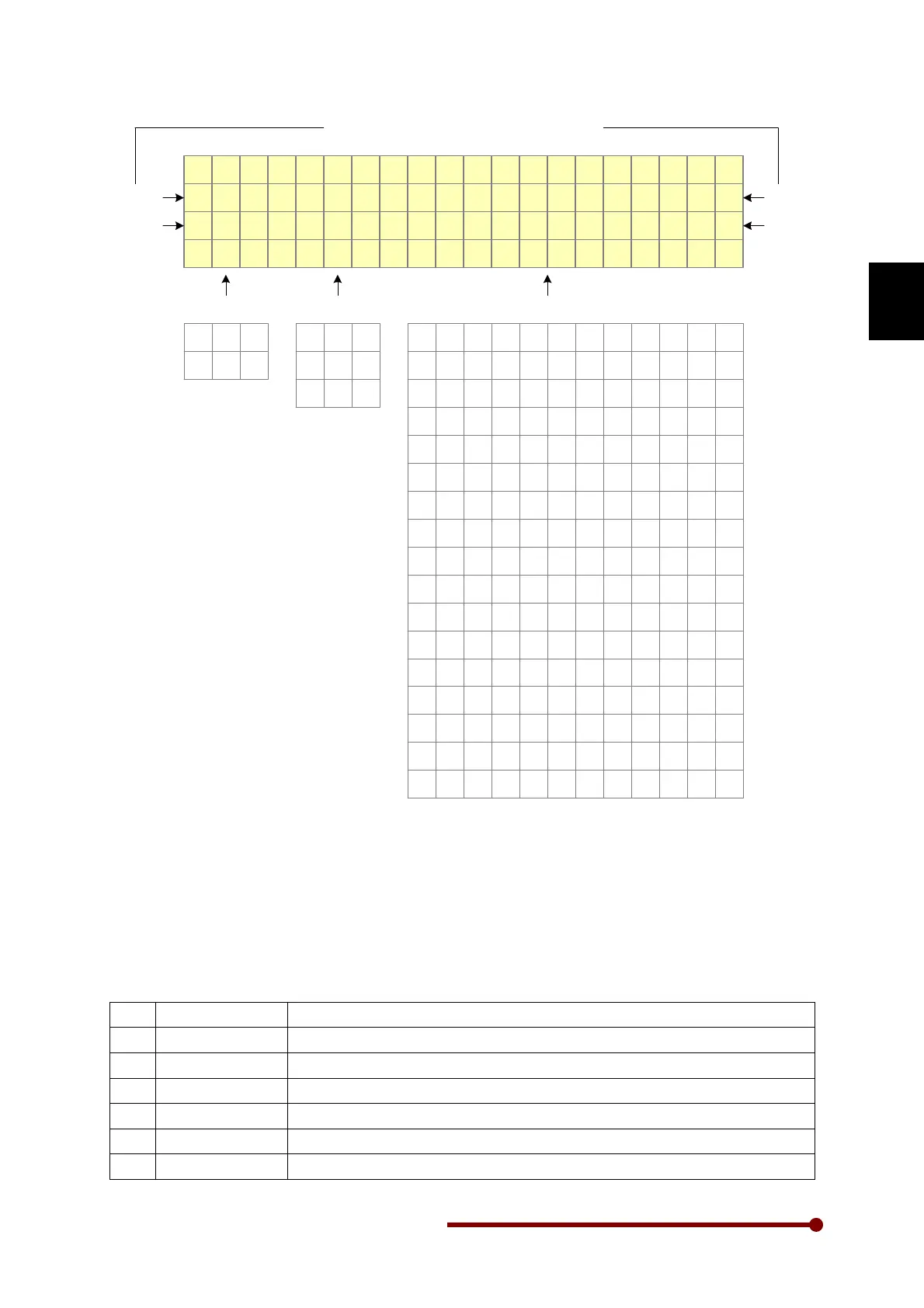
The above figure also indicates the selected direction of rotation, start selection and drive status. The
four user selectable parameters can be configured using A601 ~ A604.
3-1 Drive Status
The fourth line of the Digital Operation Panel (LCD Keypad Module) is used to display different status
of the unit as shown above. More than one status can exist at one time. In this case, the status having
higher priority will be displayed. The priority is as shown in the figure. Fault has the highest priority
and mains on have least priority.
1
Fault
It indicates that some fault has occurred in the unit.
2
Emergency Stop
It shows that the unit is stopped due to emergency stop command.
3
Start Delay
It shows that the start is delayed by the programmed start delay.
4
Jogging
It shows that the jog select input is active and present operation is jogging.
5
Auto Restart
It shows that auto restart function is in operation.
6
Current Limit
It shows that the current limit function is active.




 To Next Page