Amtech
3.4
3
7
Voltage Limit
It shows that the dc bus voltage control function is active.
8
Speed Search
It shows that the speed search operation is in progress.
9
PLCT Active
It shows that the Power-Loss-Carry-Through function is in progress.
10
Sleep Mode
It shows that the AC Drive is in sleep mode.
11
KEB ON
It shows that the KEB function is active.
12
Normal Run
It shows that ramp up / down action is over and unit is running in normal
condition.
13
Acceleration
It shows that the unit is accelerating to the set speed.
14
Deceleration
It shows that the unit is decelerating.
15
Auto Tuning
It shows that the auto tuning function is activated and the process is on.
16
DC Braking
It shows that the dc braking is active.
17
Drive Stop
It shows that the AC Drive is in stop condition.
18
Torque Mode
It shows that the AC Drive is in Torque mode.
19
Mains On
It shows that the mains power supply is ON.
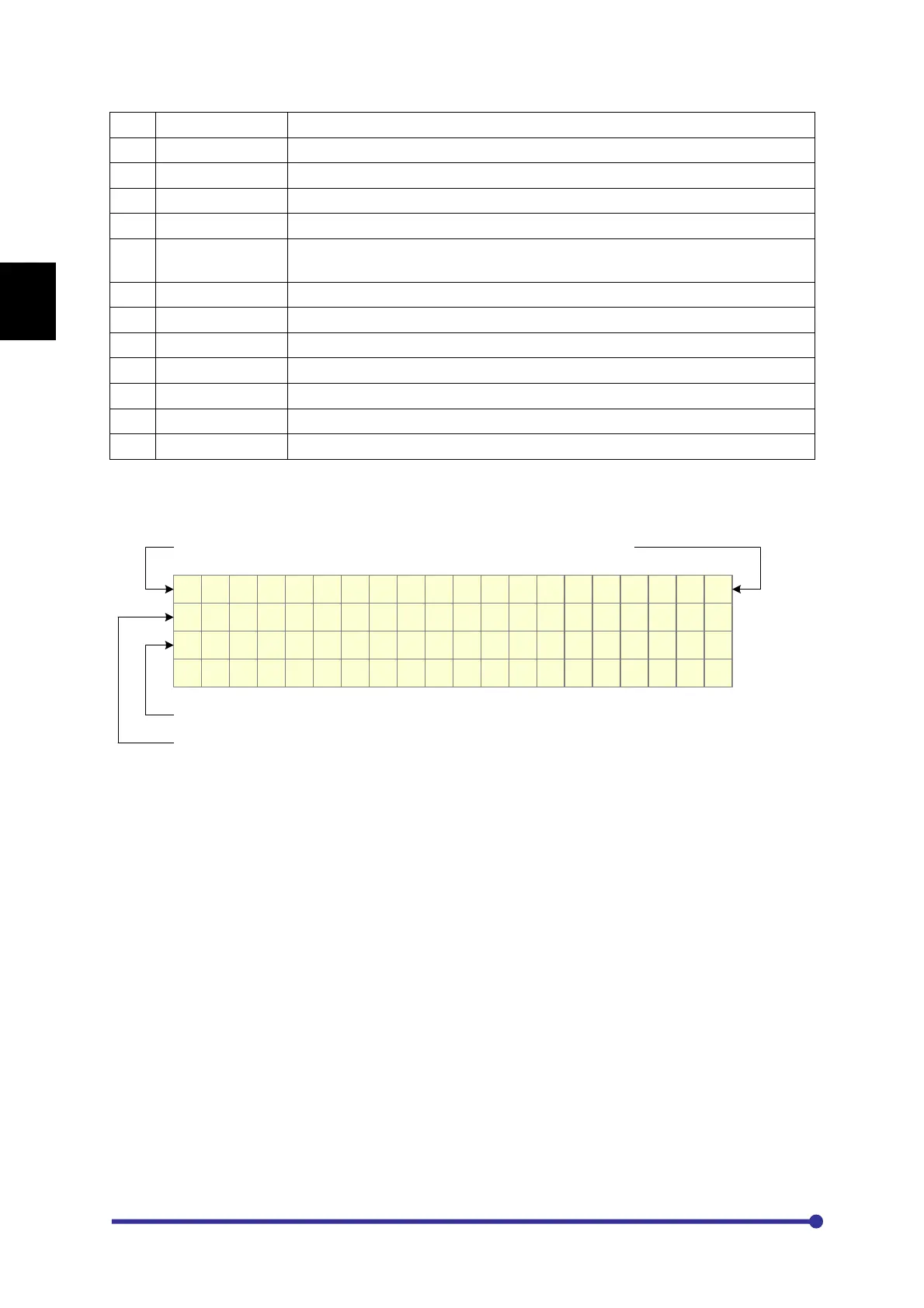
When first time MODE key is pressed, lastly accessed parameter of lastly accessed group of Mode-M
will appear with its data. Below figure shows the parameter M101 of Group-1 of Mode-M.
M o d e - M G r o u p - 1
M 1 0 1 O u t p u t F r e q
0 . 0 0 H z
F w d , L c l , D r i v e S t o p
Mode-M Group-1
Parameter Number and Name
Parameter Data
The first line indicates the present mode and group. The second line indicates the parameter number
with its name and the third line shows its value. The fourth line shows the present status and remains
all the time except fault condition, contact information and fault history.
3-2 Modes & parameters
The parameters are grouped into Modes and Groups according to their functions.
The configuration of the parameters is as under.




 To Next Page