Axpert-Eazy AC Variable Frequency Drive
3.5
3
MODE
NORM
MODE-M
MODE-A
MODE-B
MODE-C
MODE-D
GROUP-1
GROUP-2
M101 Output Freq
M102 Motor Speed
M103 Output Current
GROUP-3
GROUP PARAMETER
Meter Mode
3-3 Parameter display & setting
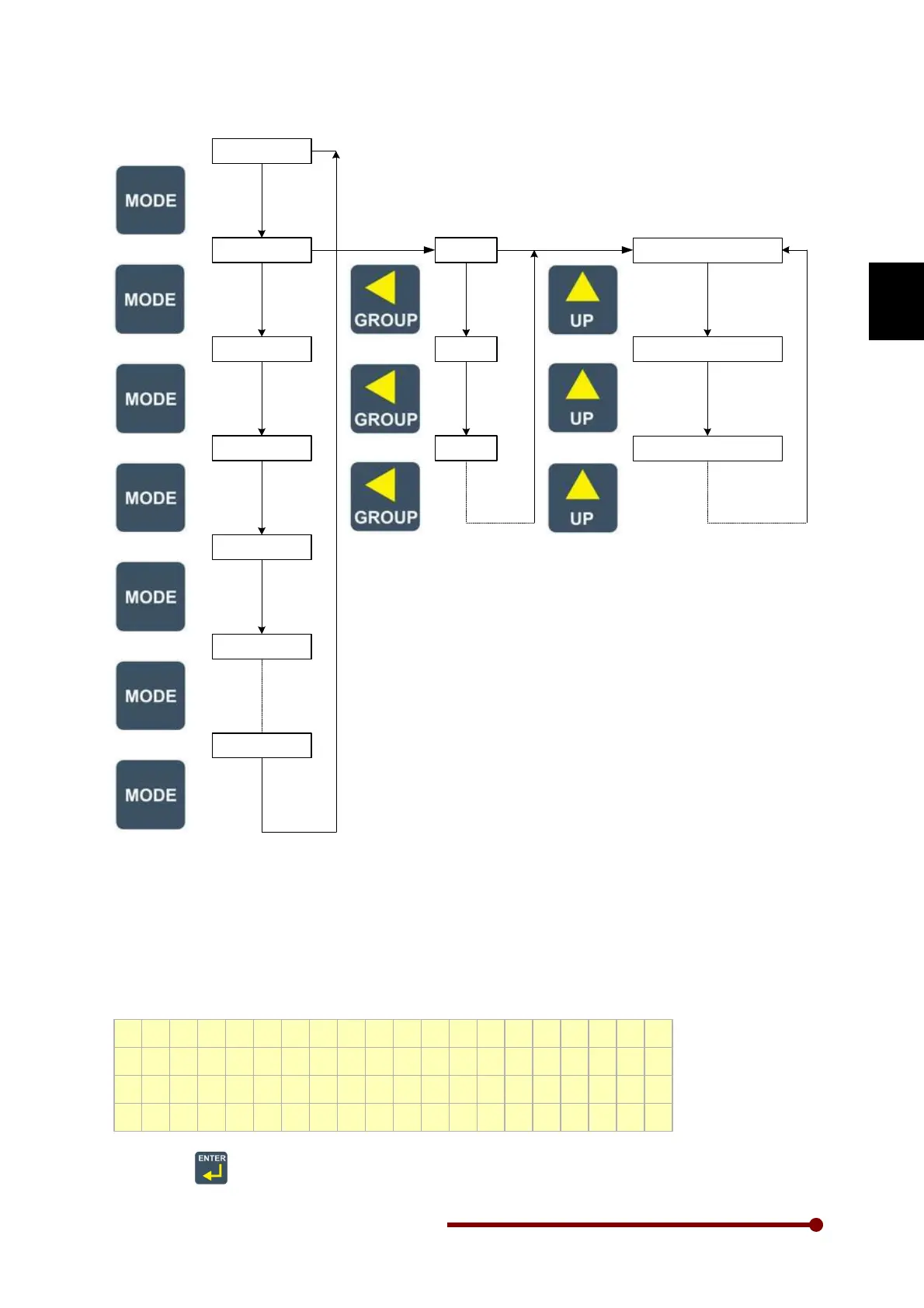
As shown in the above fig, MODE, GROUP, UP & DOWN keys are used to see the parameter value
setting. The parameter value (except MODE-M) can be changed using ENTER, GROUP, UP &
DOWN keys.
For example, the default local set frequency in A101 is 10.00 Hz. To change the local set frequency to
20.00 Hz, first go to the below screen using the MODE, GROUP, UP and DOWN key.
M o d e - A G r o u p - 1
A 1 0 1 L o c a l S e t F r e q
1 0 . 0 0 H z
F w d , L c l , D r i v e S t o p
Now, press
key. The least significant digit will start blinking as shown in the below fig.




 To Next Page