Amtech
3.6
3
M o d e - A G r o u p - 1
A 1 0 1 L o c a l S e t F r e q
1 0 . 0 0 H z
F w d , L c l , D r i v e S t o p
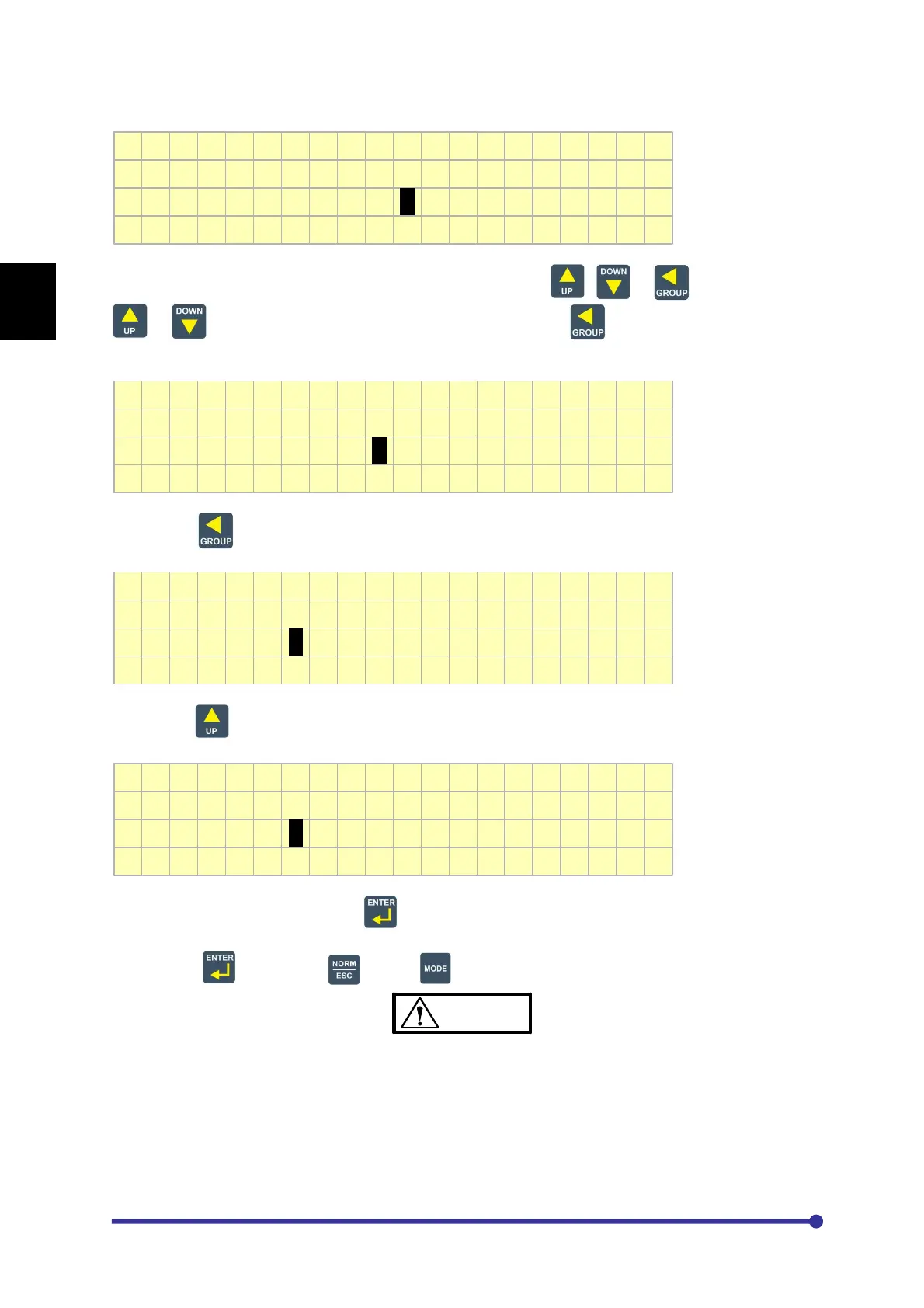
The parameter value now can be set to the desired value using , or keys. When
or is pressed, the value will increment or decrement. If is pressed, the cursor
position will move to the left side as shown in the below fig.
M o d e - A G r o u p - 1
A 1 0 1 L o c a l S e t F r e q
1 0 . 0 0 H z
F w d , L c l , D r i v e S t o p
By pressing key two times again will move the cursor to the most significant digit.
M o d e - A G r o u p - 1
A 1 0 1 L o c a l S e t F r e q
1 0 . 0 0 H z
F w d , L c l , D r i v e S t o p
Now, press key once. The value will be incremented by one.
M o d e - A G r o u p - 1
A 1 0 1 L o c a l S e t F r e q
2 0 . 0 0 H z
F w d , L c l , D r i v e S t o p
Once the desired value is set, press key to save the value. The cursor will stop blinking and the
parameter value will be saved to the non-volatile memory. If you do not want to save the new value,
do not press key. Press key or key.
CAUTION
Do not remove or insert the display cable between PCA-2014A (Main Control Card) and PCA-
2012 (Display Card) in power-energized condition.
Failure to observe this could lead to component failure and tripping of the unit.




 To Next Page