www.amulethotkey.com | 22
Amulet Hotkey K4u
+
Manual
6. 7 Log files
Details about the firmware updates are written to local and,
optionally, remote log files. Log files are named <computer
name>.log, where <computer name> is the source computer for
the firmware update.
6.7.1 Local log files
A log file is saved on the source computer in the current user’s
\Temp folder. Specifically, the log file is saved to the folder
identified by the $TEMP environment variable.
■ Windows 7 computers: By default, $TEMP identifies the
following folder within the current user’s profile:
%USERPROFILE%\AppData\Local\Temp
For example, if user frankschaeffer is logged on to the
source computer when the firmware updates, the log file is
written to:
C:\Users\frankschaeffer\AppData\Local\Temp
■ Windows XP computers: By default, $TEMP identifies the
following folder within the current user’s profile:
%USERPROFILE%\Local Settings\Temp
For example, if the user timsmith is logged on to the
source computer when the firmware updates, the log file is
written to:
C:\Documents and Settings\timsmith\Local Settings\Temp
6.7.2 Remote log files
You can optionally configure Mouse Point to write details to an
additional remote log file. To do this, you must edit the registry
on the source computer.
1 Locate the following registry key on the source computer:
HKLM\Software\Amulet Hotkey
\USB updating config
2 In this registry key, edit the following registry value:
remoteLogFilePath
Set this value to the UNC path of the target folder where you
want to save remote log files. For example:
\\UNX-NY-01\AmuletHotkey\switches\logs
By default, this registry value is blank and no remote log file
is created.
Note:
The user logged on to the source computer when
the update runs must have Write permission to the target
folder.
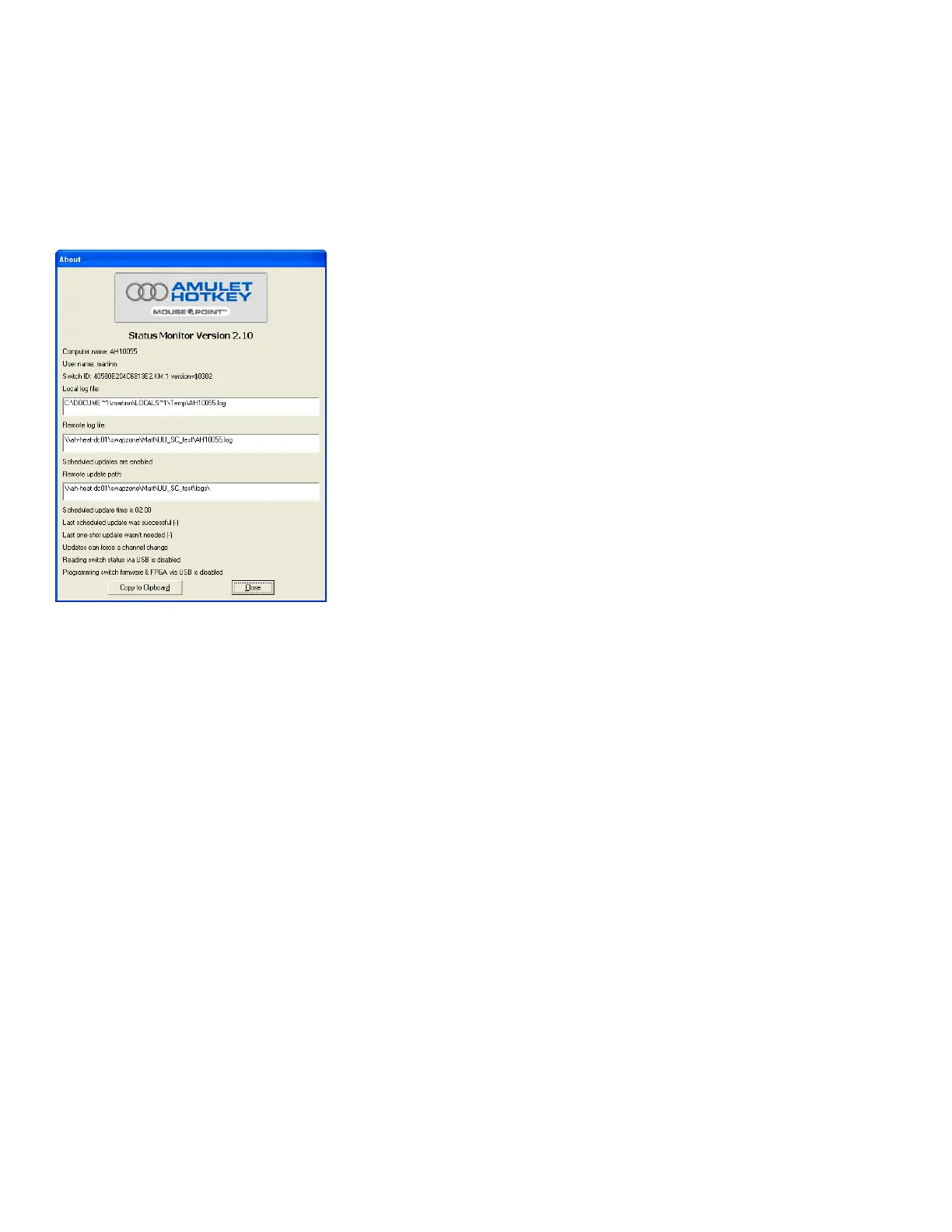
6.6.2 About dialog
The About dialog contains status details for Mouse Point,
including details about log file locations and recent and
scheduled firmware updates.
To display the About dialog, right-click the Mouse Point button
and choose About.
About dialog


 To Next Page