8
Function Code List
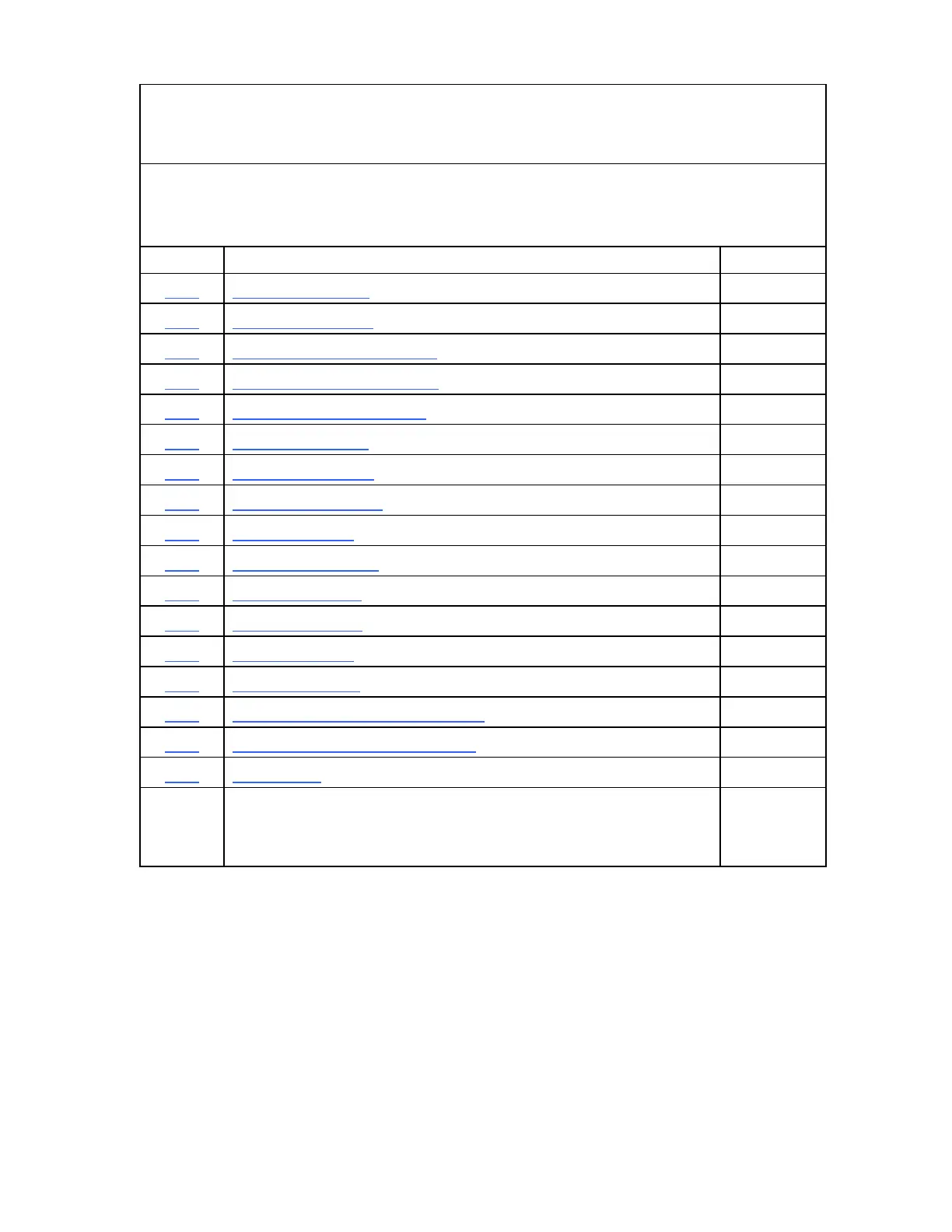
You can access most DRO features using function codes. Function codes are codes
entered by pressing the Function key (F) and then pressing the two-digit code for the
feature. The following table lists the function codes available with your DRO.
Code Description Page
F 01 Absolute Zero Set 22
F 02 EverTrack
TM
Mode 23
F 03 Setting a Correction Factor 27
F 04 Correction Factor OFF/ ON 28
F 05 Radius/Diameter per Axis 29
F 06 Approaching Zero 31
F 10 Last Position Save 32
F 11 Last Position Recall 32
F 16 Axis Reset Only 33
F 20 Parameter Settings 34
F 21 Beeper OFF/ ON 41
F 22 Display Dim OFF 42
F 23 Display Dim ON 42
F 24 Axis Designation 43
F 40 Linear Encoder Error Detect OFF 44
F 41 Linear Encoder Error Detect ON 44
F 45 Diagnostics 45



 To Next Page