29
Radius/Diameter per Axis – F 05
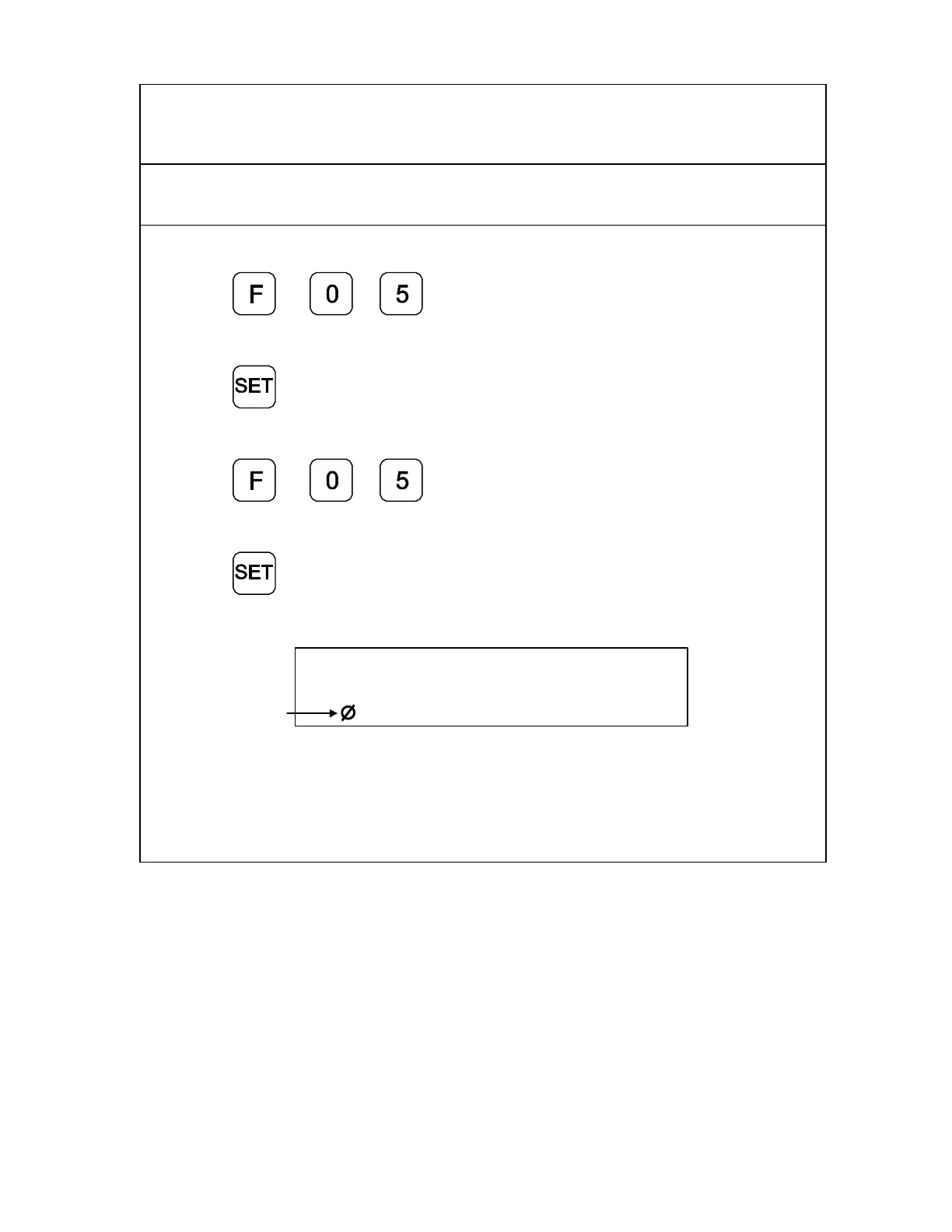
F 05 allows you to display a specified axis in Diameter Mode. The DRO doubles axis
movement and resolution In Diameter Mode.
Example 1: Set an axis as a diameter.
1. Press
to select the feature.
2. Press the desired axis key to select the axis.
3. Press
to activate the feature.
Example 2: Set two or more axes as diameters.
1. Press
to select the feature.
2. Press the desired axis keys to select the axes.
3. Press
to activate the feature.
The DRO displays the radius-diameter mode indicator in the activated axis display.
Radius-Diamete
Mode Indicato
X f 05
To turn Diameter Mode OFF, press F 05 again and press the axis key. The DRO turns
OFF the radius-diameter mode indicator symbol, indicating the axis has returned to its
normal setting.



 To Next Page