28
Correction Factor OFF/ON – F 04
F 04 allows you to turn the Correction Factor (CF) OFF or ON selectively and store the
values in memory.
To turn the correction factor ON or OFF:
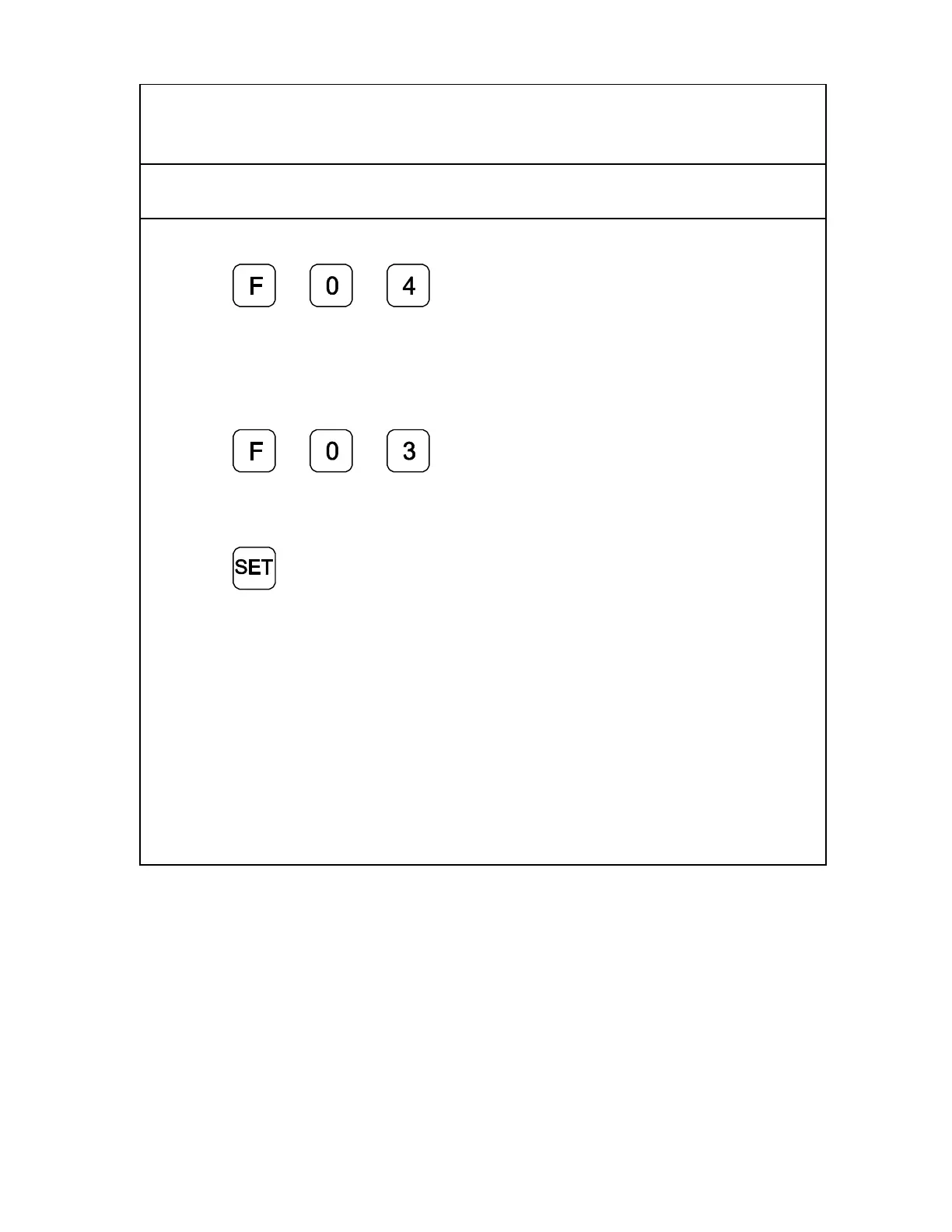
1. Press
to select the feature.
2. Press the desired axis key to select the axis to enable or disable CF.
3. If necessary, turn the correction factor ON or OFF for any axis.
To clear the correction factor from memory:
1. Press
2. Press the desired axis key to select the axis to clear.
3. Press the axis key twice to clear the CF.
4. Press



 To Next Page