27
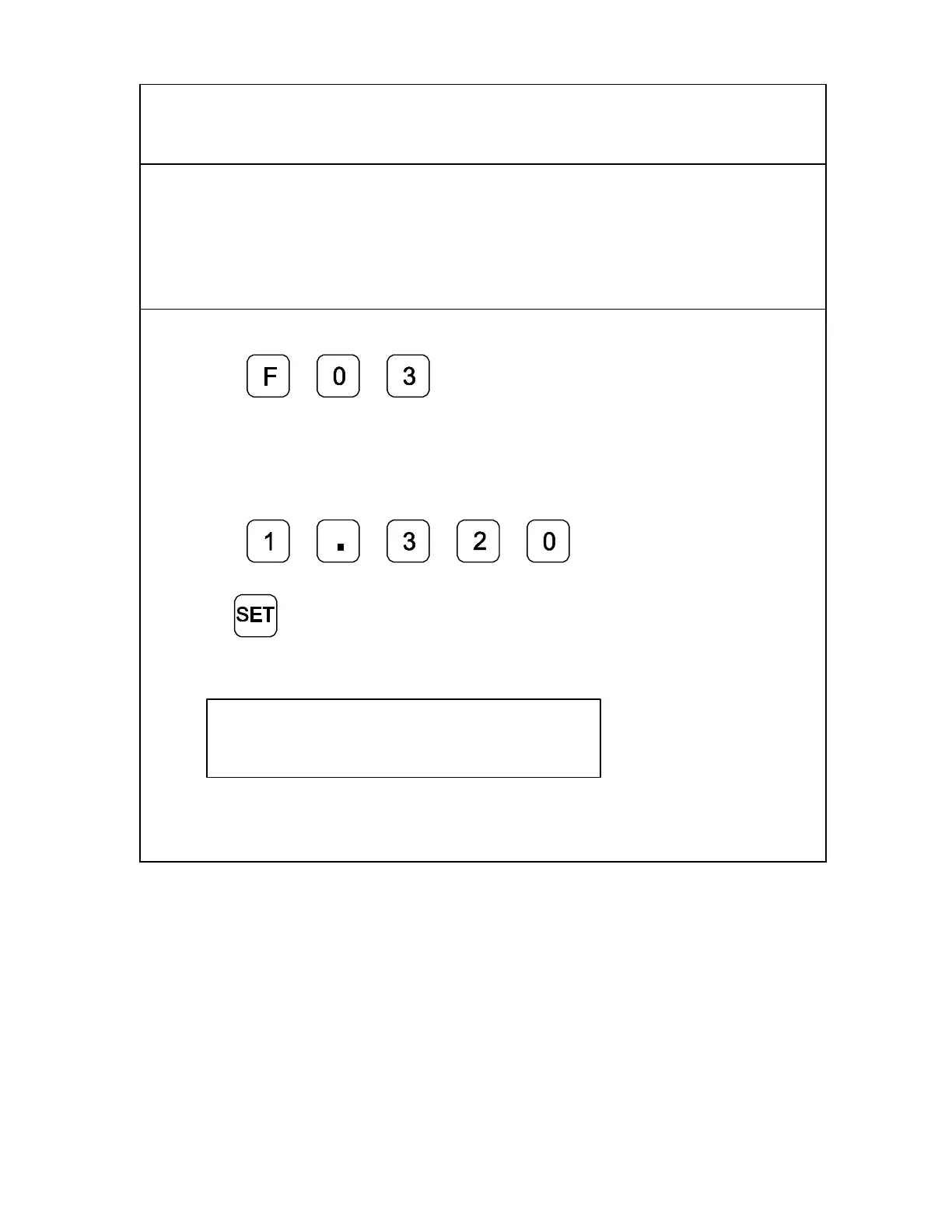
Setting a Correction Factor – F 03
F 03 allows you to compensate for nominal linear inaccuracies due to your machine or
for adding material shrinkage/expansion, as in mold work.
The maximum allowable settings are ± 40%.
Example: Consider a 1.325-inch (33.655 mm) travel on the display that is
only 1.320-inch (33.528 mm) actual distance moved on the axis.
To set a correction factor for the axis:
1. Press
to activate the CF feature.
2. Press the desired axis key to select the axis.
3. Move the machine axis to 1.325 on the display.
4. Press the desired axis key again.
5. Press
to enter the actual
distance.
6. Press
The Correction Factor (CF) indicator in the displayed axis turns ON indicating the
Correction Factor is active.
X i.320
CF



 To Next Page