26
EverTrack
TM
– F 02 (Continued)
All Axes
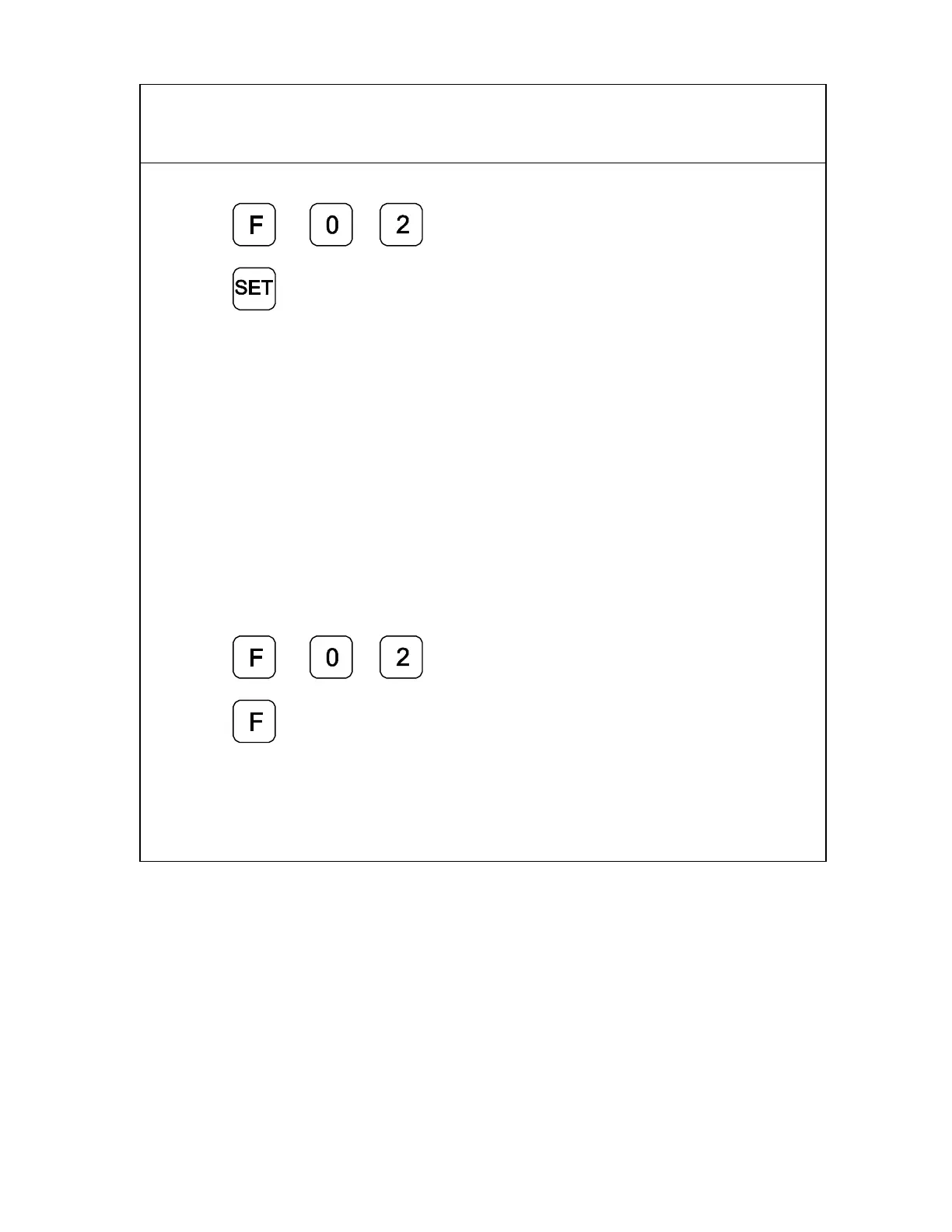
1. Press
to select the feature.
Press
to select all axes.
The axis displays reset to zero and the RIs begin to blink for each axis.
CAUTION: During the following step, do not change the machine axis travel
direction. This will cause an error.
2. Move the machine axis approximately 1 inch (25.4 mm) in one direction until the
display starts counting.
The value displayed on the axis display indicates the exact distance from the absolute
part zero position.
3. Move the machine axis until the display indicates zero.
Zero indicates the exact absolute part zero position.
To exit EverTrack
TM
Mode:
4. Press
5. Press



 To Next Page