31
Approaching Zero – F 06
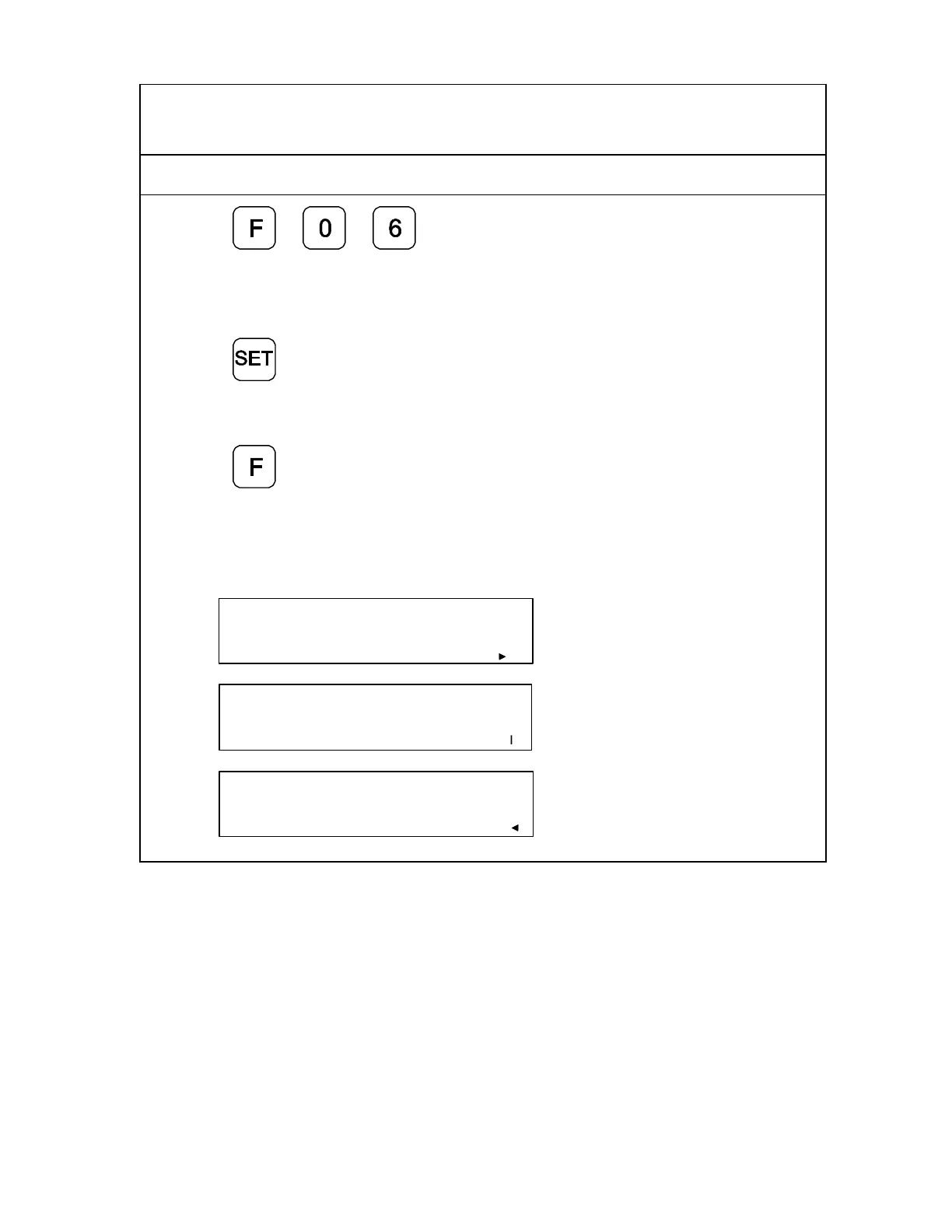
F 06 indicates when an axis is within a set range and approaching zero, or at zero.
1. Press to select the feature.
2. Press the desired axis key to select the axis.
The approaching zero indicator appears on the display.
3. Press
to activate the feature.
OR
4. Press
to exit without changing the
setting.
NOTE: The following symbols in the lower right corner of the display indicate the axis
is approaching zero, on zero, or past zero. The arrows indicate the direction of
travel.
X .50000
Approaching zero.
X .00000
At zero.
X -.50000
Past zero.



 To Next Page