EasyManua.ls Logo

Anilam Wizard 211 - Diagnostics - F 45

Default Icon
56 pages
Print Icon
To Next Page IconTo Next Page
To Previous Page IconTo Previous Page
Loading...
45
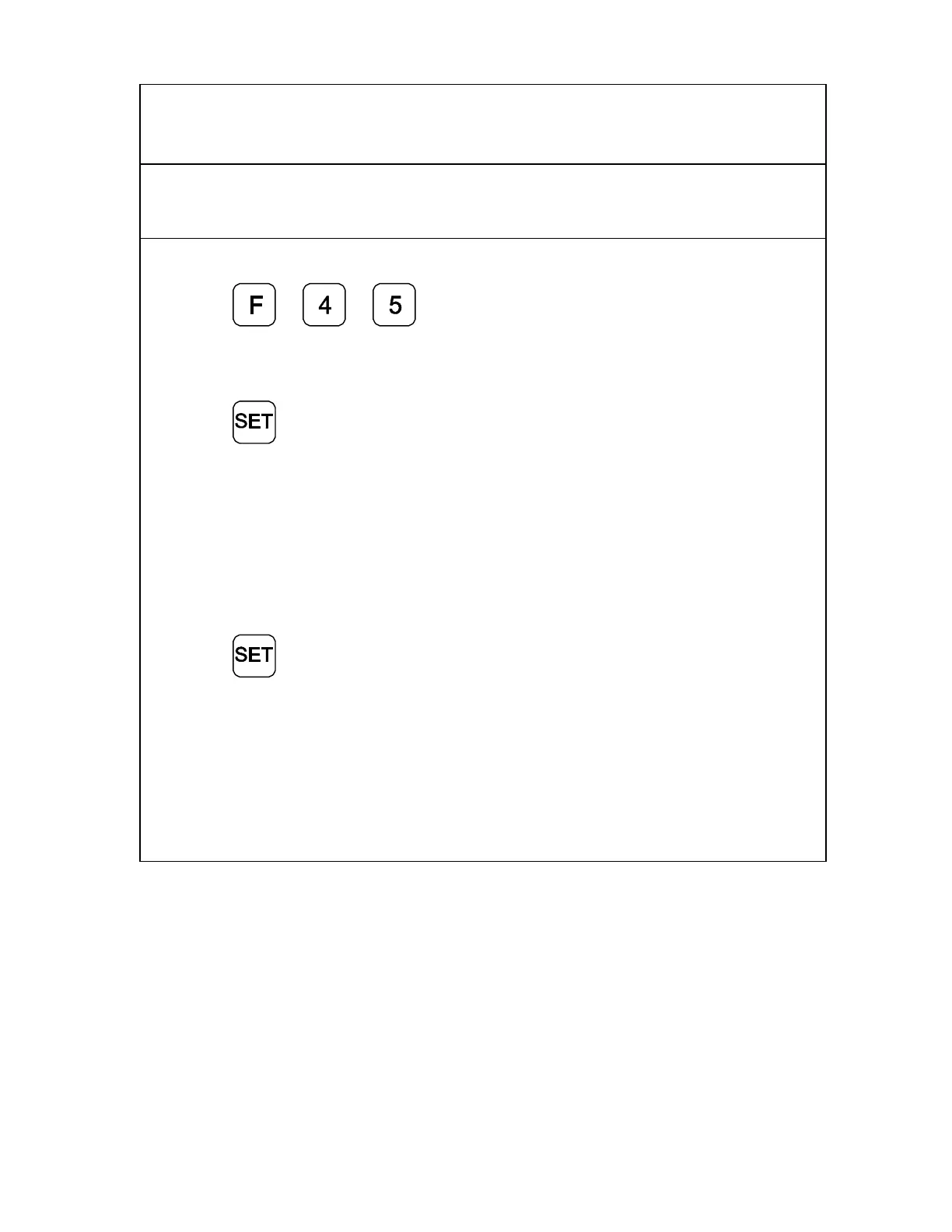
Diagnostics – F 45
F 45 allows you to perform system diagnostic tests on the keyboard, internal EEPROM,
and internal counters. If any of these tests fails, contact your local distributor or ANILAM
Customer Services. You do not need to unplug the linear encoders for these tests.
Display Test
1. Press
to display all segments of
the display.
EEProm Test
2. Press
to activate the internal
EEPROM test.
The DRO displays the
results in the axis
window:
EEProm nF (no fail).
EEPR. FAIL
Counters Test
3. Press
to activate the internal
counters test.
The DRO displays the
results in the axis
window:
Count nF (no fail).
CNT FAIL

Related product manuals