50
7. Commissioning the System
7.1 Verify Hardware Installation
Item Acceptance Criteria
Installation
The installation is correct and reliable.
The installation space is proper, and the installation environment is clean and tidy.
Cable routing
The DC power cables, grounding cables, and signal cables are connected correctly, securely, and reliably.
Cables are routed properly.
Terminals and ports Unused terminals and ports are locked by waterproof or dustproof caps.
Switch The BAT switch and the panel breaker connected to the power module are o.
7.2 Power On the System
Power on the system before commissioning in the Anker SOLIX Professional app.
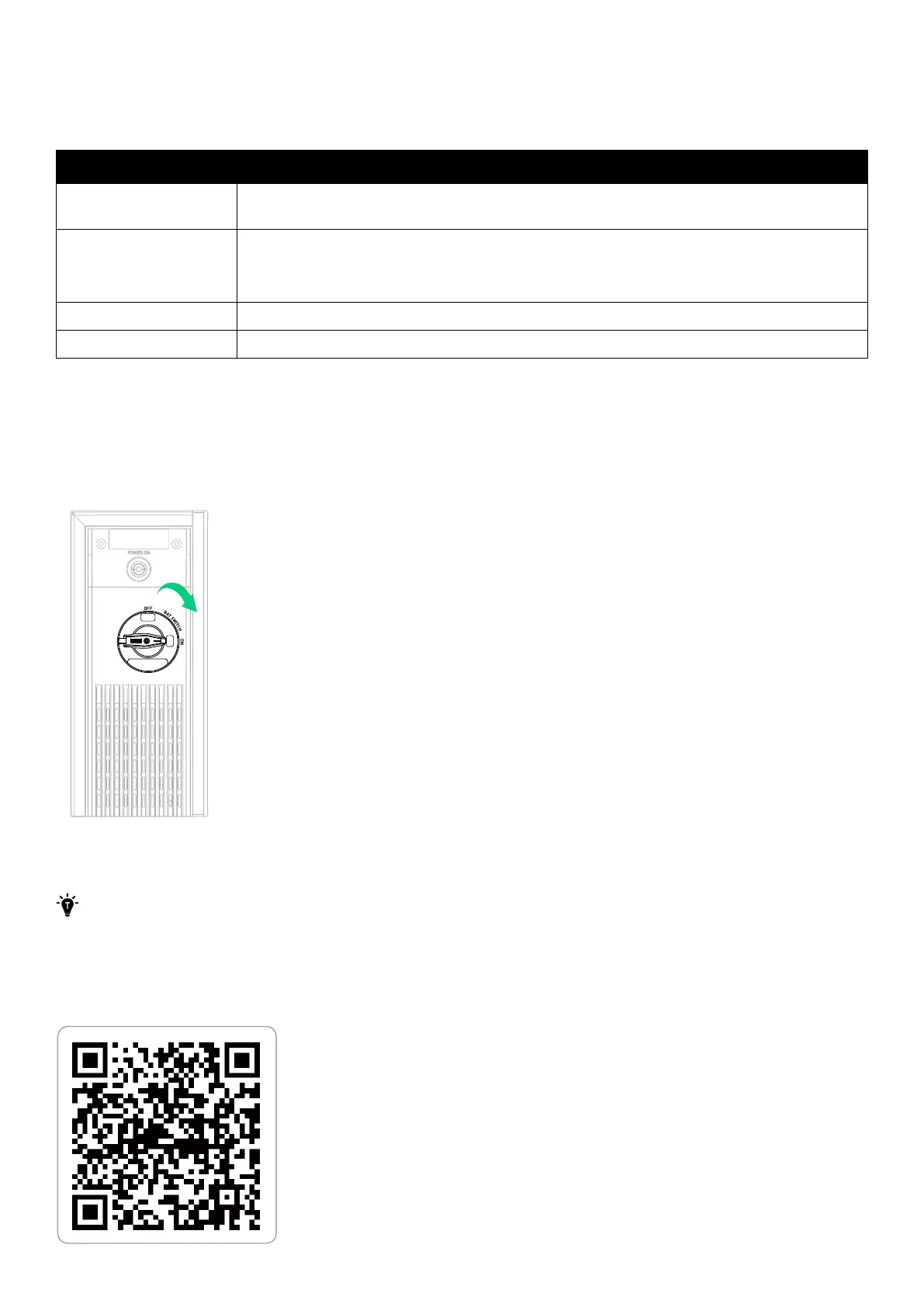
1. Toggle the BAT switch of the power module to ON. The power module should be connected to AC power.
2. Turn on the panel breaker connected to the power module.
Figure: Turn on the power module.
ON
OFF
7.3 Use the Anker SOLIX Professional App
The UI images shown are for illustration only and may not match the actual display, which can vary depending on the
software version.
Download and Install the App
The Anker SOLIX Professional app will guide you through the commissioning process.
1. Download the Anker SOLIX Professional app from the App Store (iOS devices) or Google Play (Android devices).



 To Next Page