55
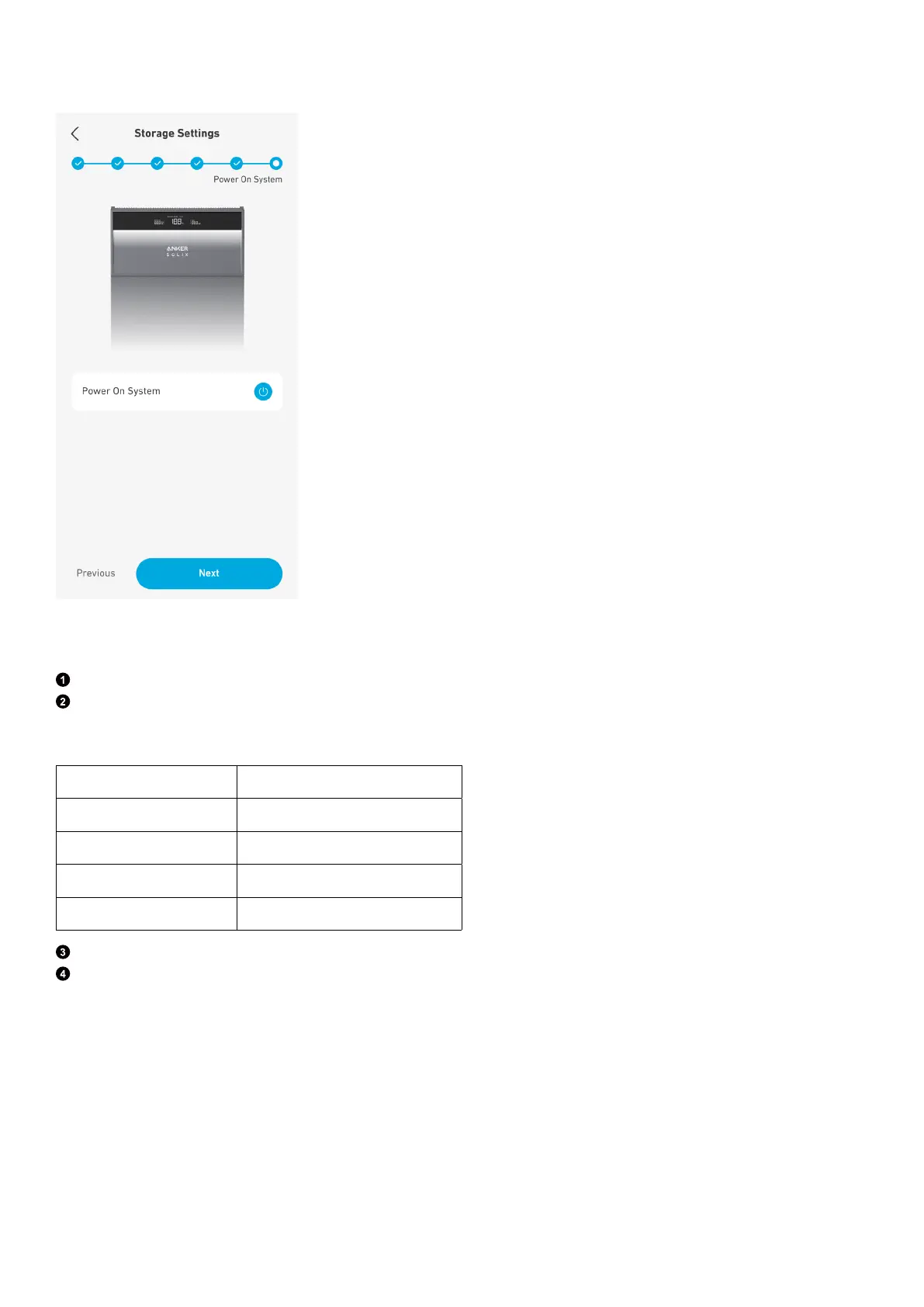
Step 6: Power On System
Tap to power on the system, and tap Next. If the system is already on, tap Next directly.
Configure System
Step 1: Advanced Configuration
Tap System Configuration.
Select a grid code and time zone.
When the time zone is set to Australia, select the applicable grid code. Please contact your electricity grid operator for which
region to use.
Grid Code Region
AS-NZS 4777.2_A Australia A
AS-NZS 4777.2_B Australia B
AS-NZS 4777.2_C Australia C
AS-NZS 4777.2_NZ Australia and New Zealand
Set parameters for the selected grid code.
Note that the DRED (Australia only) toggle switch is o by default. If the power module is connected to a DRED, turn on the
DRED toggle switch.



 To Next Page