62
8.2 Status Light Indication
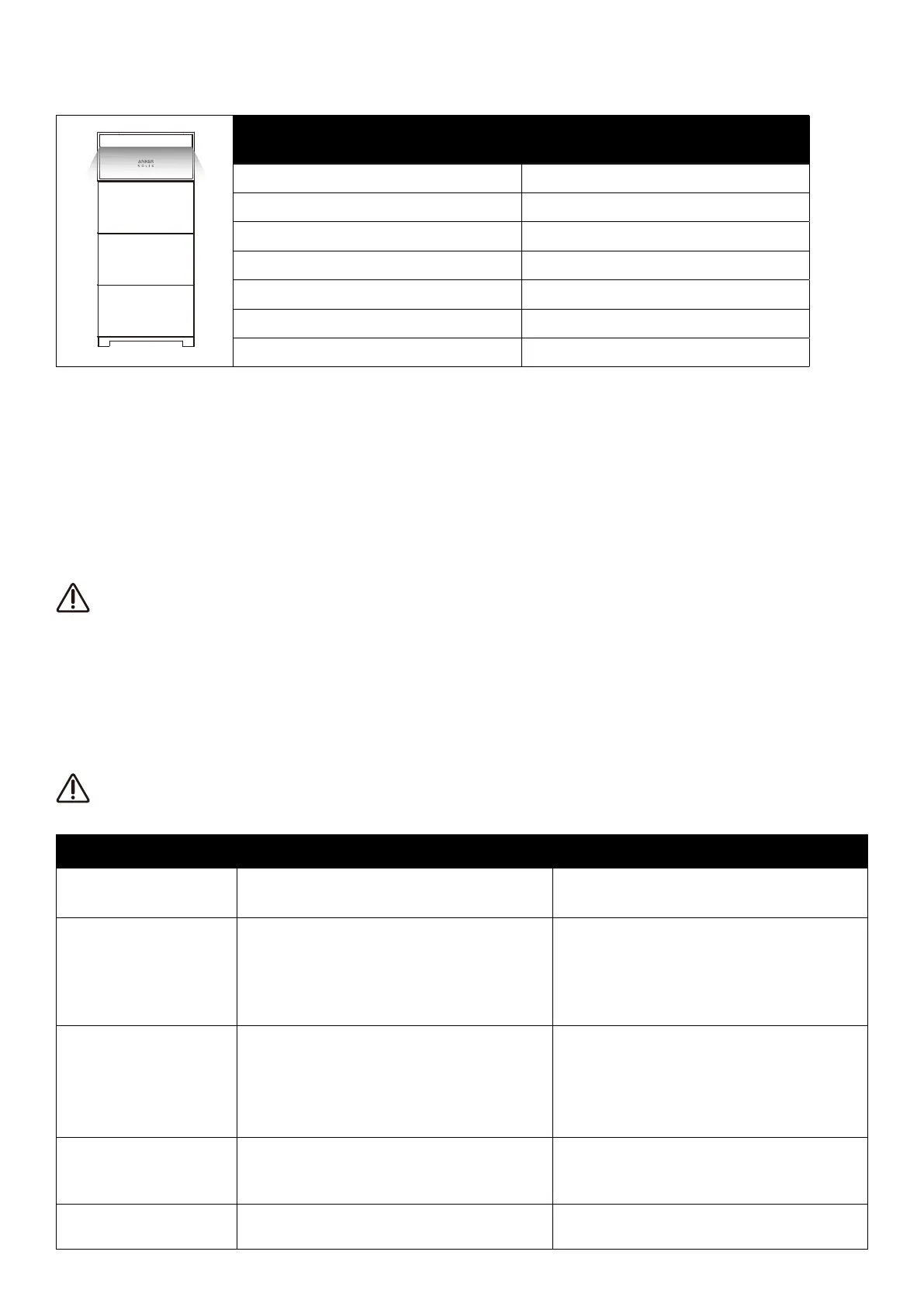
The power module's light bar will indicate the system status.
Light Bar Status
Flashing white once, and then steady white Powered on
Flashing white Configuring or connecting to the Internet
Steady white On-Grid mode
Steady blue O-Grid mode
Flashing blue Battery low in O-Grid mode
Flashing red Malfunction warning
Flashing white in sequence Firmware upgrading
9. System Maintenance
9.1 Power O the System
To power o the system:
1. Press the black start button on the power module for 8 seconds.
2. Turn o the panel breaker connected to the power module.
3. Toggle the BAT switch on the power module to OFF.
After the system powers o, residual electricity and heat may still cause electric shocks and burns. Wait for at least 6
minutes after powering o the system before performing any operations.
Only qualified professionals or trained personnel are allowed to operate and maintain the equipment.
To force a startup of the power module, press the black start button for 3 seconds. To force a shutdown of the power
module, press the same button for 8 seconds.
9.2 Routine Maintenance
To ensure the battery modules operate properly for an extended period, it is recommended to perform routine maintenance.
Power o the system before cleaning it, connecting cables, and ensuring grounding reliability.
Check Item Check Method Maintenance Interval
System cleanliness
Check periodically that the heat sinks are free from
obstacles and dust.
Once every 6 to 12 months
System running status
1. Check that the battery is not damaged or deformed.
2. Check that the battery does not produce abnormal sound
during operation.
3. Check that the battery parameters are correctly set when
the battery is running.
Once every 6 months
Electrical connection
1. Check that cables are securely fastened.
2. Check that cables are intact, specifically ensuring the
parts touching the metallic surface are not scratched.
3. Check that unused terminals and ports are secured by
waterproof or dustproof caps.
The first inspection is 6 months after the initial
commissioning. Afterward, the interval can be 6 to 12
months.
Grounding reliability Check that ground cables are securely connected.
The first inspection is 6 months after the initial
commissioning. Afterward, the interval can be 6 to 12
months.
Firmware version
Check that the firmware is updated to the latest version via
the app.
Once every 6 months



 To Next Page